About Riverside
What is Riverside?
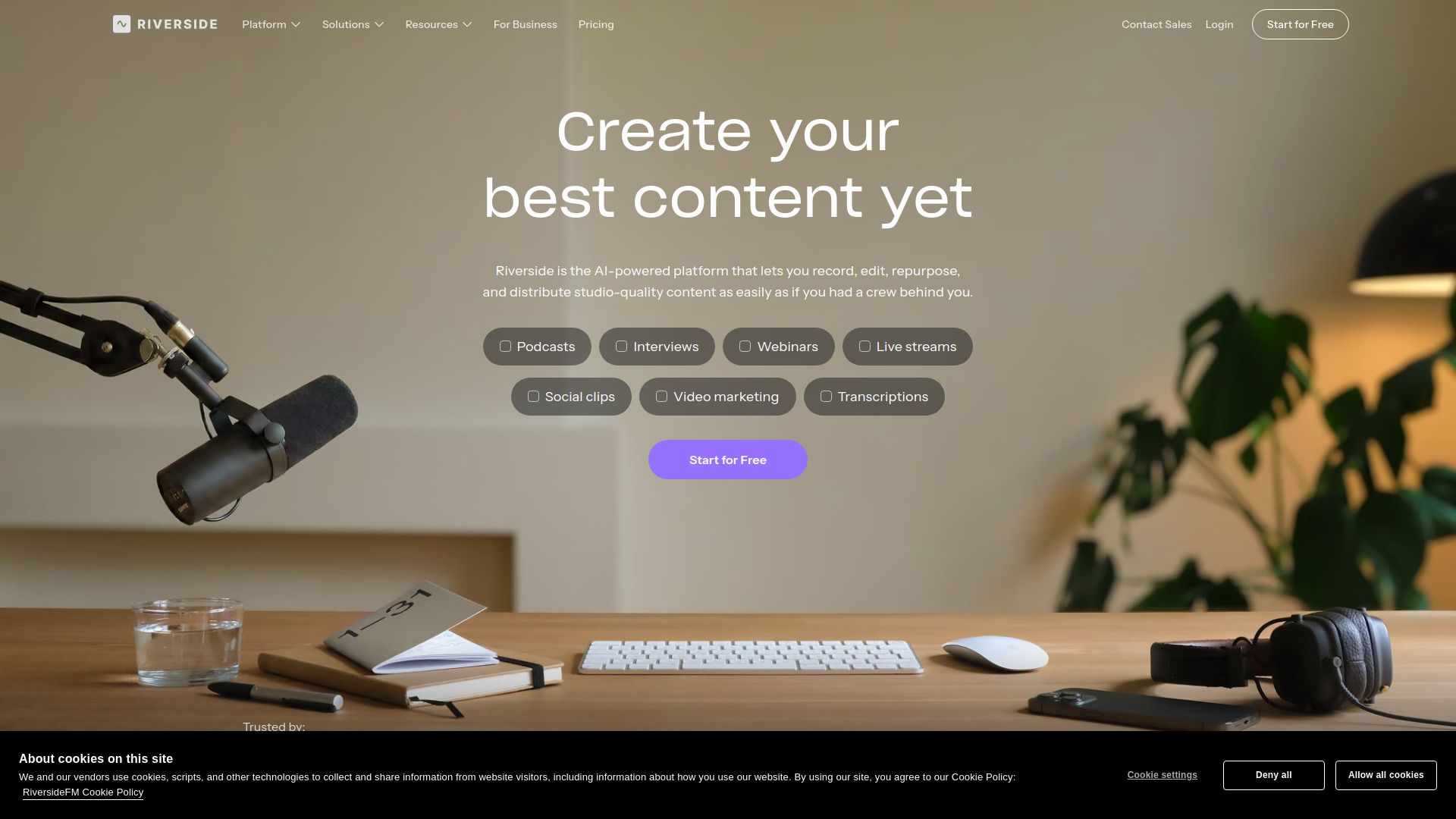
Riverside is a cutting-edge platform designed for content creators, enabling them to record high-quality remote podcasts and video interviews that rival the production value of a professional studio. Founded in 2020 by brothers Gideon and Nadav Keyson, Riverside aims to empower creators and businesses to share their stories and amplify their voices through compelling content.
The platform offers a range of features that enhance the content creation process, making it an ideal choice for podcasters and video creators alike. Some of the key benefits of using Riverside include:
High-quality audio and video recording capabilities.
Seamless remote collaboration with guests.
Integration with AI tools for efficient editing and content management.
User-friendly interface that operates directly in Google Chrome.
Riverside Features
Riverside is a powerful platform designed for podcasters and content creators, enabling them to record high-quality audio and video remotely. It operates seamlessly in Google’s Chrome browser, allowing users to conduct interviews with guests while capturing studio-quality content. This functionality ensures that recordings look and sound professional, making it an ideal choice for creators aiming to elevate their content production.
With Riverside, users can take advantage of several key features that enhance their content creation process:
Remote recording capabilities for podcasts and video interviews.
AI integration through Riverside MCP, allowing for direct interaction with AI assistants to search transcripts, make edits, and cut clips.
Easy publishing options to social media platforms.
Automated editing tools that simplify the post-production process.
Why Riverside?
Riverside offers a powerful solution for content creators looking to produce high-quality podcasts and video interviews from anywhere. With its user-friendly platform, Riverside enables users to record content that rivals the quality of a professional studio, making it an ideal choice for both individual creators and businesses. The ability to connect with guests remotely while maintaining exceptional audio and video quality is a significant advantage for those looking to expand their reach and enhance their brand.
Some of the key benefits of using Riverside include:
High-quality recording that mimics a million-dollar studio setup.
Remote guest interviews, allowing for flexibility and convenience.
Integration with AI assistants for efficient content management and editing.
Cost-effective annual billing options for consistent users.
Scalable solutions for businesses needing advanced features like SSO and compliance.
How to Use Riverside
To get started with Riverside, you can follow the intuitive tutorial guide that walks you through the essential features of the platform. This guide is designed to help you quickly familiarize yourself with the tools available for recording high-quality audio and video, making it ideal for both beginners and experienced users. By utilizing the tutorial, you can learn how to effectively manage your content, from recording to editing and publishing.
Some key benefits of using the Riverside getting started tutorial guide include:
Step-by-step instructions for setting up your recording environment.
Tips on how to leverage AI tools for editing and enhancing your content.
Guidance on collaborating remotely with guests seamlessly.
Insights into publishing your content directly to social media platforms.
Ready to see what Riverside can do for you?and experience the benefits firsthand.
Key Features
How to Use
Visit the Website
Navigate to the tool's official website.
Pros & Cons
What's good
What's not good
Pricing
- Unlimited studios
- Unlimited separate track downloads
- Up to 10,000 webinar registrants
- Unlimited video storage
- Custom branding
- Unlimited video & podcast hosting
- Private podcast hosting
- Control & collaboration features
- 24/7 live priority chat support
- Custom frame rates
- Unlimited video & podcast hosting
- Private podcast hosting
- Producer mode
- Collaborative editing
- API access
- Unlimited video & podcast hosting
- Private podcast hosting
- Salesforce & Marketo integrations
- Dedicated CSM
- SOC2 & ISO27001 compliance
- Custom pricing
- Book a demo
- Tailored features
- Dedicated support
- Enterprise-level solutions