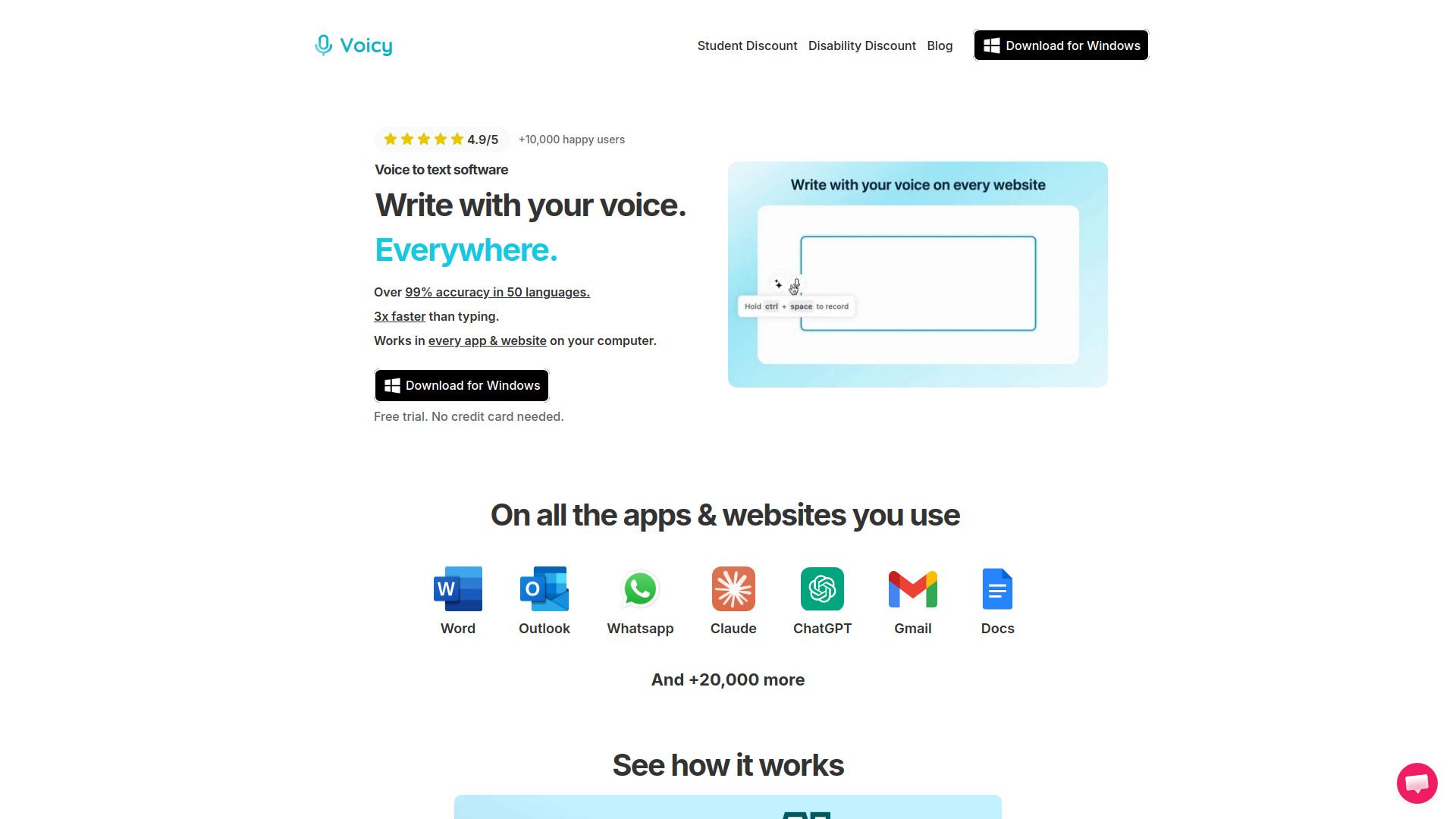
About Voicy - AI Speech to Text App
What is Voicy - AI Speech to Text App?
Voicy is a privacy-focused speech-to-text app that enhances your dictation experience across various platforms, including Mac, Windows, iOS, and Android. It leverages advanced AI technology to provide users with high accuracy and efficient transcription capabilities while ensuring that your security and privacy are prioritized. With Voicy, your transcripts are stored locally on your device, and no recordings or transcripts are saved in any database, guaranteeing complete confidentiality.
Key features of Voicy include:
99% accuracy in over 50 languages
Automatic punctuation and formatting
AI rewriting for professional emails and documents
Fast dictation capabilities for chats and team communication
Compatibility with various applications and platforms
Voicy - AI Speech to Text App Features
Voicy is a powerful AI speech-to-text app designed to enhance productivity by allowing users to dictate their thoughts and messages with remarkable accuracy. With a 99% accuracy rate in 50 languages, Voicy enables users to write emails, documents, and chat messages up to four times faster than traditional typing methods. The app features automatic punctuation and formatting, as well as AI rewriting capabilities to help create professional-quality emails and documents effortlessly.
Key features of Voicy include:
99% accuracy in 50 languages
Automatic punctuation and formatting
AI rewriting and editing for enhanced writing quality
Works seamlessly across all applications on Android and iOS
Privacy-focused, with no storage of transcripts or recordings
Why Voicy - AI Speech to Text App?
Voicy - AI Speech to Text App offers numerous benefits that enhance productivity and streamline communication. With an impressive accuracy rate of over 99% in 50 languages, users can write emails and documents up to four times faster than traditional typing methods. The app also features automatic punctuation and formatting, along with AI rewriting capabilities, ensuring that your written communication is both professional and polished.
Additionally, Voicy prioritizes user privacy by storing transcripts and recordings locally on the user's device, without any data being sent to external servers. This commitment to security, combined with its compatibility across various platforms including Mac, Windows, and mobile devices, makes Voicy a valuable tool for anyone looking to improve their writing efficiency and maintain their privacy.
99% accuracy in 50 languages
Automatic punctuation and formatting
AI rewriting for professional emails
Privacy-focused with local storage of transcripts
Compatible with multiple devices and applications
How to Use Voicy - AI Speech to Text App
To get started with Voicy, first download the app for your operating system. You can try it for free on Windows, Mac, Ubuntu/Debian, Fedora, or AppImage. Once downloaded, complete the setup process, which takes about two minutes. During this setup, you will have the option to select a keyboard shortcut that allows you to easily start and stop your recordings.
After installation, you can begin dictating to Voicy. The app works seamlessly across all your favorite applications and websites, enabling you to use voice typing for emails, messages, documents, and more. Here are some key features that enhance your dictation experience:
99% accuracy in 50 languages
Automatic punctuation and formatting
AI rewriting for professional emails
Privacy-focused, with transcripts stored only on your device
Ready to see what Voicy - AI Speech to Text App can do for you?and experience the benefits firsthand.
Key Features
How to Use
Visit the Website
Navigate to the tool's official website.
Pros & Cons
What's good
What's not good
Pricing
- 30 minutes free recording time
- Full access to all features
- No credit card required
- Unlimited recording time
- Unlimited personal devices
- Desktop + Mobile access
- Unlimited recording time
- Unlimited personal devices
- Desktop + Mobile access
- Minimum of 3 users
- Unlimited recording time
- Desktop + Mobile access
- Priority Support