About GeekLink
What is GeekLink?
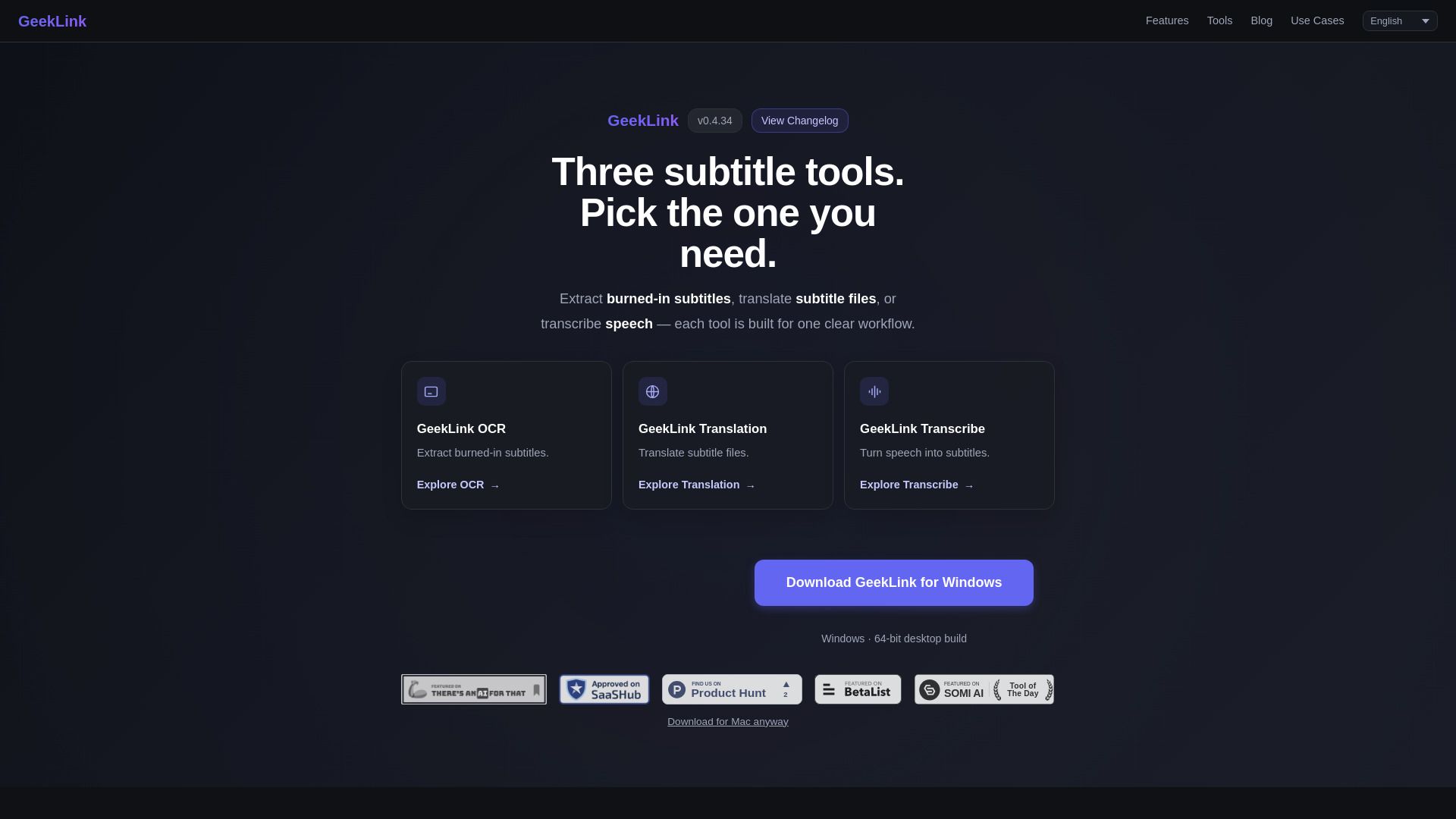
GeekLink is a suite of local AI tools designed for video subtitle processing, available on both Mac and Windows platforms. It offers three distinct tools tailored for specific workflows: extracting burned-in subtitles, translating subtitle files, and transcribing speech into subtitles. This makes it a versatile solution for anyone working with video content.
With GeekLink, users can efficiently manage their subtitle needs through the following features:
GeekLink OCR: Extracts burned-in subtitles from videos.
GeekLink Translation: Translates existing subtitle files into different languages.
GeekLink Transcribe: Converts spoken content into written subtitles.
GeekLink Features
GeekLink is a versatile tool designed for video subtitle management, offering three distinct functionalities: OCR, translation, and transcription. Users can extract burned-in subtitles, translate subtitle files, or transcribe speech into subtitles, each tailored for specific workflows. This specialization allows for efficient handling of various subtitle-related tasks.
One of the standout features of GeekLink is its ability to process multiple videos simultaneously. Users can import an entire season or course library and let GeekLink manage the subtitle workflow in batches, saving time and effort. Additionally, the software operates offline for certain functionalities, such as speech recognition and OCR, once the necessary models are downloaded, while AI translation requires an internet connection.
Extract burned-in subtitles with GeekLink OCR.
Translate subtitle files using GeekLink Translation.
Transcribe speech into subtitles with GeekLink Transcribe.
Process multiple videos in batches for efficiency.
Available for both Mac (Apple Silicon) and Windows platforms.
Why GeekLink?
GeekLink offers a powerful solution for video processing, enabling users to batch-process videos through advanced features such as speech recognition, OCR subtitle extraction, AI translation, and subtitle burn-in. This functionality is available locally on supported Mac and Windows computers, ensuring that users can work efficiently without relying on an internet connection for most tasks.
Some of the key benefits of using GeekLink include:
Permanent free tier with essential features like speech recognition and subtitle editing available forever.
Ability to process multiple videos simultaneously, making it ideal for handling entire TV seasons or course libraries.
Local processing capabilities for speech recognition and OCR, enhancing privacy and reducing dependency on internet connectivity.
Easy export options in SRT/TXT formats, streamlining the workflow for content creators.
How to Use GeekLink
To get started with GeekLink, first ensure you have the appropriate version for your operating system. GeekLink is compatible with Mac (Apple Silicon Macs running macOS 13.0 or later) and 64-bit Windows desktops. You can download the application by visiting geeklink.dev on your desktop computer.
Once installed, you can utilize three main tools within GeekLink to enhance your video experience:
GeekLink OCR:
Extract burned-in subtitles from videos.
GeekLink Translation:
Translate subtitle files to different languages.
GeekLink Transcribe:
Convert speech into subtitles for better accessibility.
Ready to see what GeekLink can do for you?and experience the benefits firsthand.
Key Features
How to Use
Visit the Website
Navigate to the tool's official website.
Pros & Cons
What's good
What's not good
Pricing
- Permanent free tier
- Speech recognition
- Subtitle editing
- Batch processing
- 60 minutes of OCR export every month
- Batch video processing
- AI speech recognition (40+ languages)
- Smart OCR subtitle extraction
- AI translation (40+ languages)
- 100% local processing
- Batch video processing
- AI speech recognition (40+ languages)
- Smart OCR subtitle extraction
- AI translation (40+ languages)
- 100% local processing
- Batch video processing
- AI speech recognition (40+ languages)
- Smart OCR subtitle extraction
- AI translation (40+ languages)
- 100% local processing