
- Pricing
- Paid
- Added
- 2026-08-02 11:49:39
About Flux 3 AI - Image and Video Generator
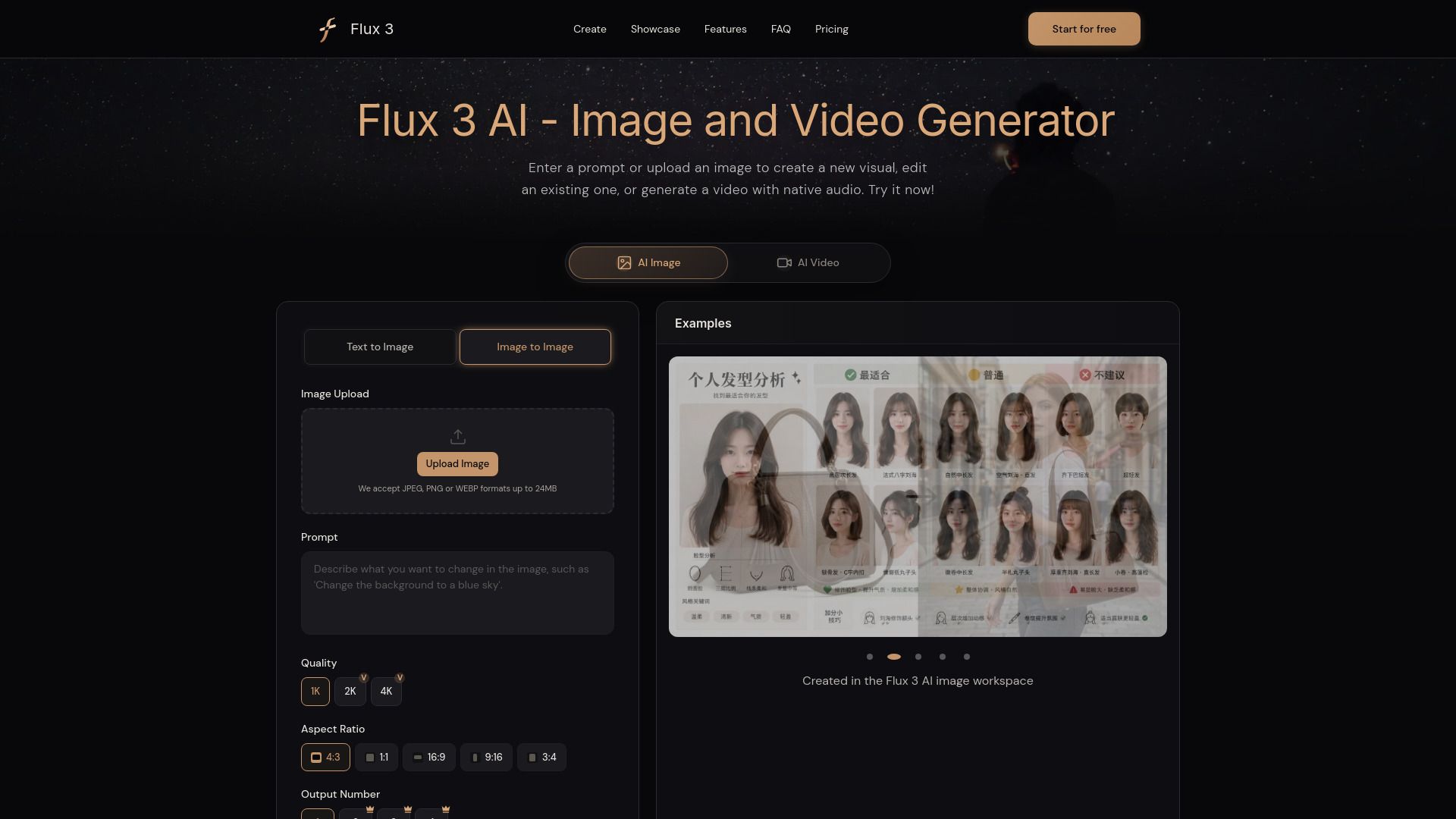
Flux 3 AI is an independent creative platform for generating images, editing existing visuals, and exploring image and video creation from one browser-based workspace. You can begin with a written prompt or upload a reference image, choose an available format and quality, and build visuals for product concepts, campaigns, characters, environments, posters, and social content.
Flux 3 AI is not affiliated with Black Forest Labs and operates as an independent site aimed at making practical AI creation workflows easier to access and understand.
Flux 3 AI is built around a simpler goal: let creators start with the material they already have—words, images, or a developing visual direction—and iterate without unnecessary setup. New users can try the service with starter credits, while paid plans and credit packs support higher-volume work.
The platform is intended for creators, designers, marketers, small businesses, and anyone who needs a direct path from an idea to a visual asset. It does not replace creative judgment. It provides a focused workspace in which that judgment can move faster.
Use cases
- Product images and launch videos
- Social posts and short-form video
- Storyboards and previsualization
- Character and world development
Key features
- Generate images from text prompts
- Edit images with visual references
- Create video with native audio
- Guide motion with images, video, and keyframes
- Render styles, text, and multilingual dialogue