Video Swap
AI Video Swap Tool for Face Swap, Character Replace & Motion Control | Video Swap
- Monthly visits
- 5.2K
- Pricing
- Paid
- Added
- 2026-07-03 17:55:37
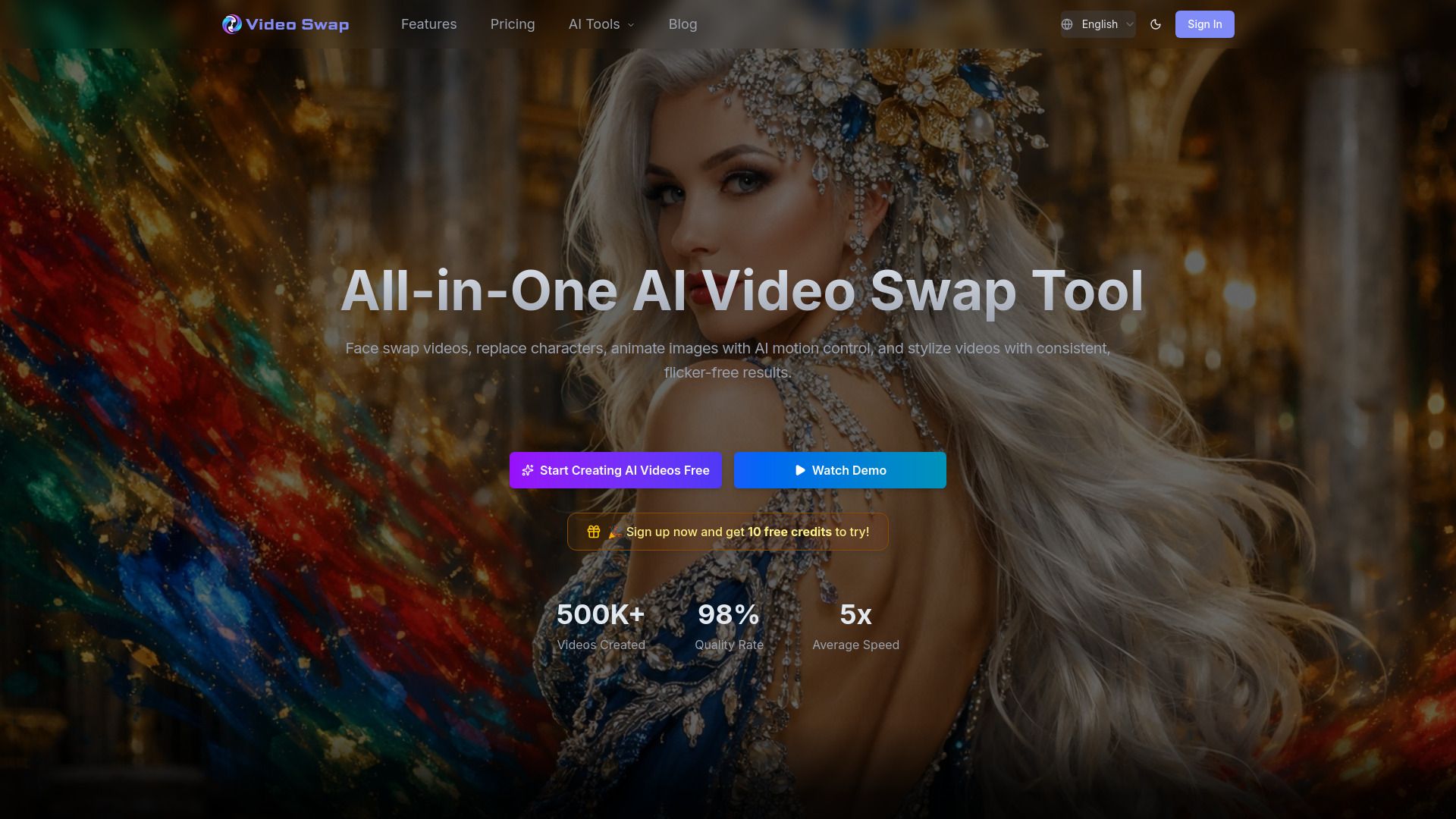
About Video Swap
Video Swap is an AI video generation platform that makes professional video content creation accessible to a wide audience. It integrates AI technology to provide a powerful yet easy-to-use video generation tool for creators, marketers, educators, and businesses, allowing them to turn creative ideas into results without complex processes. The platform emphasizes accessibility and practical production capacity through its online service.
The service runs in a browser and offers features that automate AI-driven video editing tasks. It aims to reduce technical barriers and costs associated with traditional video production by providing a single workflow that handles multiple editing steps, from face swaps to motion control and style transfer. Users can upload inputs or describe desired results to generate outputs.
Video Swap describes its core capabilities as: AI Video Face Swap that preserves natural movement, Character Swap that maintains scenes during replacements, AI Motion Control for motion transfer, and Video Style Transfer to apply consistent visual styles. It also highlights multi-model support and a focus on quality and speed to enable efficient production workflows.
It mentions browser-based access, cloud storage, and a variety of integrations and non-subscription payment options. It also references support for commercial use and a data-secure environment, with ongoing development and multi-language support.
Use cases
- Short-form content: natural face swaps for quick takes
- Campaign localization: create new presenter versions from the same footage
- Character animation: transfer live performance to illustrations or avatars
- Brand consistency: apply a unified look across a video series
Key features
- Video Face Swap: replace faces with AI precision and natural motion
- Character Swap: transform characters while preserving scenes
- AI Motion Control: animate images with motion transfer
- Video Style Transfer: apply artistic styles
- Multi-Model Support: integrate top AI models for best results
Pros and cons
Cons
Reviews
Frequently asked questions
What is AI Video Swap Studio?
Do I need to download software to use it?
Is there a free plan?
Can I use videos created with Video Swap commercially?
How is my privacy handled?
Alternatives to Video Swap
More in AI Face Swap Video
Burning Bridges AI
Burning Bridges AI turns a portrait photo into a short AI video of a viral social trend, led by a chandelier-party scene, using Seedance-2 video models.
Seavid AI
Seavid AI is a browser platform for making AI videos and images from text, photos and references using third-party models such as Seedance, Veo and Kling.

TinyVid
TinyVid is an iPhone app that compresses large videos, including 4K HD, with AI to keep quality and free up storage, saving results to the camera roll.

OpenScreen
OpenScreen is a free, open-source screen recorder and video editor for Windows, macOS and Linux with automatic zooms and on-device captions.