
- Monthly visits
- 1.1M
- Pricing
- Freemium
- Free, Standard, Pro
- Company
- LUMINALAB PTE. LTD.
- Added
- 2026-09-08 09:42:01
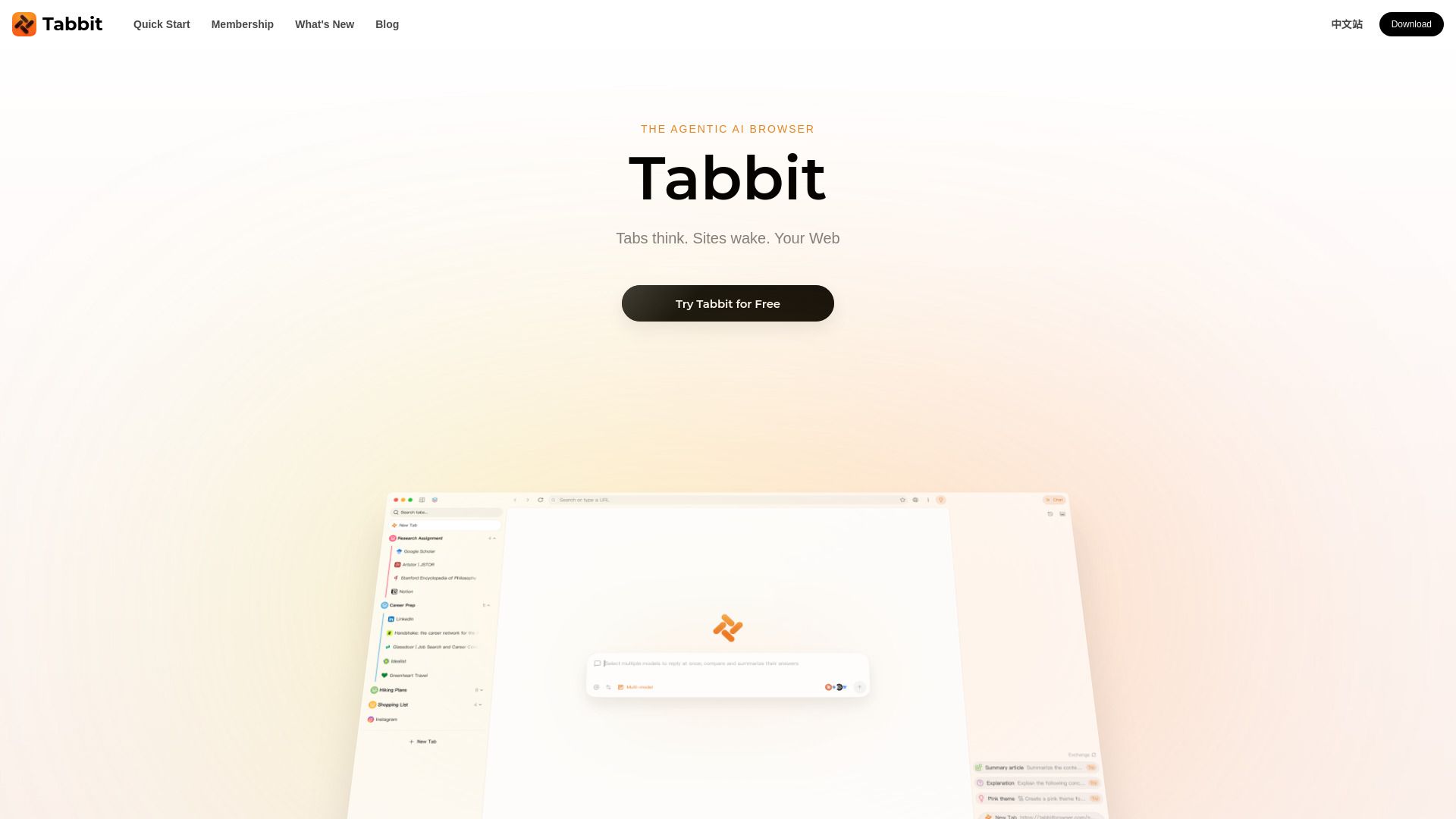
About Tabbit AI
What is Tabbit AI?
Tabbit is an AI-native browser designed to understand your context, enabling seamless interaction with webpages. It allows users to chat with websites, automate tasks using its Agent feature, create custom Skills, and effortlessly organize tabs. This innovative browser supports various advanced AI models, including GPT-5.4 and Gemini-3.1-Pro, making it a powerful tool for enhancing productivity and web navigation.
With Tabbit, users can experience a range of features that simplify their online activities:
Intelligent tab organization for better workflow management.
Automated task execution through the Agent feature.
Customizable Skills to tailor the browser to individual needs.
Support for multiple advanced AI models for enhanced functionality.
Tabbit AI Features
Tabbit AI is an innovative AI-native browser designed to enhance your web experience by understanding your context. It allows users to chat with webpages, automate tasks using its Agent feature, and create custom Skills for personalized functionality. With its intelligent tab organization, Tabbit makes it easy to manage multiple tabs and streamline your workflow.
Some of the key features and capabilities of Tabbit AI include:
Support for advanced AI models such as GPT-5.4 and Gemini-3.1-Pro.
Automation of tasks through the Agent feature.
Custom Skill creation for tailored user experiences.
Effortless organization of tabs, PDFs, bookmarks, and local files.
Enhanced clarity and simplification of complex content for better understanding.
Why Tabbit AI?
Tabbit AI offers a range of benefits that enhance the browsing experience, making it an invaluable tool for users across various fields. With its intelligent tab organization, users can manage their online tasks more efficiently, allowing for a seamless transition between different projects and information sources. The writing assistant feature simplifies content creation, while clever tricks help streamline the reading process, making complex information more accessible.
Some key advantages of using Tabbit AI include:
AI-native browser that understands user context.
Automates tasks with the Agent feature.
Supports a wide range of top-tier AI models.
Free to use with a generous trial plan and optional paid tiers for advanced features.
Available on macOS and Windows, with plans for Linux and mobile support.
How to Use Tabbit AI
To get started with Tabbit AI, simply download the browser for macOS or Windows. Once installed, you can begin exploring its features, such as chatting with webpages, automating tasks with the Agent, and creating custom Skills. The intuitive interface allows you to organize your tabs effortlessly, making it easier to manage your online activities.
As you familiarize yourself with Tabbit, take advantage of its support for various AI models, including GPT-5.4 and Claude-Sonnet-4.6. You can also utilize the intelligent tab organization and writing assistant features to enhance your productivity. Here are some key benefits of using Tabbit:
Seamless integration of AI capabilities for improved browsing experience.
Smart organization of tabs and content for easy access.
Ability to automate repetitive tasks and streamline workflows.
Ready to see what Tabbit AI can do for you?Get started with Tabbit AI todayand experience the benefits firsthand.
Key features
- AI-native browser that understands your context
- Chat with webpages
- Automate tasks with Agent
- Create custom Skills
- Organize tabs effortlessly
Pros and cons
Pros
Pricing
- Free weekly allowance
- Basic AI features
- No cost for setting as default browser
- 10× the usage compared to Free
- Access to additional features
- Unlocks with default browser setting
- Access to top-tier models
- Frequent Agent usage
- Optional paid tier
Reviews
Frequently asked questions
What is Tabbit Browser?
How to use Tabbit Browser?
Is Tabbit Browser free?
What is included in the Pro plan?
Which AI models does Tabbit support?
What platforms does Tabbit support?
What can I provide as context to Tabbit?
Can Tabbit automate recurring workflows?
How does Tabbit handle user data?
Can I import data from another browser?
Alternatives to Tabbit AI
More in AI Browsers
ClarityUX
ClarityUX is an AI-powered pre-launch testing tool that scores ads and products on attention, design and storytelling before launch.

FigPad
FigPad is an AI tool that creates editable scientific figures, graphical abstracts, and posters from text, sketches, or reference images.

Aepto
Aepto is AI domain monitoring for every domain you own, with uptime, content monitoring, DNS, renewals and alerts.

Seenapse
Seenapse is a web application for creative teams to generate divergent ideas quickly using a non-linear, collaborative workflow.

