
SpellType
SpellType is free, unlimited private AI autocomplete for Mac. Finish emails, docs, messages, and work chat faster with suggestions that run locally.
- Pricing
- Free
- Standard
- Added
- 2026-07-06 17:50:46
About SpellType
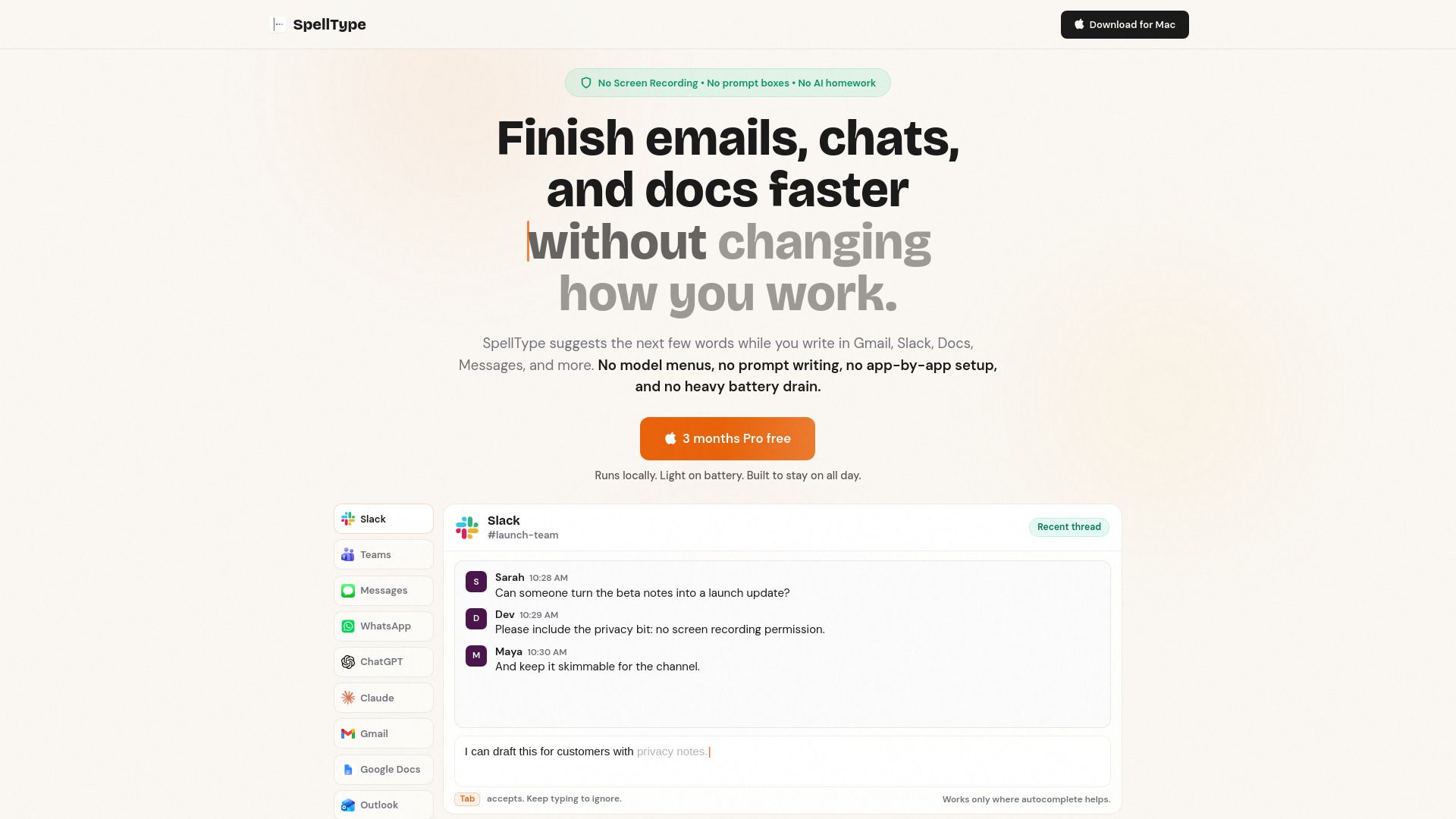
SpellType is a native Mac application that offers private AI autocomplete designed to help users write more efficiently within the apps where writing happens. The tool emphasizes privacy, claiming there is no screen recording, no prompt writing, no model menus, and no cloud-based autocomplete. It targets people who write in email, chat, documents, notes, and other writing surfaces on their Mac.
SpellType is designed to be set up with a single permission grant to macOS, after which it handles supported apps automatically. The product claims to work across common writing surfaces like email, chat, docs, notes, and browsers, allowing users to continue within their existing tools without switching contexts. It emphasizes staying lightweight on battery and avoiding complex configuration for new users.
SpellType highlights that the completions run locally and offline, with no screen recording or data analytics sent to the provider. It states that writings do not leave the device, and there is no need to manage AI models or prompts. The app is fast and unobtrusive, designed to complement normal writing rather than replace it with robotic or obvious AI-generated language. The product also stresses that it does not require cloud-based processing or content analytics, aligning with privacy-focused use cases.
SpellType is a no-setup-required solution that works in supported apps after one permission is granted. The tool emphasizes that it is light on system resources, designed to stay fast and to integrate with the user’s existing writing environments, including email, notes, and documents.
Use cases
- Private AI writing help in emails, notes, and documents without copying content to external tools.
- Faster replies in messages and chat without switching tools or prompts.
Key features
- Unlimited private AI autocomplete in supported apps
- Local startup and offline operation
- No screen recording or content analytics
- No prompts, no model menus, no cloud autocomplete
- One-time setup with macOS permission
Pros and cons
Pros
Pricing
- Unlimited autocomplete
- Suggestions run locally
- No Screen Recording
- No writing analytics
- Free for personal and company use