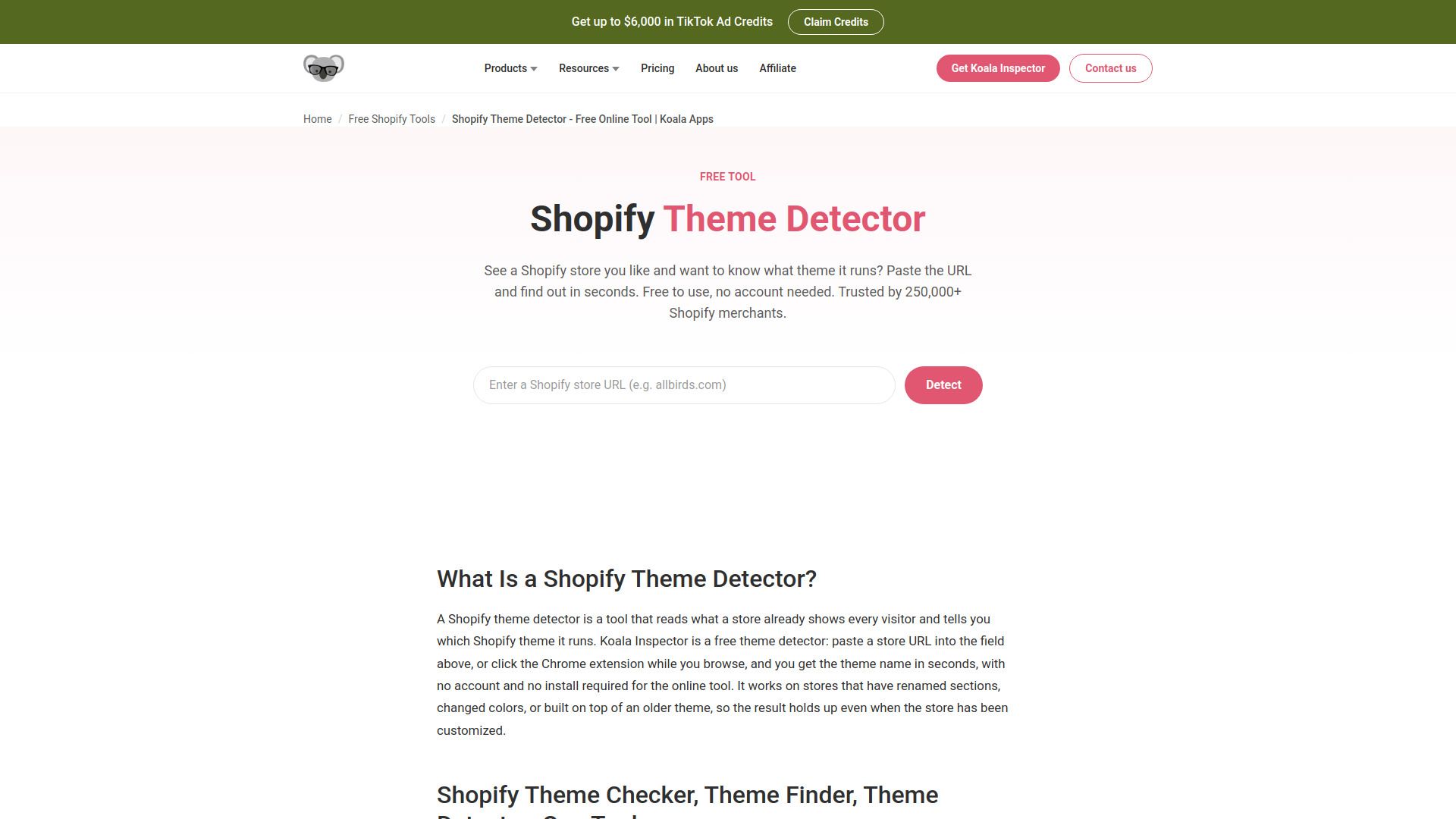
About Shopify Theme Detector
What is Shopify Theme Detector?
A Shopify theme detector is a tool that identifies which theme a store is built on by reading what the store displays to every visitor. It recognizes the underlying Shopify theme and returns the theme name, and sometimes the developer or version. This tool is particularly useful as it eliminates the guesswork involved in determining a store's theme, especially for customized stores where manual checks may fail.
The Koala Inspector extension and online tool provide a quick and efficient way to detect themes, handling cases where stores have renamed sections or heavily modified their base themes. Users can simply paste a store URL or click the Chrome extension to get results in seconds, without the need for an account or installation.
Identifies the theme behind any Shopify storefront.
Works on customized stores with renamed sections or modified themes.
Provides results quickly, often in just a few seconds.
No account or installation required for use.
Shopify Theme Detector Features
A Shopify theme detector is a powerful tool that identifies which theme a store is built on by analyzing the elements that are loaded for every visitor. It recognizes the underlying Shopify theme and returns the theme name, along with details such as the developer or version when available. This tool is particularly useful for those who want to know the theme behind a store without the guesswork, especially in cases where stores have customized their themes significantly.
The functionality of a Shopify theme detector includes the ability to accurately identify themes even when store owners have renamed sections, altered colors, or built upon older themes. It works seamlessly with a variety of Shopify stores, providing quick results without the need for account creation or installation. The Koala Inspector extension and online tool are designed to handle cases that manual checks might miss, ensuring a high success rate in theme detection.
Identifies the theme behind any Shopify storefront.
Returns theme name, developer, and version information.
Works on customized stores with renamed sections and altered designs.
No account or installation required for quick access.
Handles cases that manual checks may overlook.
Why Shopify Theme Detector?
The Shopify Theme Detector offers numerous benefits for online store owners and developers looking to optimize their e-commerce experience. By quickly identifying the theme used by successful stores, users can bypass the tedious process of testing multiple themes from the Shopify Theme Store. This tool provides insights into which themes are performing well in specific niches, allowing users to make informed decisions that align with their target audience's browsing and purchasing behaviors.
Some key advantages of using a Shopify Theme Detector include:
Instant identification of themes used by high-performing stores.
Elimination of guesswork in theme selection, saving time and resources.
Access to themes that have been customized, ensuring accurate results.
Improved site speed and layout, which are crucial for conversion rates.
How to Use Shopify Theme Detector
Getting started with the Shopify Theme Detector is simple and efficient. To use the tool, you just need to follow three easy steps. First, paste the URL of the Shopify store you want to analyze into the designated field. Next, click the 'find' button, and within seconds, the theme name will be displayed on your screen. Finally, you can visit the theme's listing in the Shopify Theme Store to install it for your own store.
The Koala Inspector Chrome extension enhances this experience by allowing you to detect the theme with just one click while you browse. This tool is particularly useful as it works on customized stores, providing accurate results even if the store owner has made changes to the theme.
Free to use with no account required.
Fast results, typically within seconds.
Works on both standard and customized Shopify themes.
Ready to see what Shopify Theme Detector can do for you?and experience the benefits firsthand.
Key Features
How to Use
Visit the Website
Navigate to the tool's official website.
Pros & Cons
What's good
What's not good
Pricing
- Basic store analysis
- Product statistics
- 15 tokens/month
- CSV export
- Best sellers
- Full access to all features
- 220 renewing tokens/month
- Track up to 50 shops
- Priority support
- Top up anytime with token packs
- Quick top-up for occasional needs
- $0.40 per token
- Better value for moderate use
- $0.28 per token
- Most cost-effective for power users
- $0.12 per token