
About Orca
What is Orca?
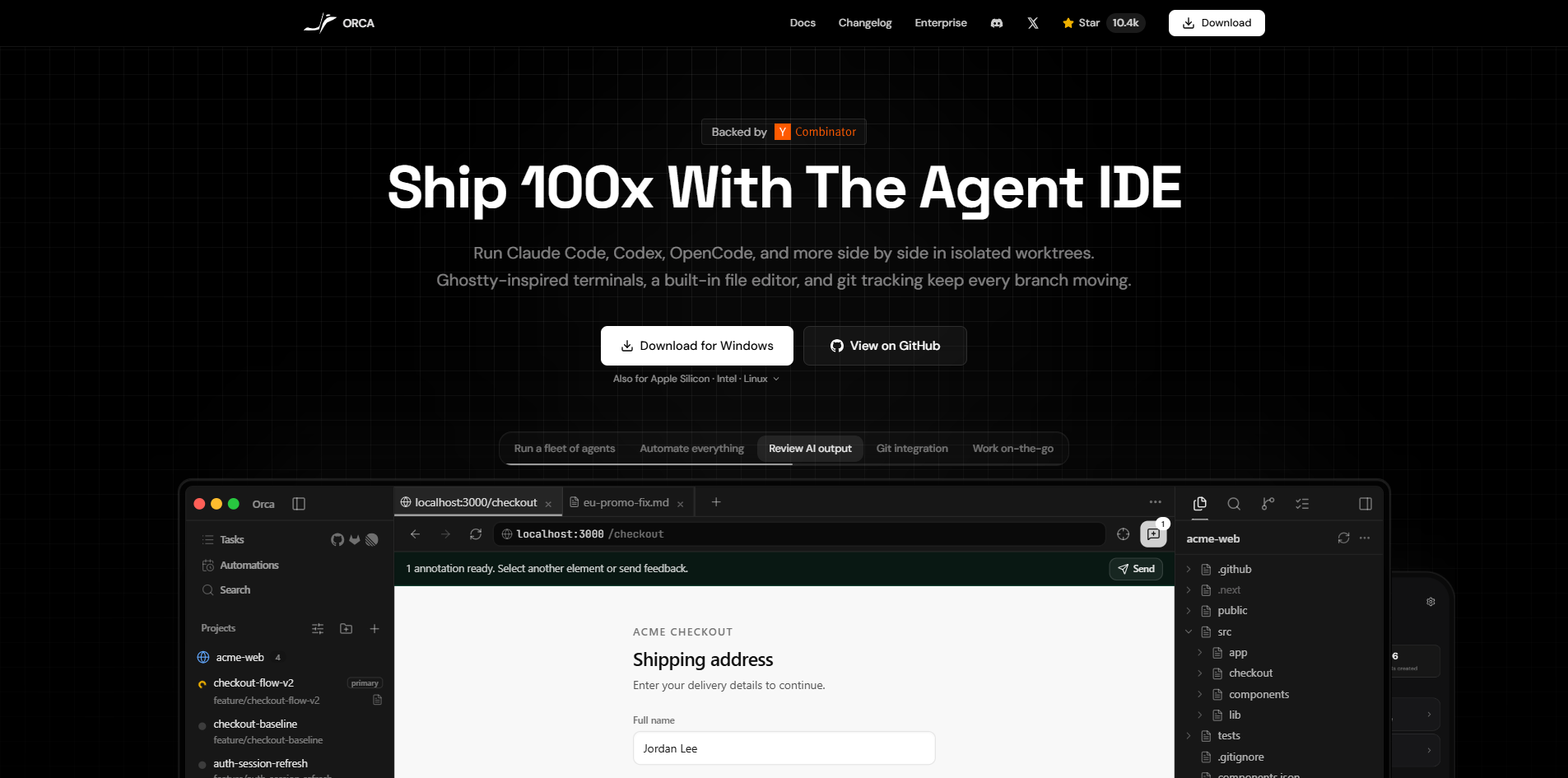
Orca is the most powerful Agent Development Environment (ADE) — a free, open-source desktop app designed for shipping with coding agents. It allows users to run multiple AI coding agents such as Claude Code, Codex, and Gemini in parallel across isolated worktrees. The environment features a Ghostty-inspired terminal that supports infinite horizontal, vertical, and nested splits, enabling developers to monitor server logs while their AI agents code simultaneously within a single window.
Recent updates to Orca have introduced several enhancements, including PDF diff preview, hidden-file quick-open, and improved merge-conflict handling. These features, along with configurable worktree cards and better image rendering in the editor, significantly boost the productivity of developers working with AI agents.
Orca Features
Orca features a Ghostty-inspired terminal that allows for infinite horizontal, vertical, and nested splits, enabling users to monitor server logs while their AI agents code alongside them in a single window. This design enhances multitasking and productivity for developers.
Recent updates to Orca have introduced several new functionalities, including PDF diff preview, hidden-file quick-open, configurable worktree cards, improved merge-conflict and CI review, jump-to-file actions in diffs, markdown preview search, and enhanced image rendering in the editor. These features collectively improve the user experience and streamline the coding process.
Parallel agents running in their own worktrees
Support for macOS, Windows, and Linux
Open source under MIT license
GPU-rendered terminal with splits
Embedded Chromium with design mode
Remote worktrees over SSH
Inline diff comments sent back to the agent
Why Orca?
Orca offers a unique value proposition for developers looking to enhance their productivity by managing multiple AI coding agents in parallel. This integrated development environment (IDE) is specifically designed to streamline workflows, allowing users to run various agents like Claude Code and Codex simultaneously without interference. By providing a cohesive environment that tracks worktrees, tasks, and completions, Orca ensures that each agent can focus on a single clear goal, which significantly boosts efficiency.
Some of the key benefits of using Orca include:
Seamless management of multiple repositories within a single interface.
Real-time notifications and updates, keeping users informed about project progress.
Enhanced collaboration through a shared workspace for agents, reducing the need to switch between sessions.
Robust features like PDF diff preview, improved merge conflict handling, and markdown preview search.
How to Use Orca
To get started with Orca, you can take advantage of its unique features designed for managing multiple AI coding agents efficiently. The Orca IDE acts as a worktree manager, allowing you to run various AI agents like Claude Code and Codex in parallel while managing git worktrees seamlessly.
Here are some key features that will help you get started:
Ghostty-inspired terminal with infinite horizontal, vertical, and nested splits.
Ability to watch server logs while coding, all within a single window.
Support for running on macOS, Windows, and Linux without compatibility issues.
Recent updates include PDF diff preview, hidden-file quick-open, and improved merge-conflict handling.
Ready to see what Orca can do for you?and experience the benefits firsthand.
Key Features
How to Use
Visit the Website
Navigate to the tool's official website.