- Monthly visits
- 388.9K
- Pricing
- Free plan
- Company
- mnml.ai
- Added
- Apr 12 2025
About mnml.ai
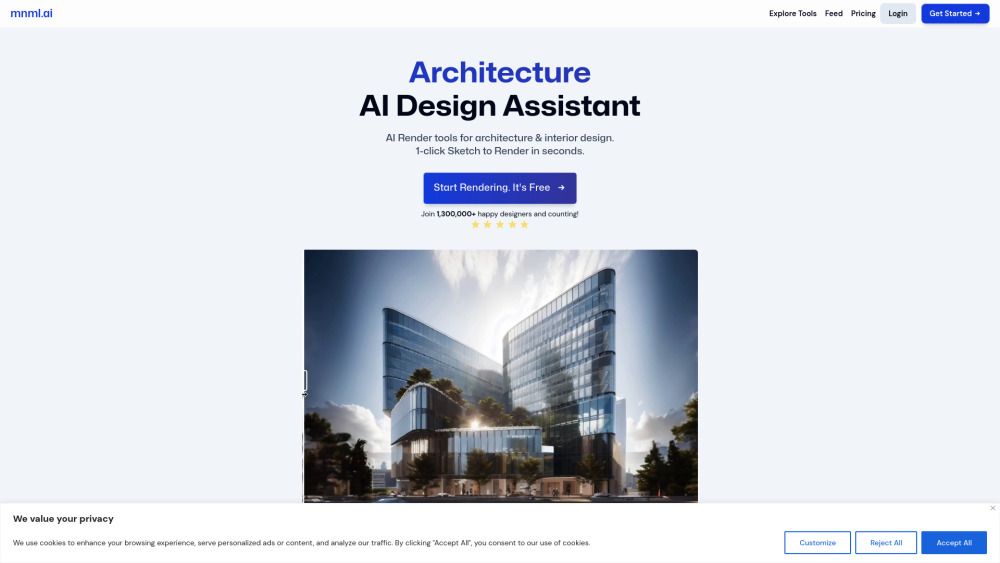
mnml.ai is an AI visualization studio for architecture and design. It provides two workspaces, Studio and Flow, to transform hand-drawn or digital sketches, photos or model views into photorealistic renders. The platform is used by architects, designers and teams to create interior, exterior, landscape and masterplan visualizations, refine renders one area at a time, and present results to clients. It emphasizes ease of use, project-based organization, and commercial rights for created images.
mnml.ai operates with two workspaces, Studio and Flow, so users can either take one image through the entire render process or compare multiple options side by side. Studio guides renders from the initial input, while Flow provides a board where renders sit beside their sources for comparison, branching and collaborative review. Outputs are linked to a single project, library and credits, ensuring continuity across tasks.
The platform offers capabilities including exterior AI, interior AI, masterplan AI, floor plan AI, landscape AI, virtual staging, sketch to image, style transfer, render enhancements, upscaling to 8K, AI concepts generation and video creation. Engines are selectable per render, and renders can be watched as they are refined, with both image and video outputs supported.
mnml.ai provides free credits on signup with no card required and offers collaboration features through Teams with shared projects and pooled credits. It integrates with tools like ChatGPT and Claude, and it states that user data is not used to train AI models and that generated images are owned by the user. It supports plugins for SketchUp, Revit and Rhino, and emphasizes working within the user’s existing workflow and tools.
Use cases
- Architects and designers translate sketches or model views into client-ready visuals for presentations
Key features
- Render from sketches, photos, or model views into photorealistic images
- Two workspaces: Studio and Flow for rendering and comparison
- Collaborative review and shared projects with pooled credits
- Direct integration with assistants and chat tools
- Free credits on signup with no card required
- Works inside major design tools via plugins (SketchUp, Revit, Rhino)
- No training of AI models on customer content; ownership and commercial use