
LoreAI
LoreAI translates scanned documents and birth certificates into 105 languages, returning an editable Word file that preserves layout; first document is free.
- Monthly visits
- 3.8K
- Pricing
- Freemium
- Free
- Added
- May 23 2025
About LoreAI
LoreAI reads scanned documents or photos, translates them into a target language, and outputs a Word file that keeps tables and the original layout. The service accepts scanned PDFs or JPG/PNG images and provides translations with the same structure as the source document. It supports 105 target languages and can detect the source language automatically.
The product highlights that the first document is free and that the Word output preserves the structure of the scanned source, including tables and headings. It emphasizes delivery in about a minute for typical cases, with some variance for larger documents.
LoreAI’s process uses OCR to recognize text and page structure, then translates the content and places it back into the same structure. It claims to rebuild tables, headings, and paragraphs in the Word output, enabling users to edit and sign where needed. The service offers languages list display and shows a sample of languages to illustrate available options. Output remains editable and keeps the original formatting where possible.
It lists plans by name (Free, Basic, Pro), with page quotas, MB per document, and monthly page allowances. It also notes that prices are shown in euros and mentions volume pricing and invoice options via contact.
Use cases
- Birth certificate translation in Word with layout preserved
Key features
- OCR reads the scan and recognizes text and structure
- Editable Word output with layout kept
- 105 target languages with automatic detection
- Preserves tables and formatting in Word
- First document free
Pros and cons
Pros
Pricing
- 1 document up to 3 pages
- Editable Word file with tables and layout kept
- Precision translation
Reviews
Frequently asked questions
How do I translate a PDF to my language?
Does LoreAI keep my PDF layout when converting to DOCX?
Is LoreAI a certified translation service?
Alternatives to LoreAI
More in AI PDF
ImageDescriber
ImageDescriber analyzes uploaded images to write descriptions, alt text, OCR text, SEO copy and prompts for Midjourney, Stable Diffusion and Flux.
Transpic
Transpic translates text inside photos, screenshots, manga, product graphics and document scans into 60+ languages while keeping the original layout.

Airtable Assistant
Airtable Assistant brings AI into Airtable workflows with Omni and Field Agents for building apps and automations.

Gamma
Gamma is a visual communication platform for presentations, websites, documents, and more, powered by an AI agent to help shape and edit content.

Image to Text Converter
Image to Text Converter is a free online OCR tool that extracts text from images.
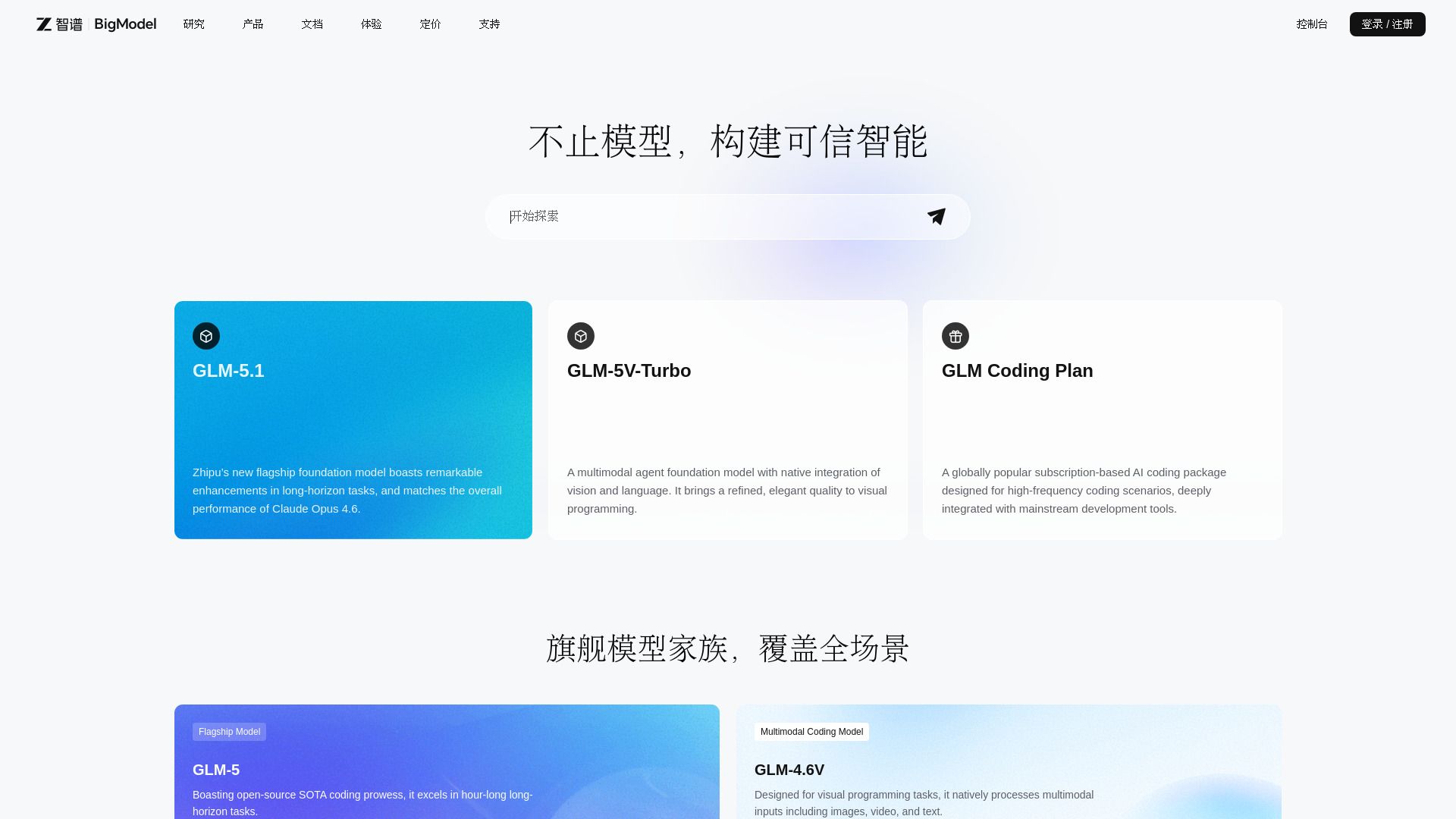
BigModel
Enterprise AI platform with LLMs, multimodal APIs, and deployment tools.