About Image to Video AI - 2
What is Image to Video AI - 2?
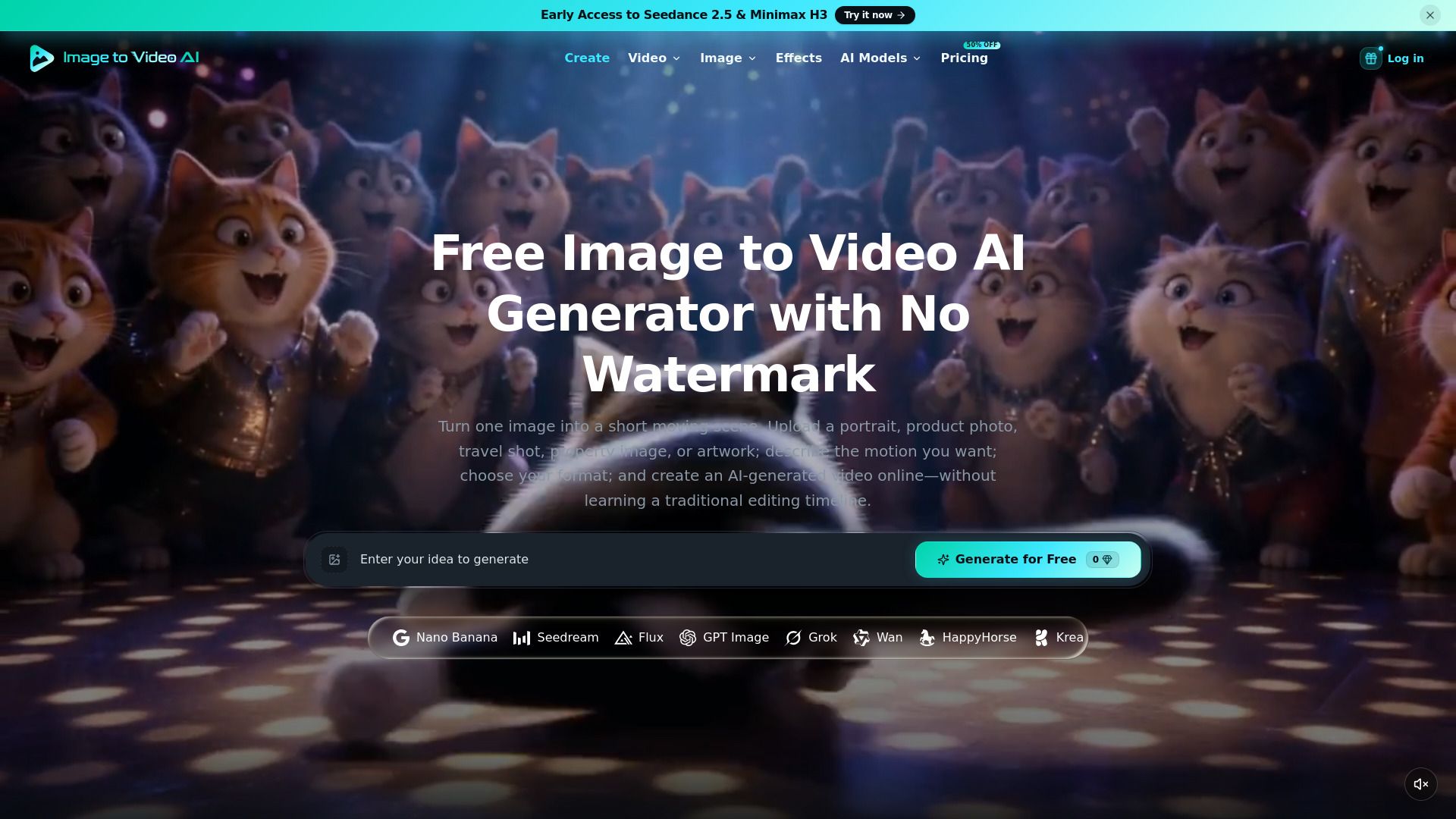
Image to Video AI is an innovative online tool designed to transform still images into dynamic short videos. By utilizing advanced AI workflows, users can easily upload a source image and describe the desired motion, allowing for the creation of engaging video content. The platform offers various customizable settings, including aspect ratio, resolution, and duration, ensuring that users can tailor their videos to meet specific needs.
This tool not only focuses on image-to-video generation but also includes features such as text-to-video capabilities, image editing, and a user-friendly interface for managing generation history and subscription plans. The service is accessible for free, making it an attractive option for anyone looking to animate their photos without the hassle of watermarks or hidden fees.
Image to video AI generation from an uploaded photo
Prompt-guided subject motion and camera direction
Resolution, duration, aspect ratio, and frame-rate controls
Fast and Pro video model modes
Generated video preview and download
Image to Video AI - 2 Features
Image to Video AI is a powerful online tool that transforms still images into short animated videos. Users can upload a source image and describe the desired motion, allowing the AI to generate new frames based on the input. The tool offers various settings, including aspect ratio, resolution, and duration, enabling users to customize their video output effectively.
Key features and capabilities of Image to Video AI include:
Image-to-video generation from uploaded photos
Prompt-guided subject motion and camera direction
Controls for resolution, duration, aspect ratio, and frame rate
Fast and Pro video model modes for different generation speeds
Preview of generated videos before downloading
Why Image to Video AI - 2?
Image to Video AI offers a unique and efficient way to transform still images into engaging short videos, making it an invaluable tool for creators and marketers alike. By simply uploading a source image and describing the desired motion, users can generate captivating video content that enhances storytelling and visual appeal. This streamlined process not only saves time but also allows for creative flexibility in video production.
Some of the key benefits of using Image to Video AI include:
Fast and easy generation of videos from images, enabling quick content creation.
Ability to customize output settings such as aspect ratio, resolution, and duration.
Preview generated clips before downloading, ensuring satisfaction with the final product.
Access to various models and features, enhancing the creative possibilities.
No visible watermarks on downloaded videos, making them suitable for professional use.
How to Use Image to Video AI - 2
To get started with Image to Video AI, first, upload a source image in JPG, PNG, or WebP format. After uploading, describe the motion you want to see in the video by writing a prompt that details the subject, camera, or scene movement. This step is crucial as it guides the AI in generating the video.
Next, choose your video settings. You can select a video model and adjust various settings such as aspect ratio, resolution, duration, and frame rate. Before generating the video, the interface will indicate whether the task is free or its estimated credit cost. Once you are satisfied with your settings, click on the "Generate video" button and wait for the processing to complete. After the video is generated, you can preview it on the page and download it when you are ready.
Upload a clear image for better results.
Write a specific motion prompt to guide the AI.
Adjust video settings to fit your needs.
Preview the video before downloading.
Ready to see what Image to Video AI - 2 can do for you?and experience the benefits firsthand.
Key Features
How to Use
Visit the Website
Navigate to the tool's official website.
Pros & Cons
What's good
What's not good
Pricing
- 3 free Video Fast 1.0 generations every day
- No credit card required
- Use welcome credits on selected image and video models
- 1 concurrent generation
- No commercial license
- 36,000 credits per year
- Up to 3,600 images
- Up to 720 videos
- 2 concurrent generations
- Commercial use license
- 120,000 credits per year
- Up to 12,000 images
- Up to 2,400 videos
- 4 concurrent generations
- Priority processing queue
- 300,000 credits per year
- Unlimited Free Generations
- Access to all image models
- Access to all video models
- Faster generation queue