Image to Text Converter
Image to Text Converter turns images, scans, and screenshots into editable text in the browser; it supports multiple languages and batch processing for quick extraction.
- Monthly visits
- 370K
- Pricing
- Freemium
- Free, Monthly, Yearly, Lifetime (1000 days)
- Added
- Apr 12 2025
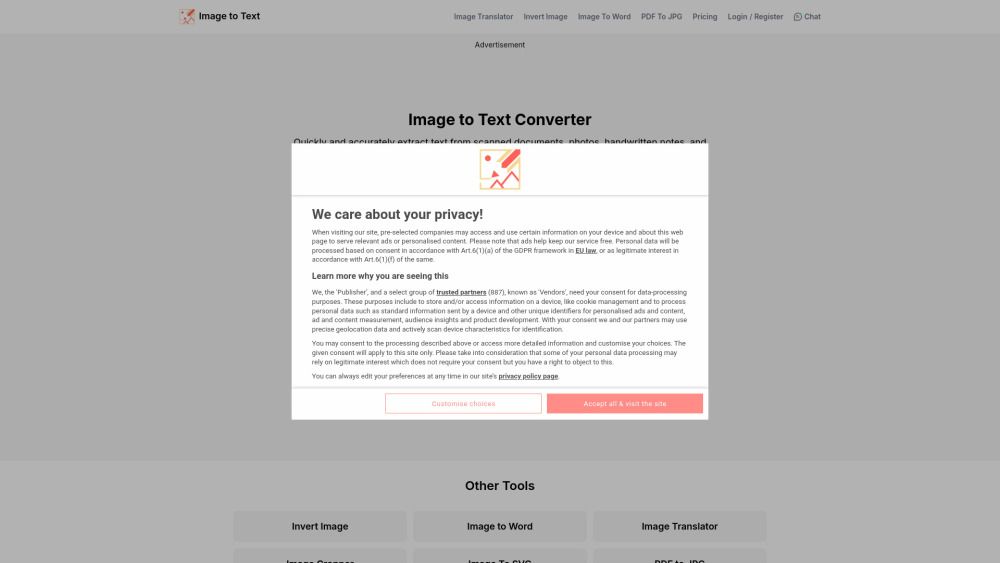
About Image to Text Converter
Image to Text Converter processes images, scanned documents, and photos to produce editable text. It is a tool for users who need to extract text from images in a convenient online form and can handle handwriting to text as part of its capabilities. The service emphasizes OCR technology to convert image contents into digital text quickly and with adjustable output formats.
The tool explains its workflow as three steps: preprocessing to prepare images, character recognition to identify text, and postprocessing to refine accuracy and readability. It describes the underlying approach as applying algorithms to analyze and classify areas as characters and then refine results.
It highlights features like extracting text from blurry images, detecting mathematical syntax, supporting multiple languages, and handling several image formats. The service also mentions batch processing to convert multiple images at once and one-click conversion for efficiency.
Plans and platform notes indicate a web-based service with options for different plans and credits. It shows batch limits, per-submission limits, and mentions you can start converting from a browser with no dedicated app requirement, including a free option and paid plans.
Use cases
- Document Digitization: Converts printed books, documents, old manuscripts, and historical records into digital text for storage, modification, sharing, or translation.
- Data Entry Automation: Extracts text from invoices, receipts, etc., to automate data entry with reduced errors.
- Personal Productivity: Digitizes handwritten notes, whiteboard content, letters, recipes, and diaries for easier management and sharing.
Key features
- Batch Processing
- One-Click Conversion
- Extract Text from Blurry Images
- Mathematical Syntax Detection
- Multi-language Support
- Extracts Images In All Formats
Pricing
- 200 credits
- 10000 Credits
- Convert 50 images at once
- Convert upto 30MB size Image
- Simple OCR
- 1 Image = 1 Credit
- Formatted Text
- 1 Image = 10 Credits
- 3X Faster Conversion
- No Ads & Captcha
- Priority Support
- 120000 Credits
- Convert 50 images at once
- Convert upto 30MB size Image
- Simple OCR
- 1 Image = 1 Credit
- Formatted Text
- 1 Image = 10 Credits
- 3X Faster Conversion
- No Ads & Captcha
- Priority Support
- 360000 Credits
- Convert 50 images at once
- Convert upto 30MB size Image
- Simple OCR
- 1 Image = 1 Credit
- Formatted Text
- 1 Image = 10 Credits
- 3X Faster Conversion
- No Ads & Captcha
- Priority Support