
- Monthly visits
- 2.2K
- Pricing
- Freemium
- Added
- Jul 29 2025
About Image to Excel
Image to Excel is an online tool that turns pictures of tables into editable spreadsheets. The flow is simple: upload an image, the AI detects the table and its structure, you review and edit the result in your browser, then export it as an Excel file. It works best on clear images — for blurry photos, merged cells, handwriting, or dense numbers and dates, always double-check the output before you use it.
The tool accepts photo, screenshot, or scan inputs in formats like JPG, PNG, GIF, JFIF (JPEG), HEIC and supports a maximum size per image of 10MB. Users can drag and drop, upload, or paste images, and the service processes data in the browser without installing software.
Output preserves the original rows, columns, and headers so data lands in proper cells rather than a jumbled block of text, and the resulting sheet can be downloaded and opened in Excel, Google Sheets, or any spreadsheet app.
Users can review and edit the extracted table online before downloading, and the table can then be exported as an .xlsx file for further editing in their preferred spreadsheet tool.
Key features
- Upload an image of a table
- AI detects the table structure
- Review and edit in browser
- Export to Excel or CSV
- Preserves table layout
Pros and cons
Cons
Reviews
Frequently asked questions
Is the image to Excel converter free?
What image formats can I convert to Excel?
Does the converter keep the table structure?
Alternatives to Image to Excel
More in AI OCR
ImageDescriber
ImageDescriber analyzes uploaded images to write descriptions, alt text, OCR text, SEO copy and prompts for Midjourney, Stable Diffusion and Flux.
Transpic
Transpic translates text inside photos, screenshots, manga, product graphics and document scans into 60+ languages while keeping the original layout.

Airtable Assistant
Airtable Assistant brings AI into Airtable workflows with Omni and Field Agents for building apps and automations.

Image to Text Converter
Image to Text Converter is a free online OCR tool that extracts text from images.
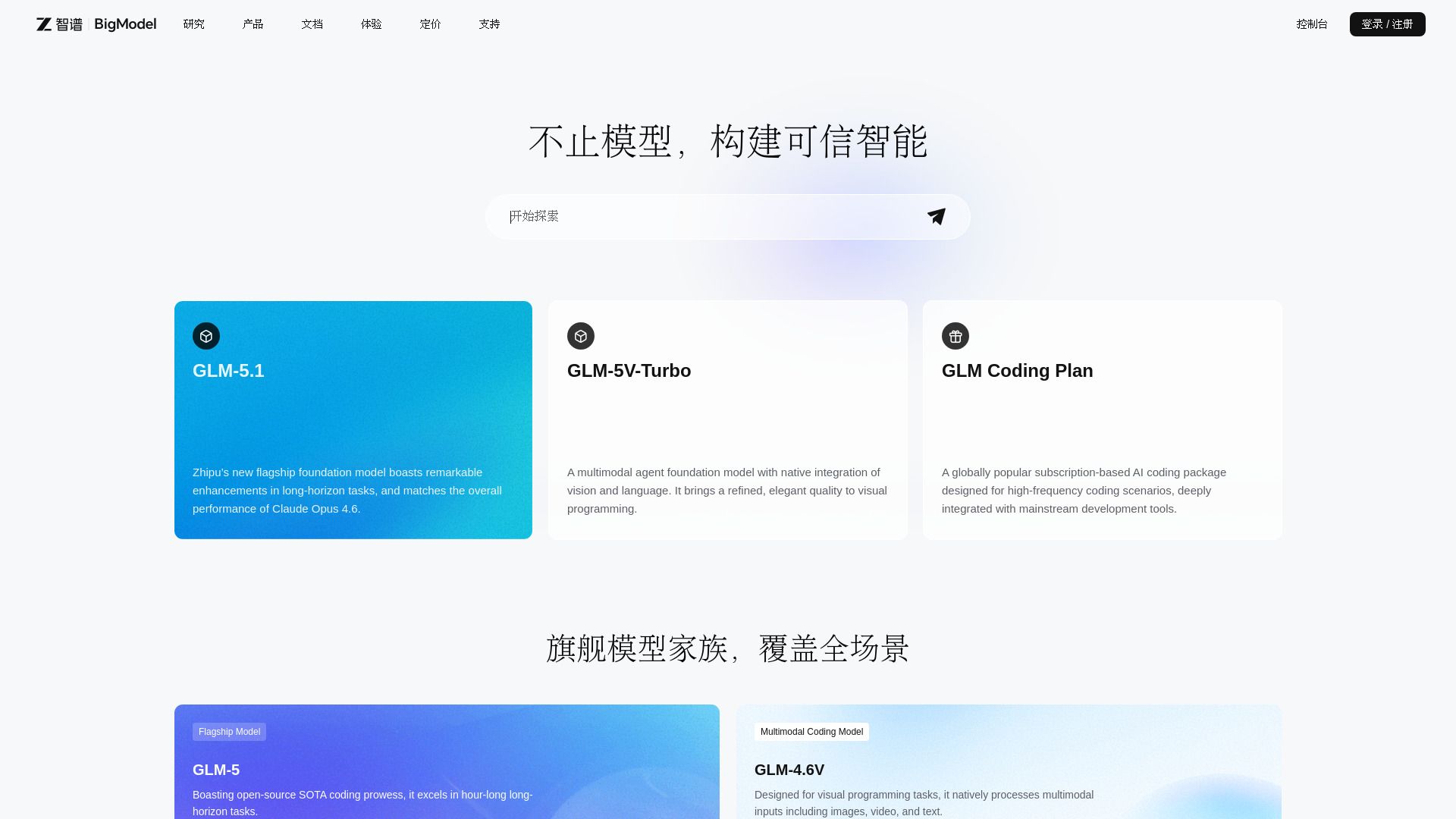
BigModel
Enterprise AI platform with LLMs, multimodal APIs, and deployment tools.

PDNob Image Translator
PDNob Image Translator is a free AI image translator with local OCR for Windows and Mac, supporting 16 major languages and 100+ translations.