
- Monthly visits
- 3.2K
- Pricing
- Paid
- Starter, PopularPro, Business
- Added
- Feb 20 2024
About GetSearchablePDF
GetSearchablePDF turns scanned PDFs and JPG or PNG images into searchable PDFs you can search, select and copy text from. It uses OCR to add a text layer so the document becomes searchable. The service processes documents quickly and deletes files after processing.
The tool is built by Superdocs and is a service to convert scanned documents into searchable formats. It emphasizes enterprise-grade OCR and fast results, aiming to help organizations manage document workflows and enable text extraction.
GetSearchablePDF offers features such as multilingual support and handwriting recognition, and it supports batch uploads to process multiple files in parallel. It also notes security through automatic deletion of files after processing and no installation requirements.
Guides and FAQs accompany the service, describing what a searchable PDF is, file types supported, how Force OCR works, processing time expectations, and billing details. The site provides ready access to a start-free option and paid plans.
Key features
- OCR that just works
- Enterprise-grade OCR
- Best in class accuracy.
- Handwriting recognition
- Multilingual
- Image support
Pros and cons
Pros
Cons
Pricing
- 250 pages/month
- Up to 50 MB per file
- Up to 100 pages per file
- 1,000 pages/month
- Up to 250 MB per file
- Up to 800 pages per file
- 3,000 pages/month
- Up to 400 MB per file
- Up to 1,500 pages per file
Reviews
Frequently asked questions
What is a searchable PDF?
What file types can I upload?
What does Force OCR do?
How long does processing take?
Are my files stored?
How does billing work?
Do I need a subscription?
What if my volume exceeds the Business plan?
Alternatives to GetSearchablePDF
More in AI OCR
ImageDescriber
ImageDescriber analyzes uploaded images to write descriptions, alt text, OCR text, SEO copy and prompts for Midjourney, Stable Diffusion and Flux.
Transpic
Transpic translates text inside photos, screenshots, manga, product graphics and document scans into 60+ languages while keeping the original layout.

Airtable Assistant
Airtable Assistant brings AI into Airtable workflows with Omni and Field Agents for building apps and automations.

Image to Text Converter
Image to Text Converter is a free online OCR tool that extracts text from images.
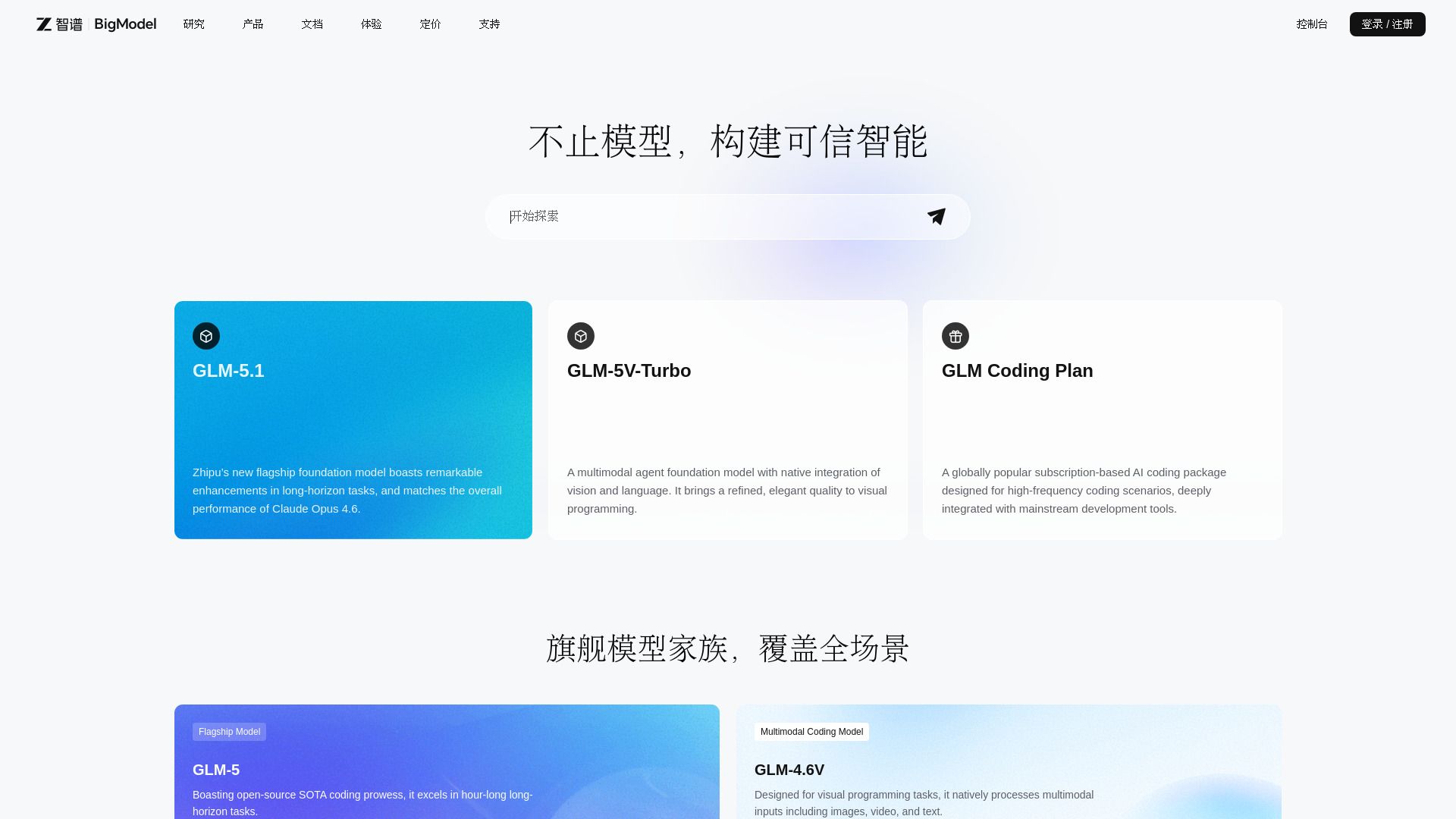
BigModel
Enterprise AI platform with LLMs, multimodal APIs, and deployment tools.

PDNob Image Translator
PDNob Image Translator is a free AI image translator with local OCR for Windows and Mac, supporting 16 major languages and 100+ translations.