
Floatboat
Floatboat turns your calendar into proactive agent workflows. Connect Google Calendar, Notion Calendar, Lark, or any calendar — and let AI agents prep, execute, and follow up at the right time. Mac & Windows.
- Monthly visits
- 32.5K
- Pricing
- Paid
- Booster
- Company
- AOE Tech Labs Limited
- Added
- 2026-07-03 09:30:33
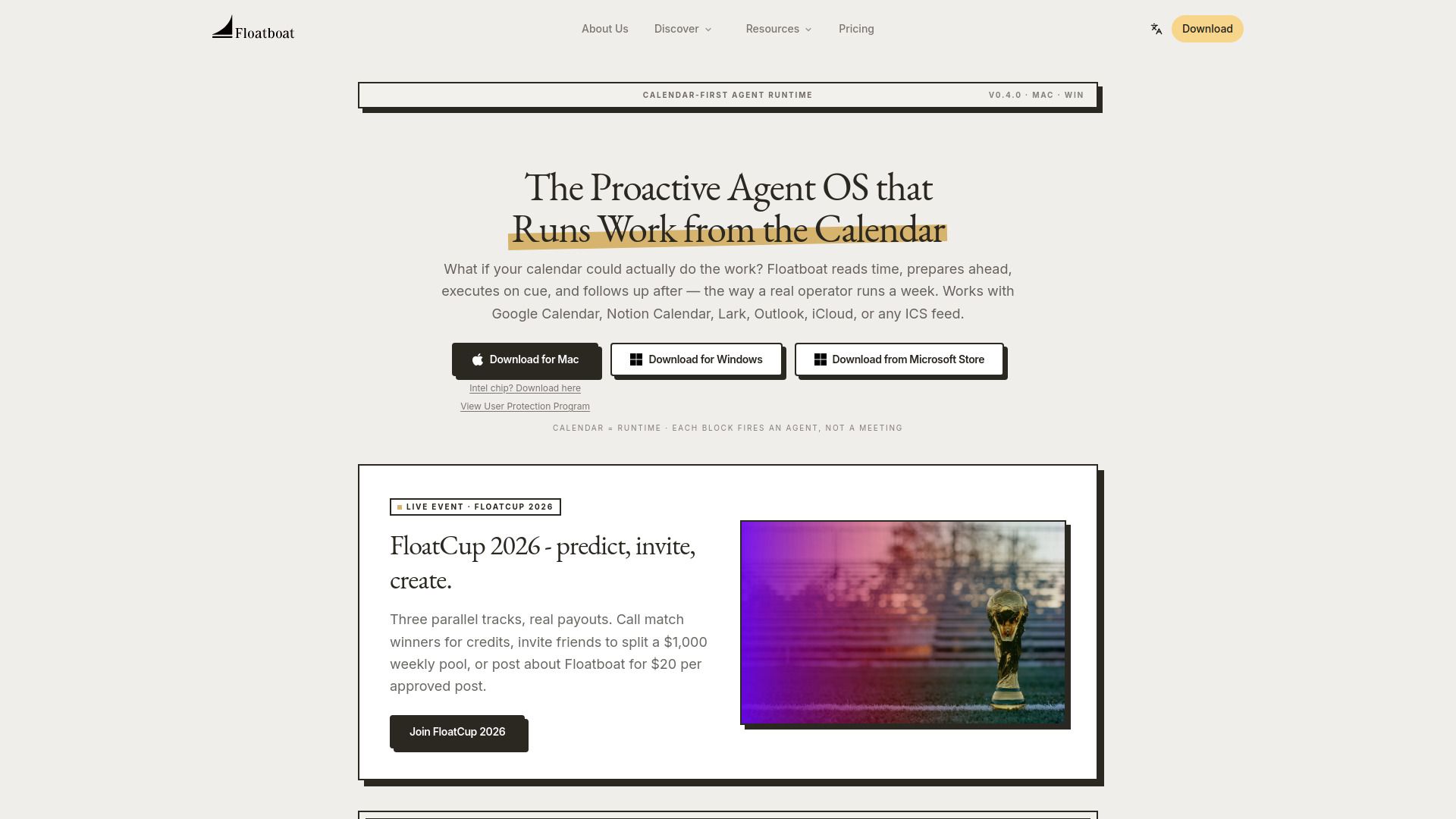
About Floatboat
Floatboat is a proactive agent operating system that runs work from the calendar. It reads time, prepares ahead, executes on cue, and follows up after, aiming to treat calendar events as triggers for automated workflows. It integrates with Google Calendar, Notion Calendar, Lark, Outlook, iCloud, or any ICS feed to orchestrate tasks and deliverables across devices and teammates. It emphasizes that work is driven by the schedule rather than a chat thread, and that context is attached to calendar events for execution across multiple platforms.
Floatboat provides a desktop-based environment where an event on the calendar opens an Agent Workspace containing run history, files, model choices, and decisions. It coordinates across Mac, Windows, and FloatIM to ensure continuity of work. It supports a large ecosystem of integrations and protocols, enabling agents to call real APIs and read local files under controlled permission scopes. The system is designed to run without requiring a centralized chat interface, focusing on calendar-driven automation and persistence across events.
Floatboat offers a unified model for executing calendar-driven AI: it preps before meetings, drafts before deadlines, and follows up after events. It includes an agent runtime that treats each calendar event as a trigger with context, and it provides persistent workspaces with run history and decisions. It integrates with many tools and stores, aiming to replace fragmented AI subscriptions with a coherent, calendar-aligned workflow architecture.
It emphasizes that the AI begins from the user’s own work style and historical patterns, rather than starting from generic prompts. The product is positioned around calendar-driven automation and persistence across tasks and deliverables.
Use cases
- Calendar-driven AI for tasks across planning, drafting, and follow-up
- Solopreneurs and small teams managing a full workflow from a single workspace
- Professionals using Work Agents to handle real assignments with editable deliverables
Key features
- Calendar-first agent runtime that fires an agent per event
- Integration with major calendars and ICS feeds
- 1 workspace per event with run history, files, and decisions
- 3,500+ tools and protocols via MCP integration
- Auto Mode with multiple model routing and fallbacks
- FloatIM group chat where AI agents collaborate
- Installable execution via Combo Store and Workflow Store
- No API key required to access built-in models
Pros and cons
Pros
Pricing
- 3,000 Credits Booster
- One-time top-up for temporary bursts of usage
- Expiry: Valid for 1 year
Reviews
Frequently asked questions
What is Floatboat?
Which calendars does Floatboat work with?
Is Floatboat free to download and use?
Is Floatboat a web app or desktop app?
Alternatives to Floatboat
More in AI Agent
Triibe
Triibe is an employee engagement app that helps build a culture of connection, engagement, recognition, and wellness in organizations.

ChatLingo
ChatLingo provides AI-powered language conversation practice with real-time feedback, aiming to make daily speaking practice accessible to learners worldwide.
Ticket AI for Discord
Ticket AI for Discord helps California drivers contest traffic tickets by mail with AI-drafted Trial by Written Declaration, certified mail, deadline tracking,…

Achieve Me
Achieve Me is an iOS goal-setting app with an AI Coach, progress checkpoints, journaling, affirmations and mindset exercises for reaching life goals.
