
- Monthly visits
- 16.9K
- Pricing
- Freemium
- Basic, All-Access, Team
- Added
- Nov 11 2023
About DesignCode UI
DesignCode UI is a design system tool for designers and teams working with Figma and Framer. It offers a large library of UI components and templates that are organized to support scalable design systems. The product emphasizes components, themes, and adaptability across projects, enabling users to build sites and apps with consistent styling and responsive behavior. It targets designers and developers who build UI across Figma and Framer workflows.
It highlights the ability to customize layouts, styles, patterns, and breakpoints, while leveraging Figma Variables and Framer implementations to maintain design consistency.
Main capabilities include a large number of components (e.g., buttons, controls, menus), support for theming, and compatibility with both Figma and Framer. The platform discusses auto layout, variables, and a variety of styles (Glass, Outline, Flat), as well as icons and templates. The emphasis is on a complete design system that can be extended and updated.
Pricing, plans, and platform integrations are described, including limited-time pricing and multiple tiers (Basic, All-Access, Team). The pages mention Figma-only options as well as Figma & Framer components, and reference payments via Stripe and LemonSqueezy, with updates and licensing details.
Use cases
- Designing and prototyping UI with Figma and Framer
Key features
- All-Access and Team components across Figma and Framer
- Extensive component library and variants
- Theming and design-system capabilities
- Templates and UI templates for projects
- Flexible pricing with limited-time offer
Pros and cons
Pros
Cons
Pricing
- 50 components
- 200+ Figma variants
- 1,000 unique icons
- Auto Layout
- Glass style only
- Figma only
- Lifetime updates
- Unlimited projects
- Single user license
- Community File
- All 300+ components
- 2,000+ Figma variants
- 2,116 unique icons
- Auto Layout, 200+ Variables
- Glass, Outline, Flat styles
- Figma & Framer components
- Lifetime updates
- Unlimited projects
- Single user license
- All 300+ components
- 2,000+ Figma variants
- 2,116 unique icons
- Auto Layout, 200+ Variables
- Glass, Outline, Flat styles
- Figma & Framer components
- Lifetime updates
- Unlimited projects
- Up to 5 users license
Reviews
Frequently asked questions
What payment options are available for DesignCode UI purchases?
What is DesignCode UI’s refund policy?
Does DesignCode UI offer customer support?
How can I access my DesignCode UI downloads after purchase?
How frequently are DesignCode UI components updated?
How does your License work?
Alternatives to DesignCode UI

Airtable Assistant
Airtable Assistant brings AI into Airtable workflows with Omni and Field Agents for building apps and automations.

Zapier
Zapier automates AI workflows, agents, and apps across 9,000+ apps, enabling teams to build, run, and govern AI-powered workflows.

Tilda Publishing
Tilda Publishing is a no-code website builder with AI and block-based design for creating websites, online stores, landing pages, and knowledge bases.

Prismic
Prismic helps marketers and developers build and manage AI-assisted websites using reusable slices and a structured content model.
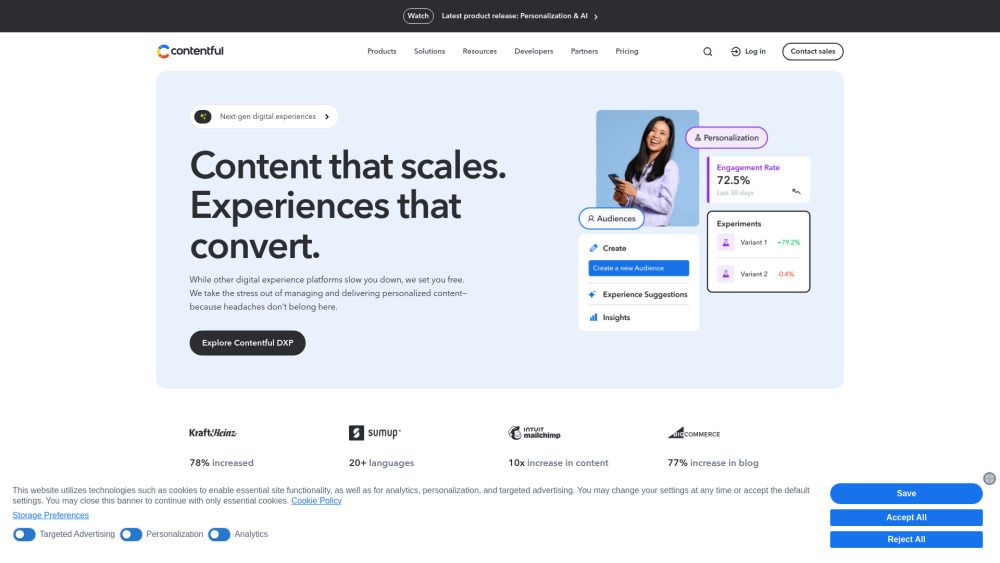
Contentful
Contentful is a powerful content management platform designed to help businesses create, manage, and deliver knowledge base content efficiently. With its centralized content management system, users can streamline workflows and ensure consistent, on-brand experiences across multiple channels. The platform empowers teams to optimize campaigns in real-time and adapt quickly to changing needs, making it an invaluable tool for driving engagement and growth.

Ultralytics
Ultralytics is a leading provider of AI and machine learning solutions, specializing in open-source software development. Their flagship product, Ultralytics YOLO, offers advanced capabilities for real-time object detection, empowering users to harness the power of AI with ease. With a strong commitment to data privacy, Ultralytics ensures that users retain full ownership of their data, securely hosted on trusted platforms like Google Cloud and Amazon AWS.