- Monthly visits
- 24.2K
- Pricing
- Freemium
- Company
- 深圳市博思云创科技有限公司
- Added
- 2026-08-03 18:02:07
About Bosi AIPPT
What is Bosi AIPPT?
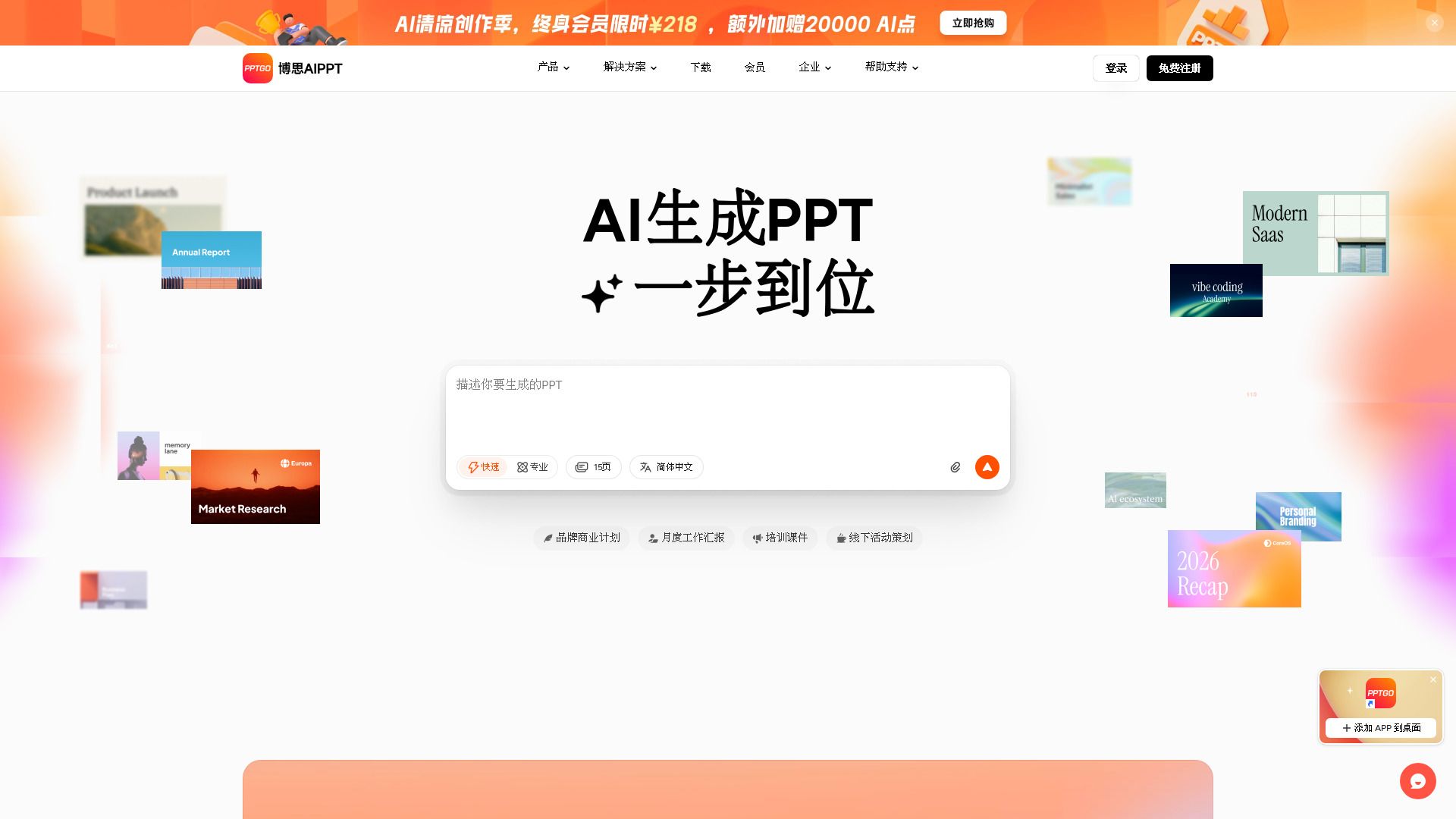
博思AIPPT是一款AI智能生成PPT的工具,提供AI一键生成PPT大纲、文案生成PPT、文件转PPT、智能排版和AI文本优化等功能,内置百款精品PPT模板和丰富布局样式。它还支持多端登录、在线编辑、自动实时保存和云端存储等便捷功能,可导出为pptx或pdf文件。
通过博思AIPPT,零基础用户也可以在数秒内获得一份高质量内容和精美视觉的PPT方案,全面提升办公体验。其主要特点包括:
AI一键生成PPT大纲和文案
文件转PPT功能支持多种文档格式
智能排版和文本优化提升视觉效果
多端登录和在线编辑,方便团队协作
云端存储和自动实时保存,确保数据安全
Bosi AIPPT Features
博思 AIPPT 是一款面向组织级使用的 PPT 制作工具,支持自定义模板、团队空间、成员权限和品牌规范管理。它能够帮助不同部门生成符合企业视觉与交付标准的 PPT,提高工作效率。用户可以通过自定义企业模板快速生成常用页面,如封面、目录和总结等,确保内容的一致性和专业性。
博思 AIPPT 的核心功能包括:
AI 一键生成 PPT:输入主题或需求,自动生成大纲和完整页面,快速得到可修改的初稿。
文件转 PPT:支持多种文档格式(如 Word、PDF、TXT、Markdown)导入,自动提炼重点并组织为演示结构。
网页转 PPT:通过粘贴网页链接,快速解析并转化为可展示的 PPT 页面。
在线编辑与导出:生成后可继续在线修改、分享协作,并导出为 PPTX、PDF、PNG、JPG 等格式。
Why Bosi AIPPT?
博思 AIPPT 提供了一系列显著的优势,使其成为企业和团队在制作 PPT 时的理想选择。通过自定义模板和团队空间管理,用户可以确保不同部门生成的 PPT 不仅高效,而且符合企业的视觉和交付标准。这种统一管理的方式减少了跨部门输出风格不一致的问题,提升了整体工作效率。
使用博思 AIPPT 的主要价值主张包括:
一键生成可编辑的完整 PPT,显著缩短制作时间。
支持多种文档格式的导入,自动提炼重点并组织为演示结构。
智能排版与美化功能,减少重复排版时间。
在线编辑与导出功能,方便团队协作与分享。
How to Use Bosi AIPPT
博思AIPPT提供了一个全面的入门指南,帮助用户快速上手其强大的功能。通过简单的步骤,用户可以从主题或资料生成初稿,利用AI技术自动提炼重点并组织为演示结构。无论是行政文员还是产品经理,博思AIPPT都能显著提升工作效率,减少制作时间。
以下是博思AIPPT的主要功能和优势:
一键生成PPT:输入主题或需求,快速得到可修改的初稿。
文档转PPT:支持多种格式的资料导入,自动生成演示结构。
在线编辑与导出:生成后可继续在线修改,并导出为多种格式。
Ready to see what Bosi AIPPT can do for you?Get started with Bosi AIPPT todayand experience the benefits firsthand.
Key features
- AI一键生成PPT大纲
- 文案生成PPT
- 文件转PPT
- 智能排版
- AI文本优化
Pros and cons
Pros
Reviews
Frequently asked questions
What is Bosi AIPPT (PPTGO)?
How to use Bosi AIPPT (PPTGO)?
What file formats can Bosi AIPPT import to create presentations?
What export formats are supported?
What is included in the free version?
What benefits do VIP members receive?
What are the available VIP plans?
Can purchased memberships be refunded?
Can users upgrade by paying the price difference?
Does Bosi AIPPT support enterprise customization?
Alternatives to Bosi AIPPT
More in AI PPT Maker
ClarityUX
ClarityUX is an AI-powered pre-launch testing tool that scores ads and products on attention, design and storytelling before launch.

FigPad
FigPad is an AI tool that creates editable scientific figures, graphical abstracts, and posters from text, sketches, or reference images.

Aepto
Aepto is AI domain monitoring for every domain you own, with uptime, content monitoring, DNS, renewals and alerts.

Seenapse
Seenapse is a web application for creative teams to generate divergent ideas quickly using a non-linear, collaborative workflow.

