
- Monthly visits
- 2.8K
- Added
- Jun 11 2024
About Biolytics
Biolytics provides a platform to import, store and visualize the biomarkers data. Many new features are planned and will be integrated in future version of the Biolytics App. Health data is stored in the browser and is not sent to external servers, which keeps data under the user's control. The app supports importing laboratory data from paper or digital formats and displays biomarkers with graphical views and descriptions to help track changes over time.
Biolytics supports health enthusiasts and laboratories by letting users import lab reports and view biomarkers with descriptions and graphs. Biomarkers can be imported from paper reports and linked with explanatory text to help users understand their meaning, while the data remains accessible within the app.
Biolytics emphasizes data ownership and user empowerment, providing descriptions for biomarkers to aid understanding and secure local storage. It enables import from pictures using AI recognition of biomarkers and offers QR-based import for digital reports from laboratories.
Biolytics stores data in the browser and offers export/import to synchronize data across devices. The app invites feedback and lists collaboration with another project, while indicating ongoing feature development and future versions.
Use cases
- Track biomarker evolution over time with descriptions and graphs.
- Import lab reports from paper or digital formats and view consolidated data in one place.
Key features
- Data ownership: Your health data is securely stored in the App and is never sent to an external server.
- User empowerment: Easily understand your blood tests with the description provided by the Biolytics App.
- Import from picture: The Biolytics App uses AI technology to automatically recognize biomarkers from your paper lab report.
- Import from QR: Laboratories can provide a QR code that contains the report in digital format. Scanning the QR code will automatically import the report into the Biolytics App.
- Phase information: Biolytics currently provides a platform to import, store and visualize the biomarkers data.
Reviews
Frequently asked questions
How do I install the Biolytics App on my Android phone?
How do I install the Biolytics App on my iPhone?
How do I import my blood test data?
Where is my health data stored?
How can I back up my Biolytics health data?
How can I synchronize Biolytics data between my computer and my phone?
Alternatives to Biolytics
More in AI HealthcareFaceAnalysis
FaceAnalysis gives face photos a free AI 1-10 attractiveness estimate and face shape, with a paid report on hair, skin, style, posture and photos.

ImageDescriber
ImageDescriber analyzes uploaded images to write descriptions, alt text, OCR text, SEO copy and prompts for Midjourney, Stable Diffusion and Flux.
Transpic
Transpic translates text inside photos, screenshots, manga, product graphics and document scans into 60+ languages while keeping the original layout.

Airtable Assistant
Airtable Assistant brings AI into Airtable workflows with Omni and Field Agents for building apps and automations.

Image to Text Converter
Image to Text Converter is a free online OCR tool that extracts text from images.
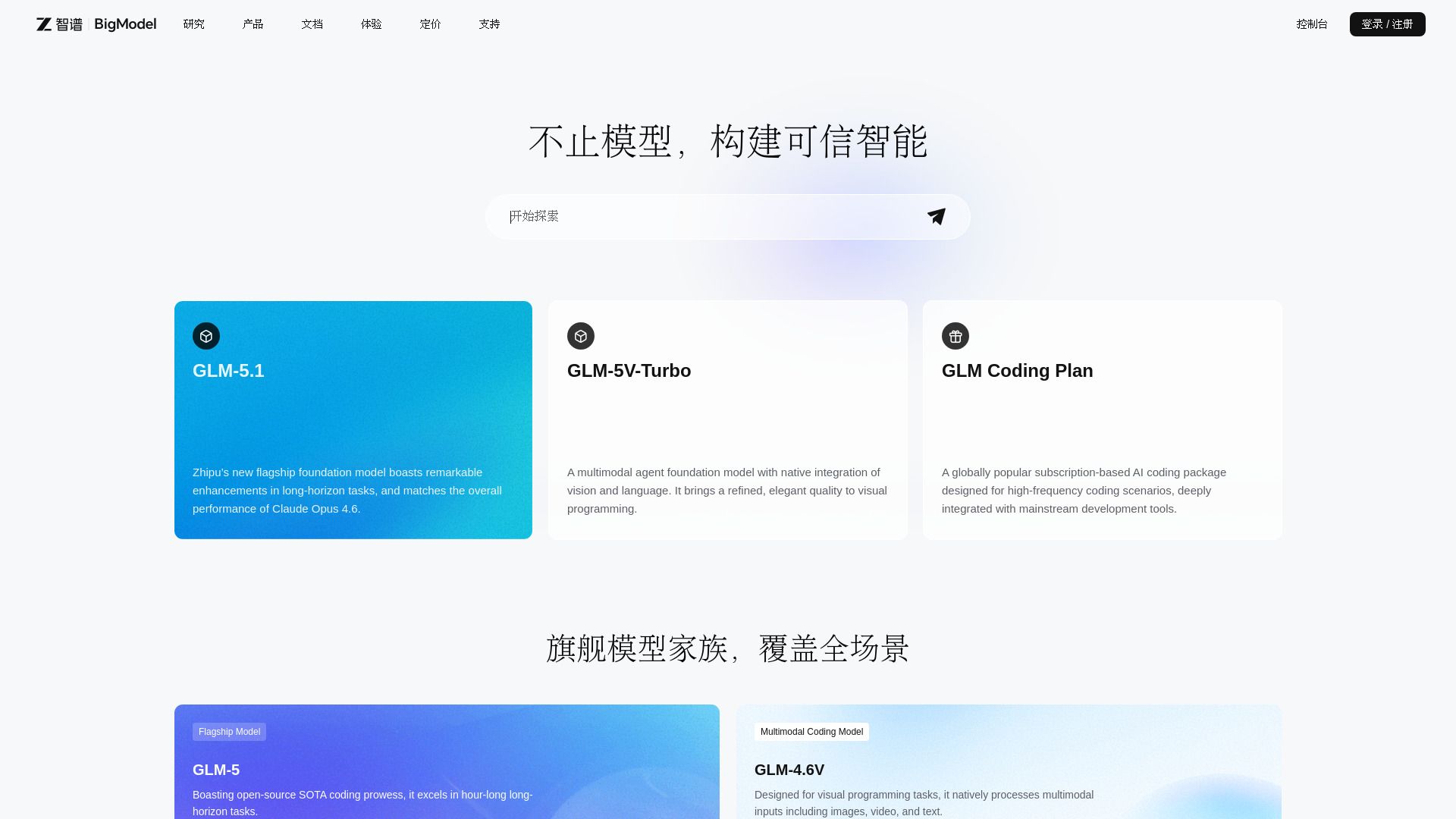
BigModel
Enterprise AI platform with LLMs, multimodal APIs, and deployment tools.