
- Monthly visits
- 55.9K
- Added
- 2026-08-17 17:55:46
About Beatmo
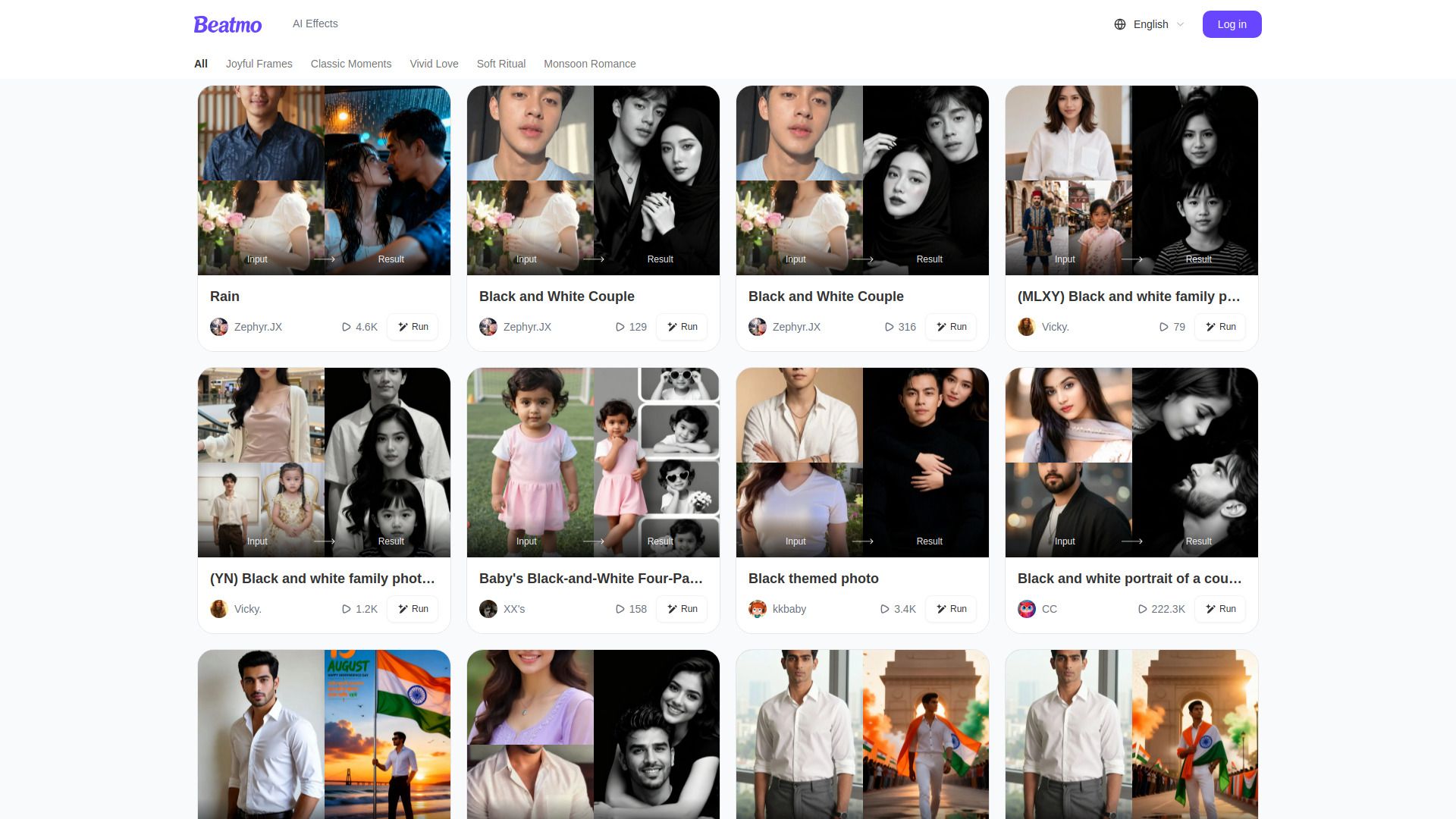
Beatmo turns images into expressive moving moments, from subtle facial animation to imaginative short videos. It lets users convert ordinary still portraits into dynamic dance motion videos and also generate visuals from text or reshape existing images for completely different looks. The tool is designed for creators who want quick results, and it aims to place the entire creative process in users' hands.
Beatmo operates by taking still images and turning them into moving visuals, with options to generate visuals from text and to modify existing images for new appearances. It emphasizes rapid results and creative control, enabling a range from subtle animations to full motion videos.
The service highlights photo animation capabilities and text-to-visual generation as core features. It presents multiple visual outputs, including motion videos and transformed portraits, to support creative exploration.
Beatmo provides access through a web presence and an app-oriented experience, with a focus on quick experimentation and generation of moving images. The platform supports creators who want to rapidly produce animated visuals and reshaped images.
Use cases
- Animation of still portraits for social media and creative projects
Key features
- Turn images into expressive moving moments
- Generate visuals from text
- Reshape existing images for different looks
- Designed for creators who want quick results
- Convert ordinary still portraits into dynamic dance motion videos
Reviews
Frequently asked questions
How do I delete pictures/videos?
Why did the generation fail?
Why was my account banned?
How do I cancel my subscription?
Why was my payment successful, but the order was not delivered?
Alternatives to Beatmo
More in AI Avatar Generator
SnapMerge
SnapMerge combines 2 to 3 similar group photos into one best take, using each person's best real expression to fix blinks and turned faces.

All of Us
All of Us uses AI to add a loved one who has died into an existing family photo, with three free previews and one-time pricing.

Stylize Image
Stylize Image is a browser-based AI photo editor that applies art styles, colorizes old photos, removes backgrounds and upscales images for creators.

CleanerPro
CleanerPro is a Shopify app that uses AI to remove objects, backgrounds and defects from product images, and to upscale and compress them.

