About Wan 3.0 AI Video Generator
What is Wan 3.0 AI Video Generator?
Wan 3.0 AI Video Generator is an innovative tool that transforms various inputs such as text, images, audio, video, and documents into a cohesive 30-second video. This advanced generator ensures omni-reference consistency and true-to-life detail in every frame, making it a powerful solution for creators looking to convey their ideas effectively.
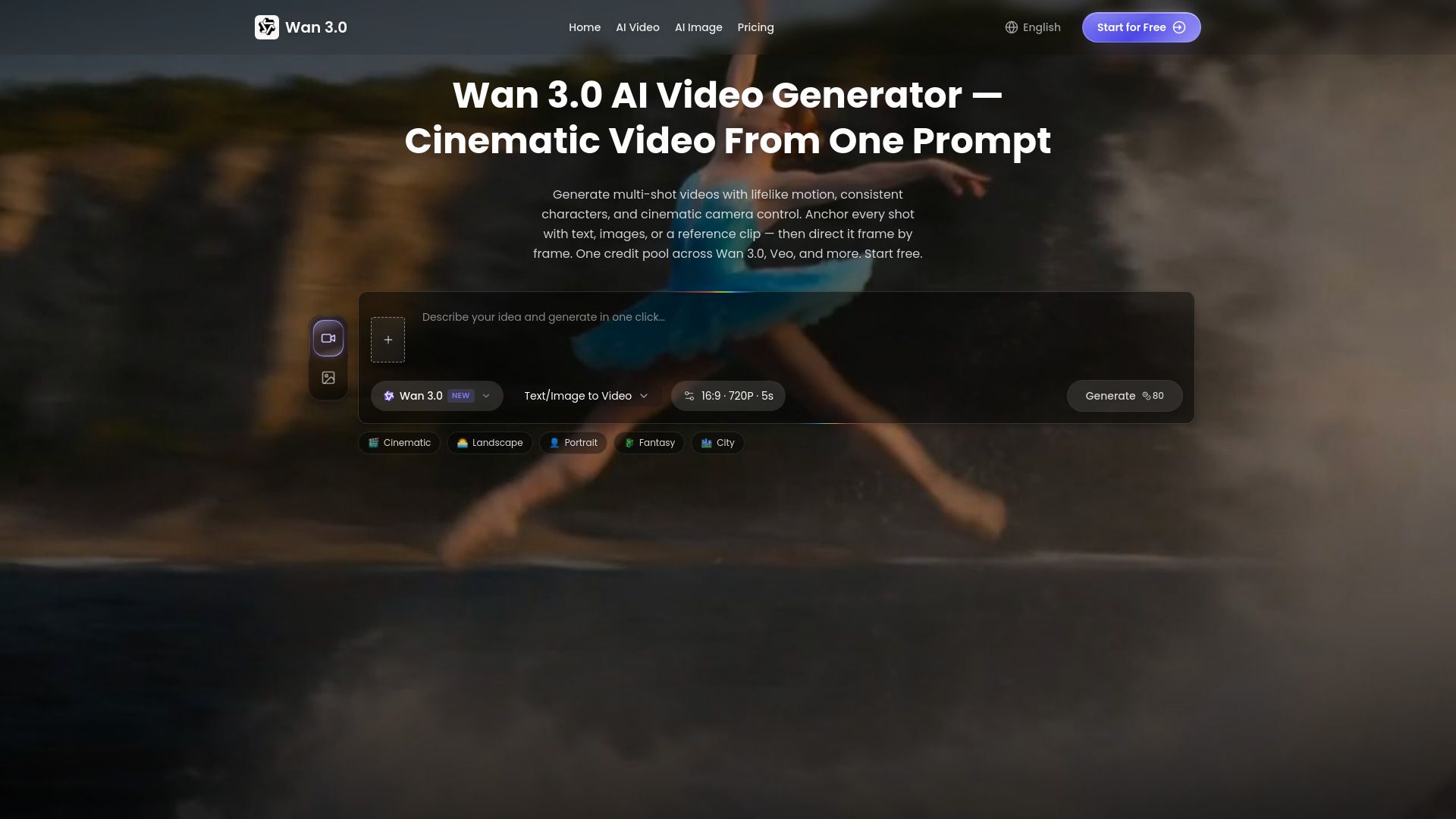
The latest upgrade of Wan 3.0 enhances several key features, allowing for a more versatile and realistic video creation experience. Users can now generate videos that are long enough to encapsulate a complete creative intent from the first frame to the last. The workflow is designed to keep each choice visible, including input type, prompt, aspect ratio, resolution, model, and estimated credit cost before rendering begins.
Transforms text, images, audio, video, and documents into a single video.
Generates videos up to 30 seconds long for complete storytelling.
Ensures omni-reference consistency and true-to-life detail.
Offers a user-friendly workflow with visible choices for input and settings.
Wan 3.0 AI Video Generator Features
Wan 3.0 AI Video Generator transforms various input types, including text, images, audio, video, and documents, into a cohesive 30-second video. This innovative tool ensures omni-reference consistency and true-to-life detail in every frame, making it ideal for conveying complete creative intent from start to finish.
The generator enhances the video creation process by allowing users to select the appropriate input type and document the generation setup, including subject, action, camera movement, and lighting. Users can also choose the aspect ratio and resolution, ensuring that the final product meets their specific needs.
Generates videos up to 30 seconds long.
Supports multiple input types: text, images, audio, video, and documents.
Ensures omni-reference consistency and realism in video output.
Allows customization of aspect ratio and resolution.
Facilitates a clear workflow for input selection and setup documentation.
Why Wan 3.0 AI Video Generator?
The Wan 3.0 AI Video Generator offers a powerful solution for creating cinematic videos from various inputs, including text, images, audio, and video. This innovative tool allows users to generate a complete 30-second video that captures the essence of their creative intent, ensuring that every frame is rich in detail and consistency. With its ability to combine multiple forms of media into a single cohesive output, Wan 3.0 stands out as a versatile option for content creators looking to enhance their storytelling capabilities.
Some of the key benefits of using Wan 3.0 AI Video Generator include:
Universal creation from diverse inputs, making it easy to turn ideas into visual content.
Omni-reference consistency that ensures a seamless flow throughout the video.
Realism in every frame, providing a true-to-life representation of the intended message.
Time-efficient video generation, allowing for quick production of social media assets, product ads, and more.
How to Use Wan 3.0 AI Video Generator
To get started with the Wan 3.0 AI Video Generator, follow these simple steps to create your own videos. First, select the right input type based on your available resources. You can choose from text, an image, a first and last frame pair, or a reference clip. The interface will adjust to match your selected workflow, making it easier to proceed.
Next, document the generation setup by writing down the subject, action, camera movement, lighting, and any constraints you may have. Be sure to pick the aspect ratio and resolution before submitting your request, as this will help in auditing the final result. Finally, review all your choices before rendering to ensure everything is set up correctly.
Select the right input type (text, image, etc.)
Document the generation setup (subject, action, etc.)
Choose aspect ratio and resolution
Review your choices before rendering
Ready to see what Wan 3.0 AI Video Generator can do for you?and experience the benefits firsthand.
Key Features
How to Use
Visit the Website
Navigate to the tool's official website.
Pros & Cons
What's good
What's not good
Pricing
- Free credits on signup
- AI video generation — Wan 3.0 & Veo 3.1
- Image generation included
- Community support
- 800 Credits/mo
- Up to 160 images/month
- Up to 26 videos/month
- Watermark-free exports
- Commercial use license
- 1,800 Credits/mo
- Up to 360 images/month
- Up to 60 videos/month
- Watermark-free exports and private generation
- Priority processing & support
- 7,500 Credits/mo
- Up to 1,500 images/month
- Up to 250 videos/month
- Watermark-free exports and private generation
- Fastest processing & priority support