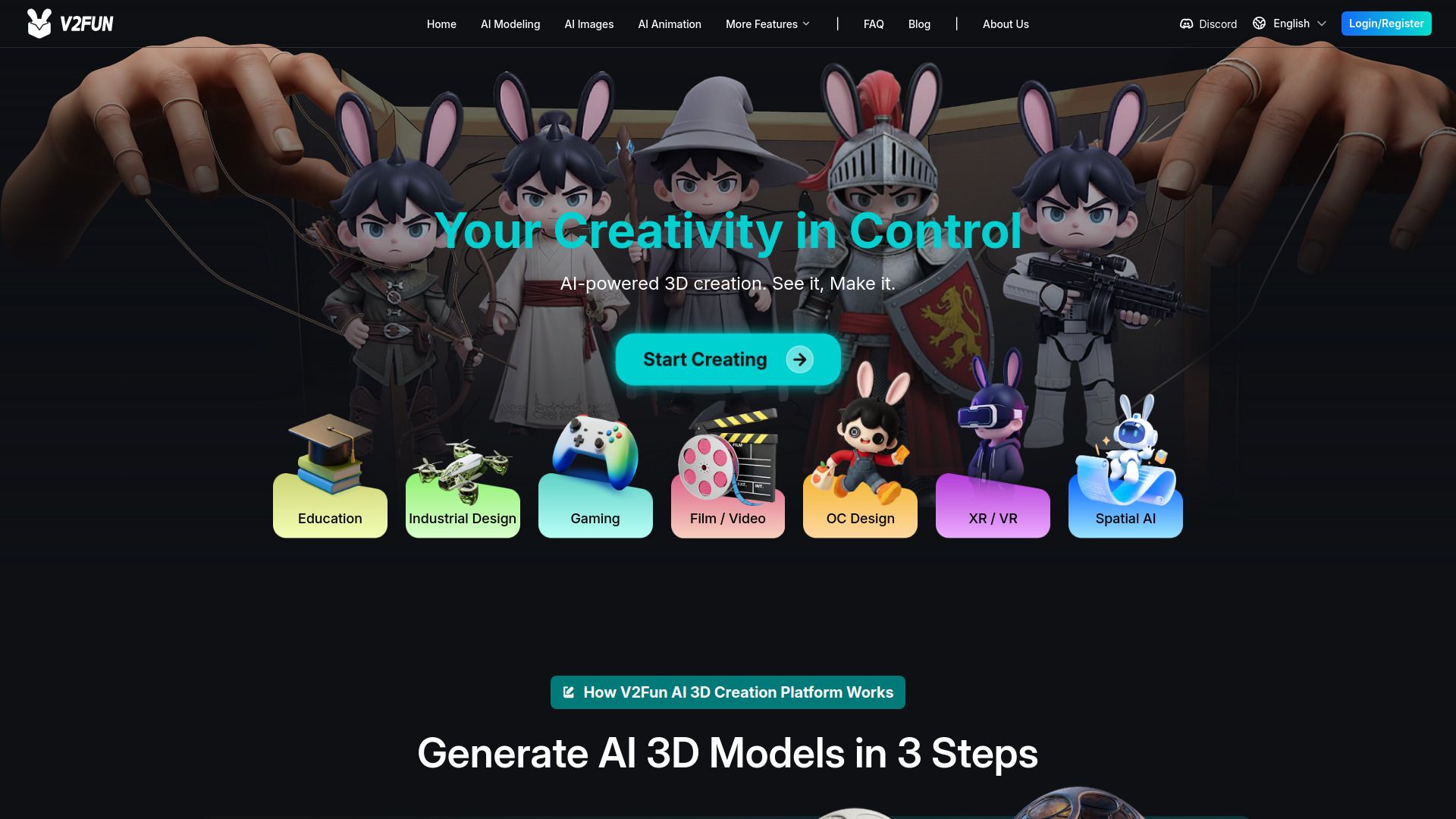
About V2Fun
{"What is V2Fun?":"AI platform for text, image, and video to 3D creation","How to use V2Fun?":"Open V2Fun and choose a workflow such as AI Modeling, AI Images, or AI Animation. Enter a text prompt or upload reference images or video, optionally use prompt optimization, generate the 3D asset, then apply rigging, textures, or motion and export the result in a supported format.","Can I turn a picture into a 3D model with V2Fun?":"Yes. V2Fun supports image-to-3D and picture-to-3D workflows, including multi-view image input for more structured results.","Can V2Fun create AI 3D animations?":"Yes. After rigging, V2Fun can animate characters using motion libraries or uploaded motion files, and its AI motion capture can extract movement from ordinary video.","What file formats does V2Fun support?":"The provided content says V2Fun supports export to FBX and GLB.","Do I need professional 3D skills to use V2Fun?":"No. V2Fun is designed for users without professional 3D backgrounds, so you can create assets from prompts or reference images in the browser.","Are assets generated on V2Fun private?":"The help center includes a privacy policy and a privacy-related FAQ, but the provided content does not specify the exact privacy handling for generated assets."}
How to Use
Visit the Website
Navigate to the tool's official website.