About Underleaf
What is Underleaf?
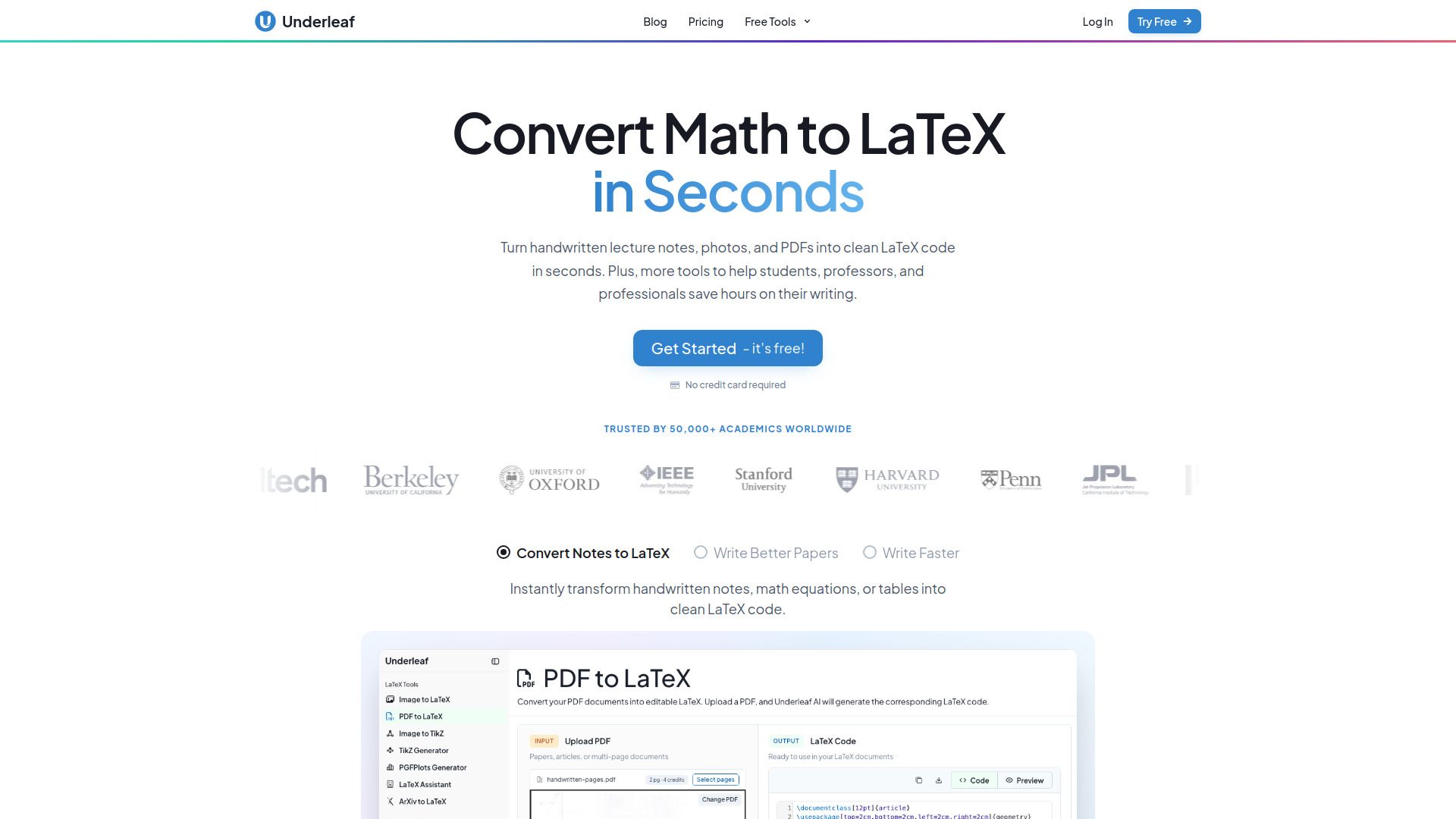
Underleaf is a comprehensive LaTeX productivity suite designed to streamline the process of converting various types of documents into LaTeX format. It allows users to easily convert handwritten notes, photos, screenshots, whiteboard shots, single equations, tables, spreadsheets, and Word documents into LaTeX code that can be compiled directly, eliminating the need for manual retyping.
With Underleaf, users benefit from a faster workflow and enhanced writing tools, all integrated into a single platform. The suite includes features such as citation lookup and BibTeX management, making it a valuable resource for academics and researchers alike.
Convert a wide range of document types to LaTeX
10x faster workflow compared to traditional methods
Integrated citation lookup and BibTeX
AI-powered writing assistance directly in your browser
Underleaf Features
Underleaf is a comprehensive LaTeX productivity suite designed to streamline the process of converting various types of documents into LaTeX format. It supports a wide range of input formats, including handwritten notes, photos, screenshots, whiteboard shots, single equations, tables, spreadsheets, and Word documents. This versatility allows users to easily transform their existing materials into LaTeX, enhancing their workflow efficiency.
Key features of Underleaf include:
AI-powered conversion tools for seamless document transformation.
Integration with citation lookup and BibTeX for efficient referencing.
A Chrome extension that provides AI assistance directly within the user's writing environment.
Tools for rewriting, shortening, or explaining text selections without leaving the page.
Compatibility with existing setups, allowing users to incorporate Underleaf into their current workflow effortlessly.
Why Underleaf?
Underleaf is a comprehensive LaTeX productivity suite designed to enhance your writing and document preparation experience. With access to advanced AI conversion and LaTeX tools, it streamlines the process of creating high-quality documents, making it an invaluable resource for students, researchers, and professionals alike.
Some of the key benefits of using Underleaf include:
Fast document conversion, allowing users to convert handwritten notes, photos, and various document types to LaTeX quickly.
Integrated citation lookup and BibTeX management for seamless referencing.
Writing tools that assist in rewriting, shortening, or explaining text without the need to switch tabs.
A Chrome extension that provides AI assistance directly beside your draft, enhancing productivity.
How to Use Underleaf
Getting started with Underleaf is simple and efficient, allowing users to quickly harness the power of LaTeX for their document creation needs. To begin, users can sign up for an account and choose a plan that best fits their requirements. Each plan provides access to Underleaf's AI conversion and LaTeX tools, ensuring a seamless experience.
Once registered, users can explore the various features that Underleaf offers, including the ability to convert handwritten notes, photos, and Word documents into LaTeX format. The platform also provides writing tools that enhance productivity without the need to switch tabs, making it easier to focus on the task at hand.
AI-powered document conversion for various formats.
Integrated writing tools for real-time assistance.
Flexible plans to suit different user needs.
Ready to see what Underleaf can do for you?and experience the benefits firsthand.
Key Features
How to Use
Visit the Website
Navigate to the tool's official website.
Pros & Cons
What's good
What's not good
Pricing
- 500 credits/month
- Access to all LaTeX tools
- Convert up to 20 pages per PDF at once
- Chrome extension included
- Priority support
- 10 credits/month
- Access to every conversion tool
- No credit card required