
About Try Minimax H3
What is Try Minimax H3?
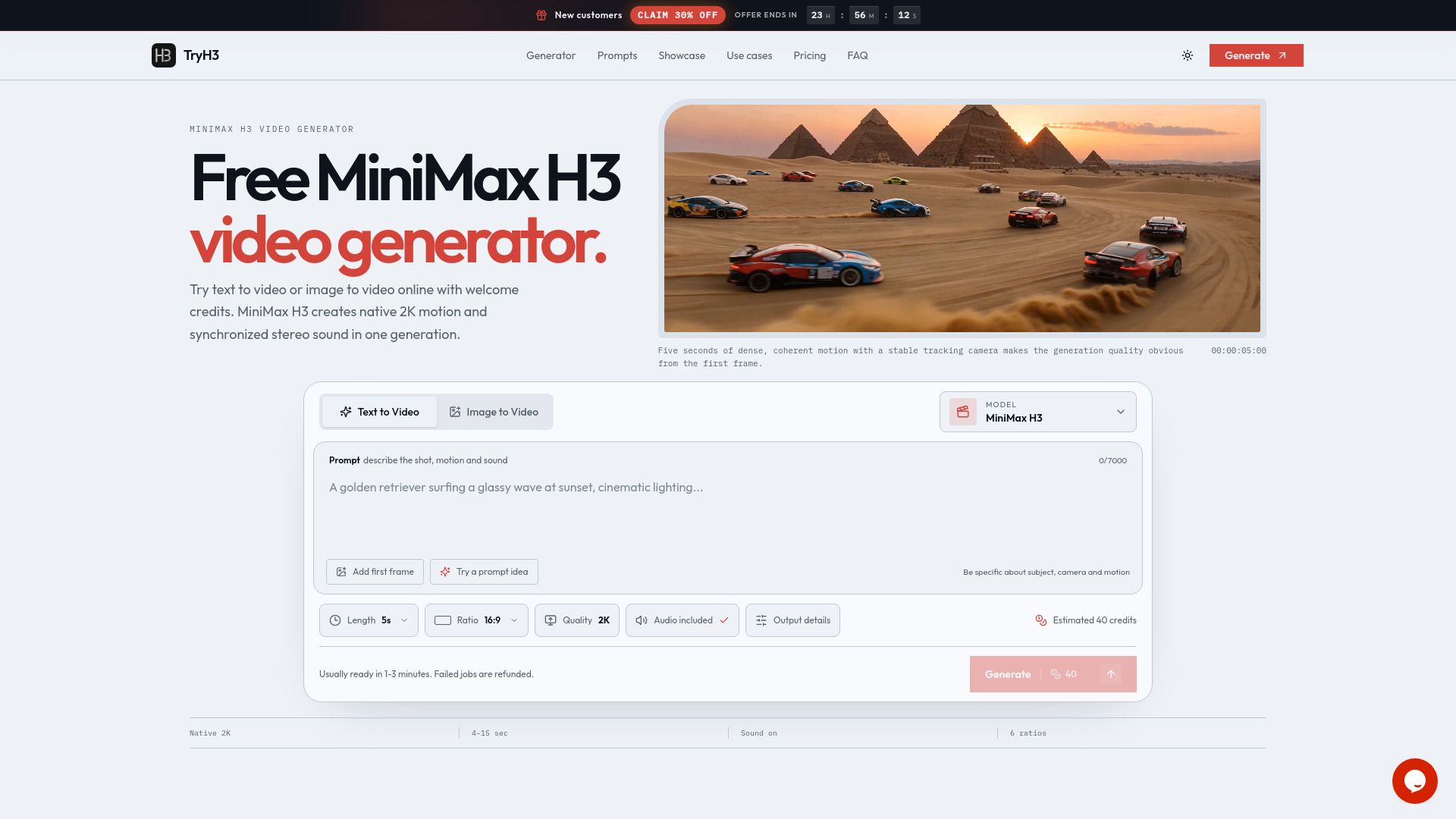
TryH3 is an independent web interface designed for MiniMax H3, a multimodal video model released on July 31, 2026. This platform allows users to generate videos seamlessly without the need to manage API keys, polling, or storage. By wrapping the model in a user-friendly tool, TryH3 enables users to select a mode, write a direction, choose the duration and aspect ratio, and receive a hosted MP4 file in return.
The TryH3 platform leverages the capabilities of the MiniMax H3 model, which processes text, images, video, and audio as a unified context. This allows for various creative outputs, including:
Text to video generation from written prompts.
Animation of images based on user-defined directions.
Control over specific frames and shots using multimodal references.
Try Minimax H3 Features
Try Minimax H3 is a powerful multimodal video generation tool that allows users to create videos by integrating text, images, videos, and audio into a single cohesive context. This innovative model accepts various input types, enabling users to guide the generation process with specific references. For instance, users can provide up to nine reference images, three reference videos, and three audio clips, ensuring that each reference is clearly related to the desired output. This relationship-based prompting aligns with H3’s unified multimodal design, enhancing the overall video creation experience.
The functionality of Try Minimax H3 is designed to cater to diverse video generation needs. Users can select from two output resolutions—768P for lower-credit full renders and 2K for high-quality final outputs. The tool also offers flexibility in duration and aspect ratio, accommodating various formats such as widescreen, square, and vertical videos. With its user-friendly interface, TryH3 simplifies the video creation process by managing retries, automatically refunding failed jobs, and storing all generated content in the user's workspace.
Supports multimodal inputs: text, images, videos, and audio.
Allows up to nine reference images and three reference videos and audio clips.
Offers two output resolutions: 768P and 2K.
Flexible duration and aspect ratio options for diverse video formats.
User-friendly interface with automatic job management and storage.
Why Try Minimax H3?
Try Minimax H3 offers a streamlined and user-friendly interface for generating videos without the complexities of API management. By utilizing TryH3, users can easily select their desired mode, input directions, and specify duration and aspect ratio, resulting in a hassle-free video creation process. This platform not only simplifies the workflow but also ensures that every generation is stored in your workspace, allowing for easy access and management of your projects.
The benefits of using Try Minimax H3 include:
No need for API keys or polling, making it accessible for users of all technical levels.
Automatic handling of retries and refunds for failed jobs, ensuring a smooth user experience.
Flexible credit pack options with no subscription required, allowing users to pay only for what they need.
Regular updates to specifications and features based on the latest MiniMax documentation, ensuring accuracy and reliability.
How to Use Try Minimax H3
To get started with Try Minimax H3, you can utilize its intuitive interface to create stunning videos from text, images, and audio. Begin by accessing the MiniMax H3 generator, where you can choose from various modes such as text to video, image to video, and reference to video. Each mode allows you to specify the subject, action, environment, and other details to tailor the output to your vision.
Here are some key features to help you get started:
Supports multiple input types: text, images, videos, and audio.
Offers various output resolutions, including 768P and 2K.
Allows for a range of aspect ratios suitable for different platforms.
Provides a straightforward credit system with one-time purchase options.
Ready to see what Try Minimax H3 can do for you?and experience the benefits firsthand.
Key Features
How to Use
Visit the Website
Navigate to the tool's official website.
Pros & Cons
What's good
What's not good
Pricing
- 800 credits
- 1,800 credits
- 2,400 credits
- 9,600 credits
- 21,600 credits
- 700 credits
- 1,600 credits
- 3,300 credits