
text-speech.net
text-speech.net converts text to speech online with multiple voices and speeds; no login required and works across browsers.
- Monthly visits
- 15.9K
- Added
- Mar 10 2024
About text-speech.net
Text to Speech is an online tool that converts text into speech or voice, described as free and easy to use. It emphasizes simplicity with a four-button interface and instant conversion results. The tool is designed to help users listen to text instead of reading, and it targets a general audience that may benefit from audio output.
The process relies on converting input text to its phonetic form, then matching phonetics to human audio to produce speech.
Users can choose voice gender and accent, adjust speed, and use the Play, Stop, Copy, and Clear controls.
The service highlights compatibility with almost all web browsers and notes that Microsoft Edge provides more voice options. It also mentions that the tool is mobile-friendly and accessible on devices like smartphones and iPads, with a focus on ease of use and immediate results.
Use cases
- Listening to text instead of reading
- Learning pronunciation
- Voiceovers for videos
- Professional use for multitasking
Key features
- No login or signup required
- Multiple voices and accents
- Speed control
- Language and gender options
- Simple four-button interface
Pros and cons
Pros
Cons
Reviews
Frequently asked questions
Can I download the audio or MP3 file from text to speech tool?
Can I use or share the conversion audio to third-party platforms?
How to get more voice options?
Is there any limit to inputting text?
Alternatives to text-speech.net
More in AI Text-to-Speech
Clideo
Clideo provides online video tools to edit videos, GIFs and images, with a free plan and paid options.

Artlist
Artlist AI is an all-in-one generative AI toolset for content creators, offering AI music, video, image, voiceover, avatars, and dubbing in one platform.

Fish Audio
Fish Audio provides AI text-to-speech and voice cloning capabilities for creators, developers, and teams, with a large voice library and multi-language support.

VEED
VEED is an AI video creation platform built for marketers, founders, and creators to go from idea to post-ready video in minutes, with branding and subtitles.
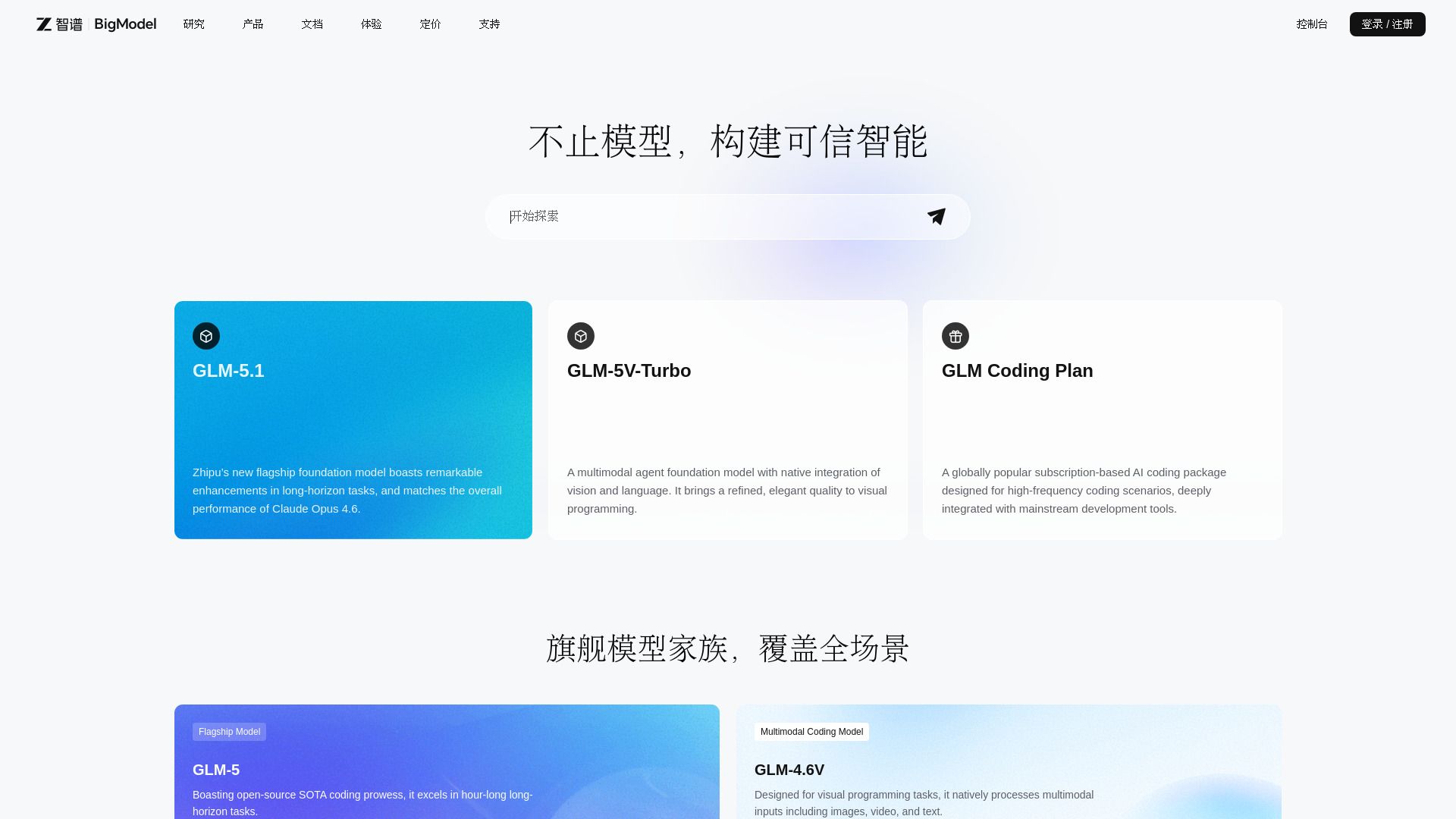
BigModel
Enterprise AI platform with LLMs, multimodal APIs, and deployment tools.

Voicemod
Voicemod is a real-time AI voice changer and soundboard for gaming, streaming, and chats, available on mobile and desktop.