- Monthly visits
- 8.8K
- Pricing
- Paid
- Essential, Professional, Expert
- Company
- Tech Screen
- Added
- Mar 21 2025
About Tech Screen
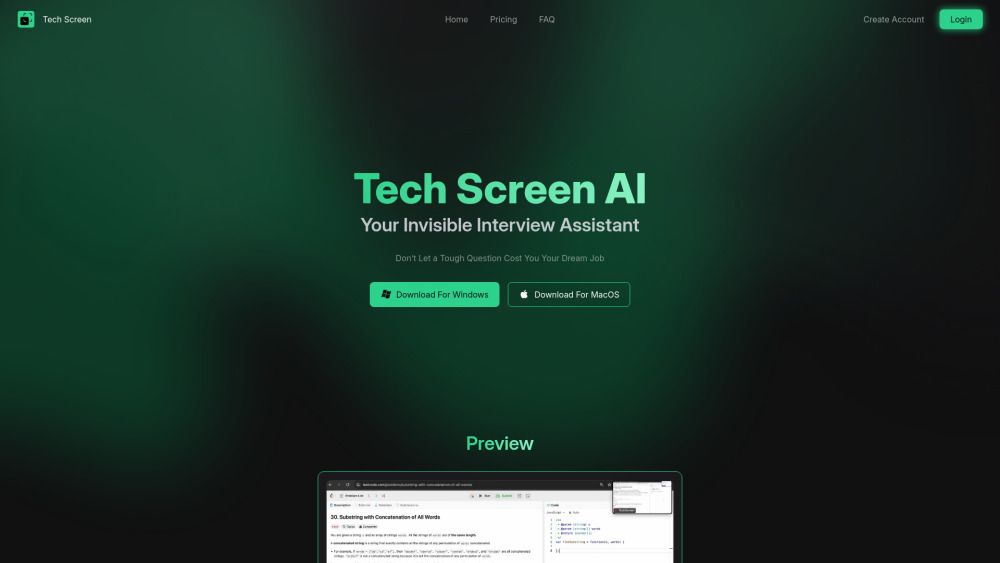
TechScreen is an AI-powered interview assistant designed for technical interview preparations and live interviews. It operates in the background to support users during coding, design, and behavioral questions. The tool aims to help candidates stay confident and perform better while interacting with interviewers. It emphasizes invisibility during screen sharing and recordings so interviewers see only the candidate’s screen, not the tool.
TechScreen works by listening to the interview questions, reading them aloud or typed, and providing answers live. It floats above the user’s IDE or browser and responds through shortcuts. It is tuned for different interview contexts, including software engineering roles or other job types, and can adapt prompts, languages, and user roles for the session.
The product highlights key capabilities and behaviors during a session. It maintains invisibility in screen shares and in the dock or tray, provides instant answers, and uses AI models tailored for problem solving and interview scenarios. The interface is designed to be clean and easy to use, with no need for a learning curve to achieve results.
TechScreen outlines plans, platforms, and integrations, including macOS and Windows installations, various conferencing platforms, and compatibility checks. It mentions a free trial before paid plans and describes pricing and access through plans that can be started and canceled.
Key features
- Invisible in screen share
- Invisible in dock and tray
- Affordable pricing
- Free trial
- Latest AI models
- Works with any interview format
- Zero detection incidents
Pros and cons
Pros
Pricing
- Solved questions150 / quarter
- Conversation1.5 hours
- SupportEmail
- Setup assistance Included
- Solved questions480 / quarter
- Conversation9 hours
- SupportPriority
- Setup assistance Included
- Rate limitsHigher
- Solved questions1,500 / quarter
- Conversation27 hours
- SupportPriority
- Setup assistance Included
- Rate limitsHighest