About TapVid
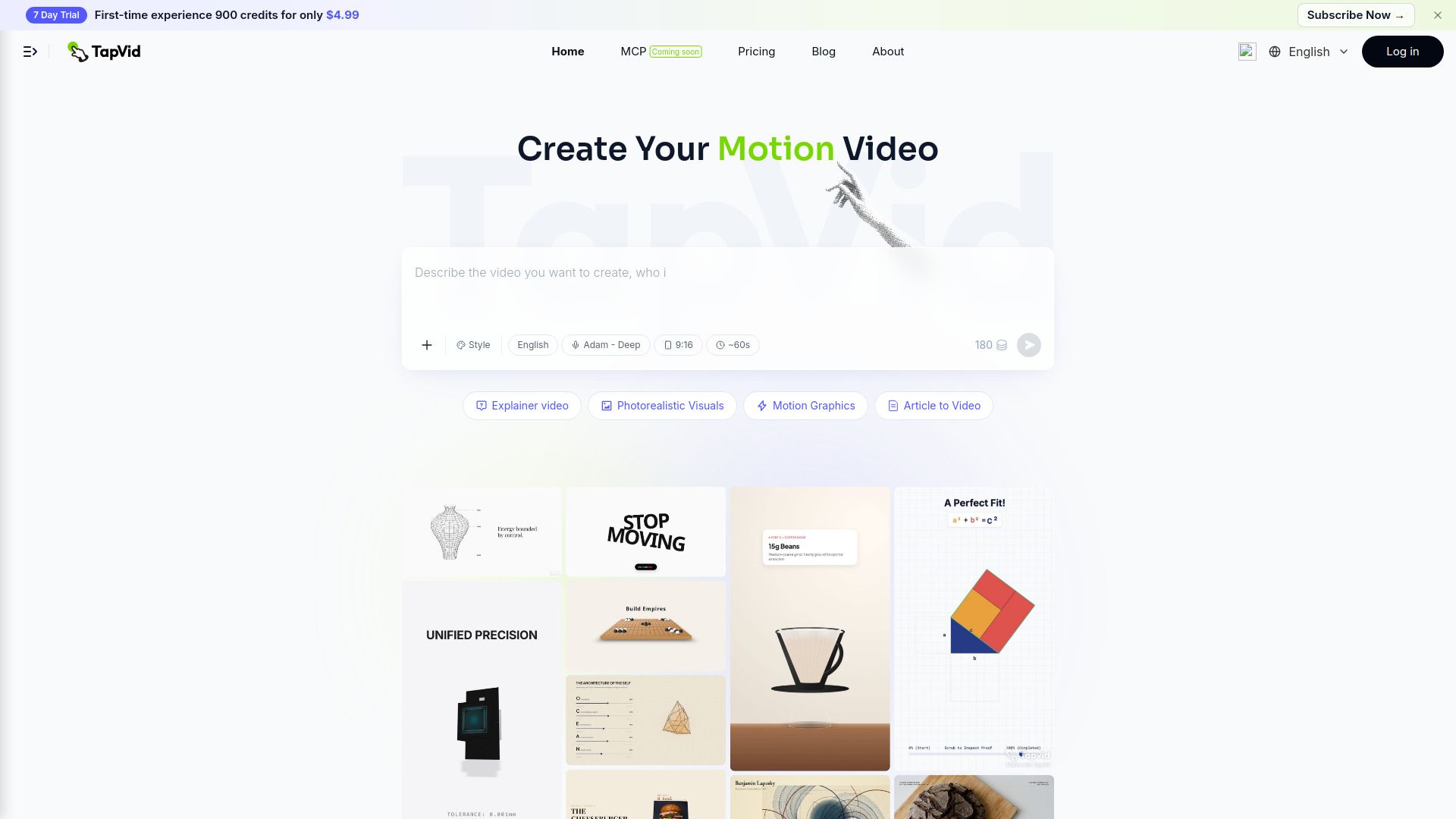
{"What is TapVid?":"TapVid turns the materials you already have into a video that explains things clearly and accurately, with shot-level editing, batch production, REST API, and MCP access.","How to use TapVid?":"1. Sign up at tapvid.ai and start a new project.\n2. Paste a prompt, upload a PDF, or drop a URL as your source material.\n3. TapVid automatically generates the outline, script, motion graphics visuals, AI voiceover, and subtitles.\n4. Fine-tune the result with natural language commands using Intelligent Edit.\n5. Export your video in 1080p and publish.","What can I use as input to create a video with TapVid?":"You can start from a text prompt, a PDF document, or a URL. TapVid turns your source material into a structured motion graphics video with an outline, script, visuals, AI voiceover, and subtitles.","How long can TapVid videos be?":"Clips can be up to 3 minutes long on the Basic, Pro, and Max plans, and up to 5 minutes on the Ultra plan. Paid plans export in 1080p without a watermark.","Is there a free plan?":"No. The Basic plan is $4.99 per month."}
How to Use
Visit the Website
Navigate to the tool's official website.