SyncSketch
Review media collaboratively in the cloud - no setup, visual creative feedback, all real time with just a link.
- Monthly visits
- 1M
- Pricing
- Freemium
- Light, Indie, Team, Enterprise
- Company
- SyncSketch
- Added
- Apr 11 2025
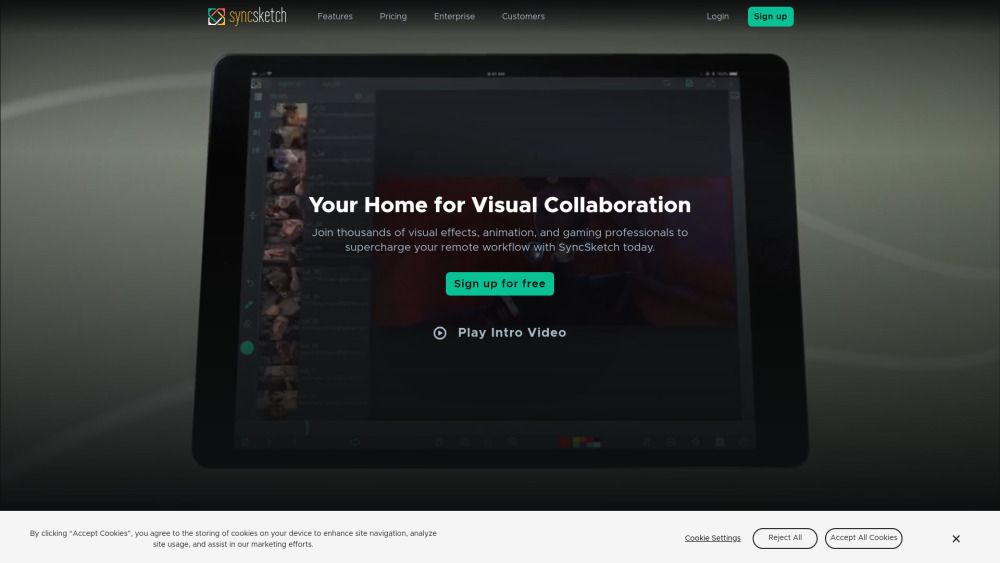
About SyncSketch
SyncSketch provides a cloud-based space for visual collaboration, allowing teams to review media together with real-time feedback. It targets professionals in visual effects, animation, and gaming who need remote workflows supported by a simple link-based access. The tool emphasizes easy setup and collaborative review across distributed teams, enabling faster iteration and clearer communication during feedback sessions.
SyncSketch operates by presenting media to multiple participants who can annotate, present, and discuss in sync. It supports off-line and real-time review, and claims to minimize visual artifacts and skipped frames so the experience mirrors in-person discussions. It integrates with existing workflows to help teams stay aligned during reviews.
The platform highlights capabilities across annotations, presentation, 3D model reviews, and broad sharing options. It emphasizes mobile support, PDF summaries, file comparison, and a collaborative whiteboard as central features. The product is a tool for professional creatives needing structured, multi-user feedback on media assets.
SyncSketch outlines plans, platforms, integrations, and security features. It describes a tiered pricing structure, options for self-hosted data in AWS, SSO and policy controls, and Jira integration. It mentions a free light plan and paid plans with varying storage, user limits, and advanced capabilities, as well as enterprise options for larger teams.
Use cases
- Collaborative media reviews for visual effects, animation, and gaming teams.
Key features
- Rich Annotations
- Synchronous Presentation
- 3D Model Reviews
- Share with Anyone
- Presentation Mode
- Smartphone and Tablet Support
- PDF Summary
- Compare Files
- Whiteboard
Pros and cons
Cons
Pricing
- Sign Up
- Indie and Team plans available for paid access
- Up to 15 users
- 50GB storage / 100GB uploads
- Compare files side by side or A/B
- Status management for review items
- 3D model support
- No upload and user cap
- Customizable sketching brushes
- Media Management & QuickReview
- Self Hosted Data on AWS S3
- Advanced security settings and SSO
- Python API, Flow Production Tracking & Jira integration
- Priority support