- Added
- 2026-09-07 09:42:04
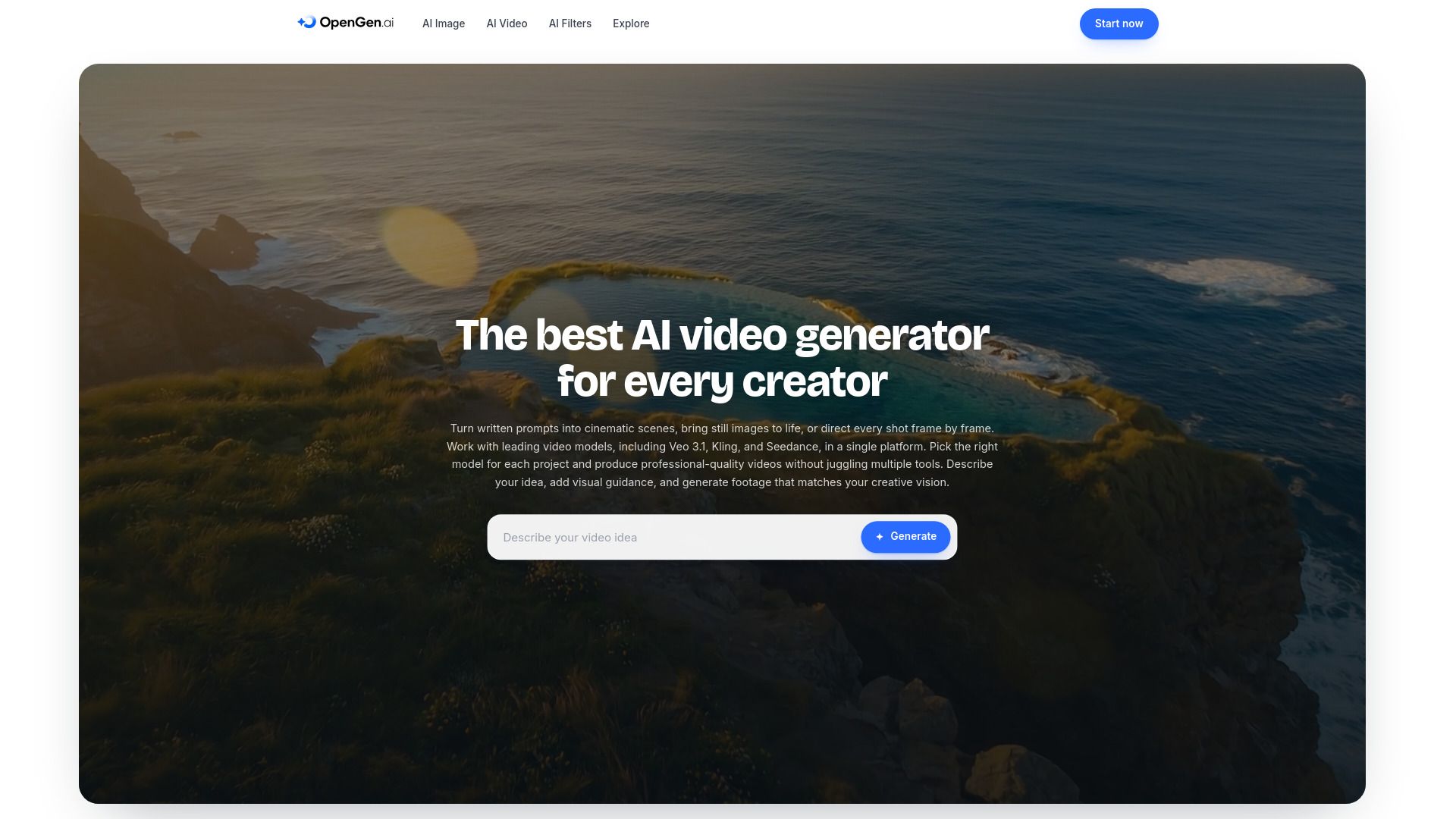
About OpenGen ai
OpenGen provides an all-in-one platform for creating AI-generated video, image, and voiceover content using multiple leading models such as Veo 3.1, Kling, and Seedance. It supports text-to-video and image-to-video workflows, and emphasizes speed, iteration, and access to many models within a single workspace. The tool targets creators who want to produce studio-grade videos directly in the platform, with options to start from prompts or existing photos. The interface highlights model selection, aspect ratios, and frame controls to guide the generated outputs.
OpenGen presents a toolkit that combines AI video generation, image generation, and filters in one place. It emphasizes working with the newest models, offers camera control and start/end frame options, and aims to deliver professional results quickly. It invites users to iterate with quick prompt tweaks until the result matches the creative vision.
It also mentions image generation and a filters feature for restyling portraits and photos.
OpenGen notes plans and integrations by stating it offers online access, “start for free,” and that the toolkit works in a browser with mobile-capable features. It highlights the ability to create from a browser and to use leading models in a single workspace, and mentions 4K output options and scaling for diverse creative projects.
Use cases
- Turn prompts and photos into cinematic clips for ads, social content, or product videos
- Animate photos and convert image ideas into video with precise framing
Key features
- Access 14+ leading AI video models in one workspace
- Camera control and start/end frame editing
- Text-to-video and image-to-video workflows
- Mobile-friendly and browser-based creation
- All-in-one creative toolkit (video, image, and voiceover)
- 4K output option and adjustable video length