
- Monthly visits
- 1.3K
- Pricing
- Freemium
- Pro (Yearly), Hobby (Yearly), Hobby, 1500 Credits (Monthly)
- Added
- 2026-07-09 09:41:14
About Muse Video AI
What is Muse Video AI?
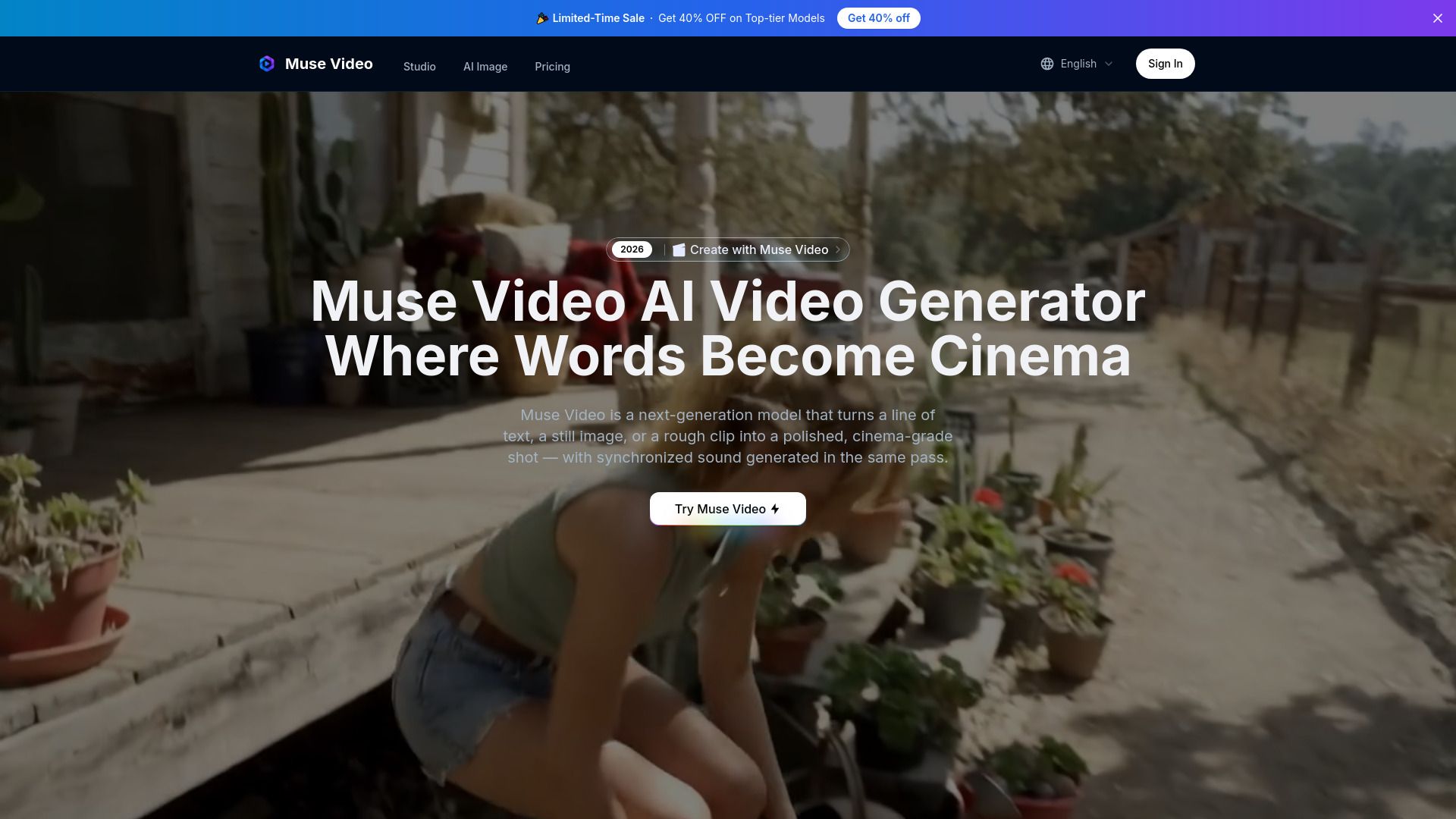
Muse Video is a next-generation generative video model built by Meta Superintelligence Labs. From a text prompt, a still image, or an existing clip, it produces a polished shot with natively generated, synchronized audio — sound effects, ambience, and more.
Muse Video generates, remixes, and edits every scene with native synchronized audio, all inside one online studio, providing creators with a powerful tool to enhance their video production capabilities.
Muse Video AI Features
Muse Video is a next-generation generative video model built by Meta Superintelligence Labs. It can create polished video shots from a variety of inputs, including text prompts, still images, or existing clips. The model not only generates visuals but also produces synchronized audio, including sound effects and ambient sounds, enhancing the overall viewing experience.
The capabilities of Muse Video include:
Generates videos from text prompts, images, or clips.
Produces synchronized audio, including sound effects and ambience.
Remixes and edits scenes seamlessly within a single online studio.
Why Muse Video AI?
Muse Video AI offers a range of benefits that make it an invaluable tool for creators across various fields. By simply providing a clip and a track, users can generate beat-synced music visuals where the action aligns perfectly with the tempo, transforming any footage into a captivating music video in a single pass. This capability not only saves time but also enhances the creative process by allowing for seamless integration of audio and visuals.
Additionally, Muse Video excels in producing high-quality visual effects and educational content. It can create stunning material transitions that would typically require extensive manual work from a compositing team. For educational purposes, it can turn complex topics into engaging claymation explainers, making learning more accessible and enjoyable. The architecture and concept visualization features allow designers to visualize 3D structures from a single reference, enabling them to explore concepts before any physical construction begins.
Beat-synced music visuals with automatic tempo alignment.
High-quality material transitions without extensive manual effort.
Engaging educational content creation from simple prompts.
3D structure visualization for architects and designers.
Learn more andget started with Muse Video AI today.
Key features
- Renders audio alongside visuals
- Saves time in post-production
- Improves pricing for jobs
- User-friendly interface
Pros and cons
Pros
Pricing
- 700 credits / month
- Credits never expire
- 4K Video Resolution
- No Watermark
- Private Generation
- 400 credits / month
- Credits never expire
- 4K Video Resolution
- No Watermark
- Private Generation
- 400 credits / month
- Credits never expire
- 4K Video Resolution
- No Watermark
- Private Generation
- 1500 credits / month
- Credits never expire
- 4K Video Resolution
- No Watermark
- Commercial License



