About MiniMaxH3.app
What is MiniMaxH3.app?
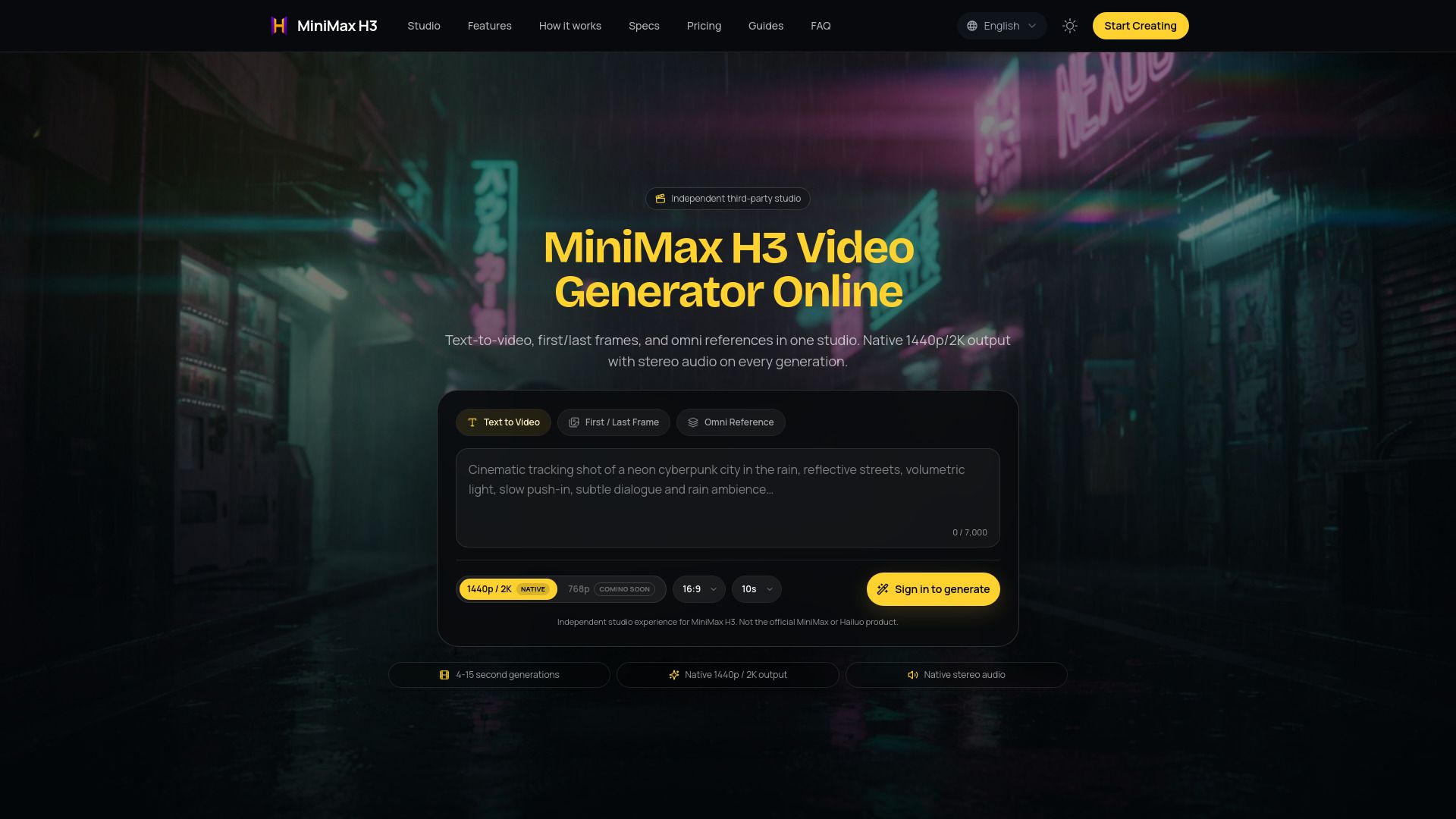
MiniMaxH3.app is an independent AI video studio designed for creating videos using text and reference media workflows. It offers features such as text-to-video generation, First/Last Frame capabilities, and supports native 1440p/2K output along with synced stereo audio. This platform is not affiliated with MiniMax or Hailuo AI, ensuring a unique and independent service for users.
With MiniMaxH3.app, users can easily bring their creative ideas to life by setting prompts, adding references, and selecting the desired duration and aspect ratio for their videos. The studio is accessible via the web, making it convenient for users to start creating high-quality video content.
MiniMaxH3.app Features
MiniMaxH3.app is an AI video studio designed for creating videos using the MiniMax H3 model. It allows users to generate videos by setting a prompt, adding reference media, and selecting the desired duration and aspect ratio. The platform supports text-to-video functionality, enabling users to bring their creative ideas to life with ease.
Key features of MiniMaxH3.app include:
Text-to-video generation capabilities
First/Last Frame functionality for enhanced video editing
Native 1440p/2K output for high-quality video production
Synced stereo audio for an immersive viewing experience
Independent third-party service, not affiliated with MiniMax or Hailuo AI
Why MiniMaxH3.app?
MiniMaxH3.app offers a powerful AI video studio that transforms text prompts into engaging videos, making it an ideal tool for creators looking to bring their ideas to life. With features like First/Last Frame generation, native 1440p/2K output, and synced stereo audio, users can create high-quality content that captivates audiences. The platform is designed to be user-friendly, allowing anyone to start creating videos by simply setting a prompt, adding references, and selecting the desired duration and aspect ratio.
Some of the key benefits of using MiniMaxH3.app include:
High-quality video output with native stereo audio, enhancing the viewing experience.
Credit-based system that allows users to manage their usage effectively, with new accounts receiving initial credits for exploration.
Flexibility in video creation, accommodating various content needs and styles.
Automatic credit refunds for failed tasks, ensuring users get value for their investment.
How to Use MiniMaxH3.app
To get started with MiniMax H3, simply bring your first shot to life by following a few easy steps. Begin by setting a prompt that outlines your video concept. Next, add any references that will help guide the video creation process. After that, choose the duration and aspect ratio for your video, and you are ready to generate your content in the studio.
MiniMax H3 offers a user-friendly AI video studio that allows you to create high-quality videos with features such as text-to-video capabilities, First/Last Frame options, and native 1440p/2K output with synced stereo audio. This independent third-party studio is designed to enhance your video creation experience.
Text-to-video functionality for seamless content creation.
Options for First/Last Frame to customize your video flow.
High-resolution output at 1440p/2K for professional quality.
Synced stereo audio for an immersive viewing experience.
Ready to see what MiniMaxH3.app can do for you?and experience the benefits firsthand.
How to Use
Visit the Website
Navigate to the tool's official website.
Pros & Cons
What's good
What's not good
Pricing
- 2,000 credits granted monthly (24,000 over the year)
- ≈20 five-second 2K videos / month
- ≈$1.66 per five-second 2K video
- Private generations
- Commercial use per Terms
- 5,000 credits granted monthly (60,000 over the year)
- ≈50 five-second 2K videos / month
- ≈$1.50 per five-second 2K video
- Native 1440p/2K quality
- Commercial workflows per Terms
- 11,000 credits granted monthly (132,000 over the year)
- ≈110 five-second 2K videos / month
- ≈$1.51 per five-second 2K video
- Native 1440p/2K quality
- Commercial workflows per Terms
- 1,000 credits, granted once
- ≈10 five-second 2K videos
- ≈$1.20 per five-second 2K video
- Welcome offer, available with your first purchase
- Credits never expire
- 2,800 credits, granted once
- ≈28 five-second 2K videos
- ≈$1.04 per five-second 2K video
- One-time payment, no subscription
- Credits never expire