MiniMax H3 - 1
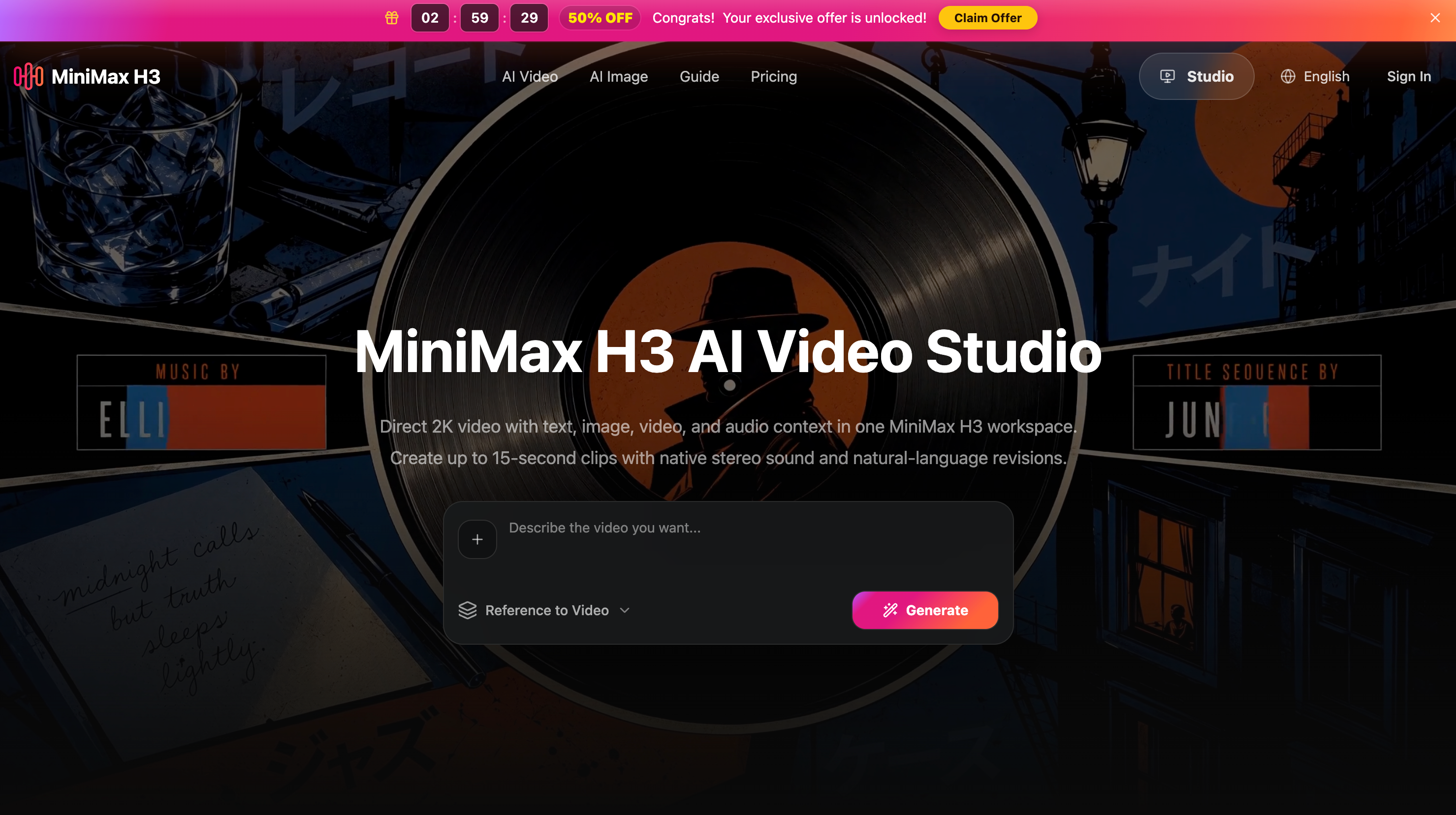
MiniMax H3 is a cutting-edge AI video generation platform that seamlessly integrates text, images, video, and audio to create high-quality videos with native stereo sound at resolutions up to 2K. Its unique capability to unify various creative inputs allows users to generate and refine video content efficiently, making it ideal for advertising, e-commerce, and social media applications. With features like quick scene revisions and version comparisons, MiniMax H3 empowers teams to streamline thei
- Pricing
- Paid
- Added
- 2026-08-03 17:03:24
About MiniMax H3 - 1
What is MiniMax H3 - 1?
MiniMax H3 is MiniMax AI’s general-purpose multimodal video-generation model, designed to unify text, image, video, and audio context for creating videos with native stereo sound at resolutions up to 2K and durations of 15 seconds. This innovative tool allows users to generate videos by integrating various media inputs, streamlining the creative process and enhancing collaboration across different workflows.
With MiniMax H3, users can create a wide range of content, including ad concepts, product demos, storyboards, and social media content. The platform supports a seamless workflow that enables teams to refine their projects without the need for extensive rebuilding, making it ideal for advertising, e-commerce, UI/UX, gaming, and design applications.
Generates videos with text, images, and audio in a single context
Supports video resolutions up to 2K
Allows video durations of up to 15 seconds
Provides native stereo sound generation
Facilitates quick iterations and refinements of video content
MiniMax H3 - 1 Features
MiniMax H3 is a general-purpose multimodal video-generation model that unifies text, image, video, and audio contexts to create videos with native stereo sound at resolutions up to 2K and durations of up to 15 seconds. This innovative tool allows users to generate cohesive video content by understanding the relationships between various media inputs, making it ideal for a range of applications including ad concepts, product demos, and social media content.
Key features and capabilities of MiniMax H3 include:
Unified creative context combining text, images, video, and audio.
Video output at up to 2K resolution with native stereo sound.
Ability to generate videos up to 15 seconds long.
Natural language and V2V motion guidance for precise direction.
Support for various creative projects, including business presentations and e-commerce product videos.
Why MiniMax H3 - 1?
MiniMax H3 offers a comprehensive solution for video generation by integrating text, image, video, and audio into a single creative context. This unification allows users to create high-quality videos with native stereo sound at resolutions up to 2K and durations of up to 15 seconds. The streamlined workflow not only enhances productivity but also ensures that all elements of a project are cohesively aligned, making it an ideal choice for various applications such as advertising, e-commerce, and social media marketing.
By utilizing MiniMax H3, users can benefit from:
Efficient production with a single brief that combines multiple inputs.
High-quality video output with strong instruction following and accurate brand rendering.
Flexibility to refine and compare different video versions without starting from scratch.
Watermark-free downloads and commercial usage rights for professional projects.
Priority customer support to assist with any inquiries or issues.
How to Use MiniMax H3 - 1
Getting started with MiniMax H3 is simple and intuitive, allowing users to create high-quality videos in just three steps. First, set up your MiniMax H3 brief by providing a prompt, still image, or reference clip. The system intelligently reads the subject, camera movement, pacing, and visual style from your natural-language descriptions. Next, choose your generation mode—text-to-video, image-to-video, or reference-to-video—set the desired resolution and aspect ratio, and generate your first cinematic cut. Finally, refine your output by adjusting prompts, swapping references, comparing versions, and extending clips until the result aligns perfectly with your creative vision.
MiniMax H3 offers several features that enhance the video creation process:
Watermark-free downloads for a professional finish.
Priority customer support to assist you with any queries.
Commercial usage rights for your generated content.
Ready to see what MiniMax H3 - 1 can do for you?Get started with MiniMax H3 - 1 todayand experience the benefits firsthand.