About ImagetoVideoAI - 2
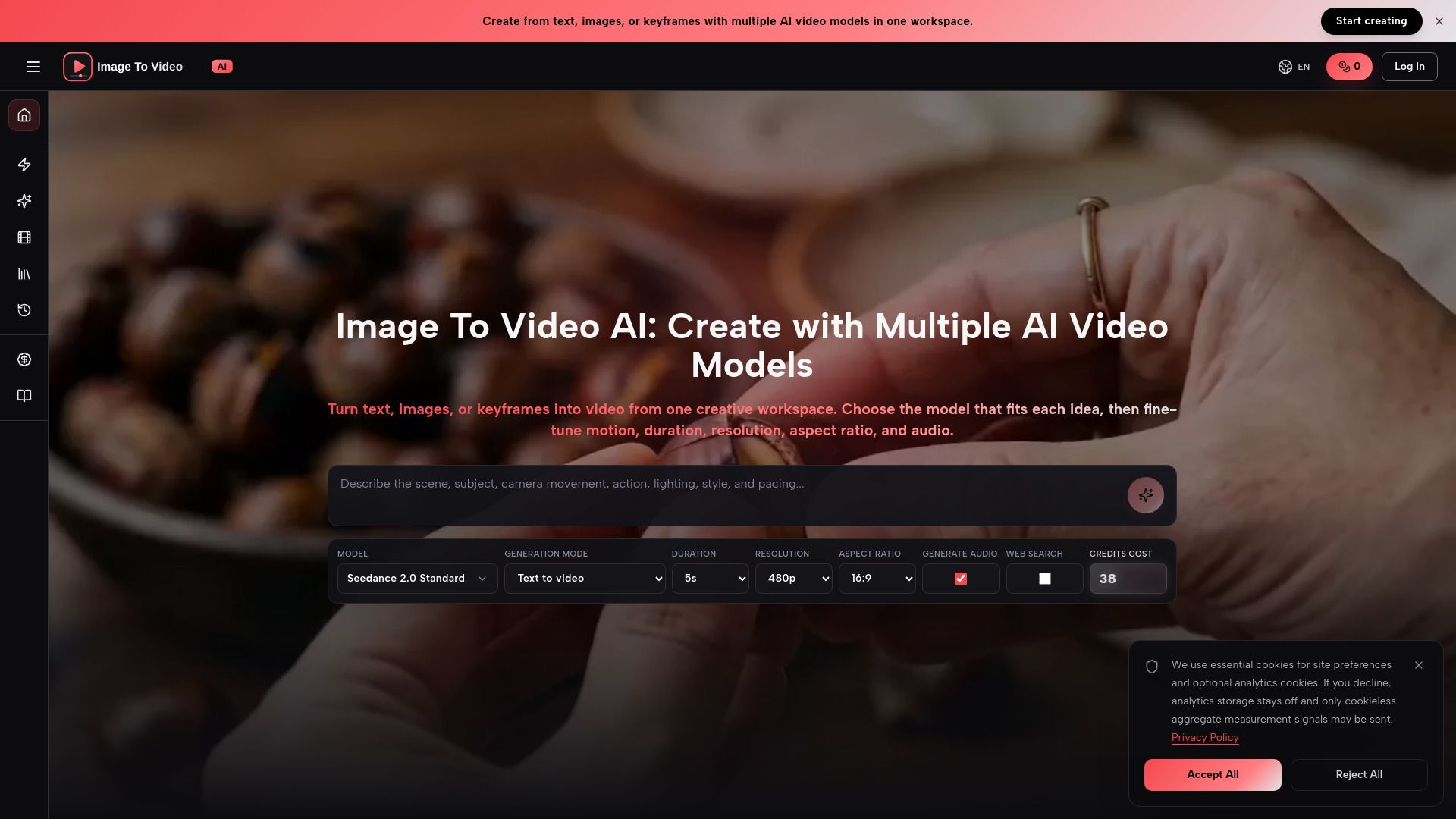
{"What is ImagetoVideoAI - 2?":"Multi-model AI video generator from text, images, and keyframes","What is ImagetoVideoAI?":"Image To Video AI is a multi-model AI video generation platform for creating videos from text, images, or keyframes.","How to use ImagetoVideoAI?":"Enter a text prompt or upload an optional reference image, choose a model and output settings, then generate the video. You can adjust motion, duration, resolution, aspect ratio, and audio depending on the selected model. Finished videos are saved to your Library for playback, review, and download.","What is Image To Video AI?":"It is a multi-model video creation platform for generating video from text, images, or keyframes in one workspace.","Can I create a video without uploading an image?":"Yes. You can start with a prompt and use a model that supports text-to-video generation.","How does image to video generation work?":"Upload a reference image and describe how the subject, camera, background, and lighting should change. The image guides the result.","Which AI video models are supported?":"The workspace includes multiple AI video models, including Seedance 2.0 and Veo 3.1, and the lineup can expand over time.","What video settings can I control?":"Depending on the model, you can control the model variant, duration, resolution, aspect ratio, and audio generation.","Where are generated videos saved?":"Completed videos are saved automatically to your Library, where you can play, review, open, and download them.","Can I use the generated videos commercially?":"Yes. The videos can be used for ads, product pages, social content, presentations, and campaign drafts, subject to model terms and your rights to the source assets."}
How to Use
Visit the Website
Navigate to the tool's official website.