- Monthly visits
- 26.1K
- Pricing
- Paid
- Monthly
- Added
- 2026-09-21 18:12:36
About Gorby
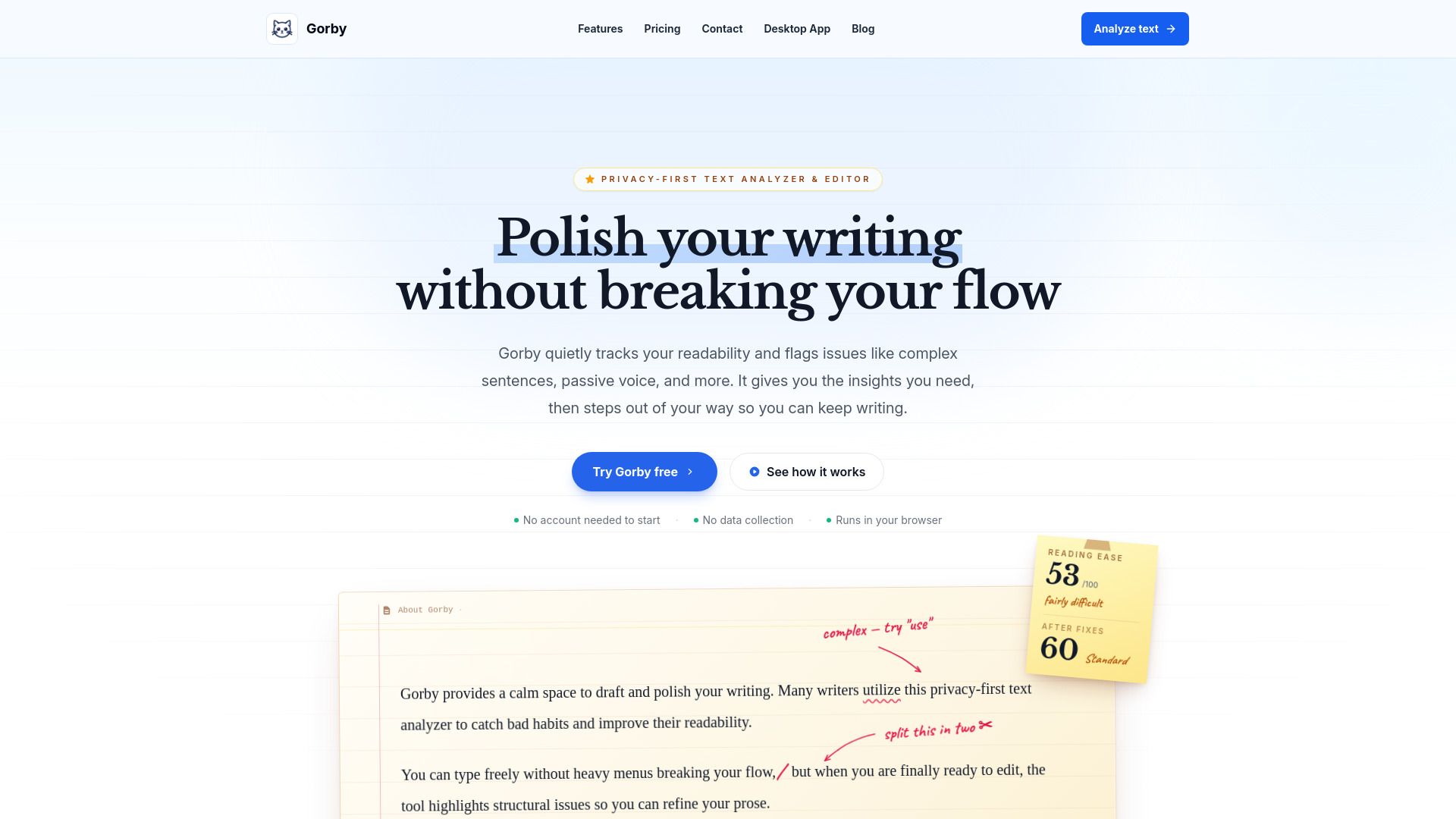
Gorby provides a calm space to draft and polish your writing. It is a privacy-first text analyzer used by writers to catch bad habits and improve readability, with no heavy menus breaking the flow. Drafts remain private, and when editing is required, the tool highlights structural issues to refine prose. Drafts are never stored by Gorby’s servers, maintaining privacy as you work.
Gorby emphasizes a quiet writing surface and focused editing. It tracks readability and flags issues like complex sentences and passive voice, then steps out of the way so writing can continue. The environment is designed to reduce interruptions and keep the writer in flow, with in-browser analysis happening locally.
The tool pairs text analysis with a calm writing surface and offers features such as highlighting, focus mode, and AI-assisted writing. It supports writers across different types of documents and aims to help produce clearer prose without ads or data collection.
Gorby presents a roadmap and emphasizes ongoing development without ads. It highlights a privacy-first approach, plans for future features, and the option of a desktop app while keeping the core principle of private, in-browser analysis.
Use cases
- Draft and polish essays, articles, and technical manuals with readability metrics and style checks.
- Identify long sentences, repetitive words, and hard-to-read sections before submission.
Key features
- Catch passive voice, qualifiers, and complex phrasing the moment you type.
- Check Flesch, Dale-Chall, ARI, SMOG, and more.
- AI Writing Assistant for clarity, tone, and impact without leaving the editor.
- Text Tagging for nouns, verbs, adjectives, and more.
- Reports with statistics, scores, and highlights exportable to PDF.
- Writing Goals with a progress bar and completion chime.
- Focus Mode for distraction-free writing with ambient audio.
Pros and cons
Pros
Cons
Pricing
- Access to premium features on a rolling basis
Reviews
Frequently asked questions
Is Gorby free to use?
How does Gorby protect my privacy?
What premium features are available?
What is Focus Mode?
Can I try some premium features before subscribing?
Which languages are supported?
How do I redeem my license key?
Alternatives to Gorby
More in AI Proofreading
CannyPen
CannyPen is an AI platform for generating articles, ad copy, images, voiceovers and code, with 70+ templates and support for 54+ languages.

MemoJournal
MemoJournal is a voice-first diary app for iPhone and iPad that turns spoken entries into formatted text with AI, with search, media attachments and cloud sync.


ApplyPro
ApplyPro turns a job description and an existing resume into a tailored resume and matching cover letter, with a free tier of 3 applications a month.