- Pricing
- Paid
- Starter, Pro, Enterprise
- Added
- 2026-08-03 17:05:40
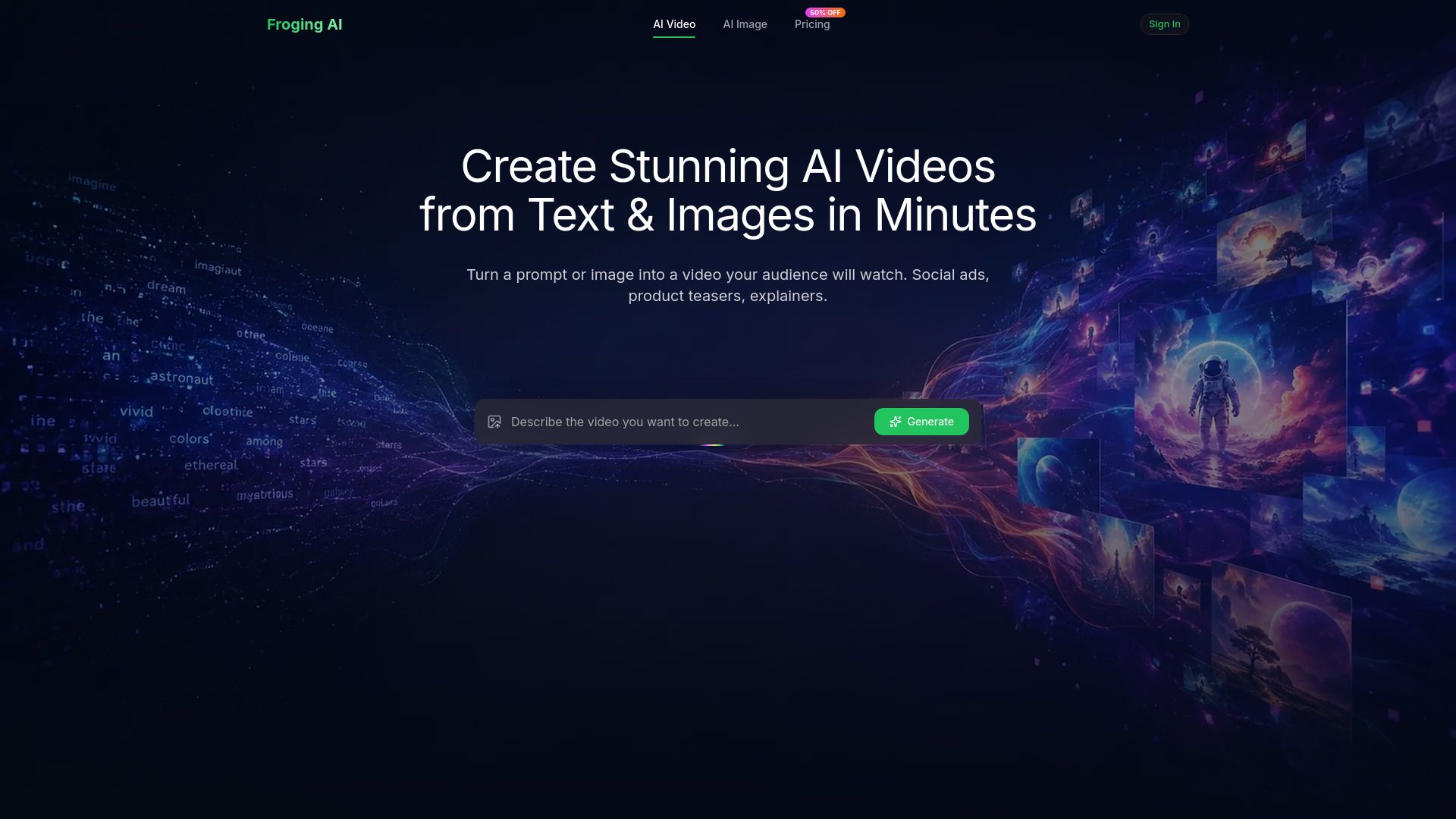
About Froging AI
Froging AI turns a still image into a short video by applying AI motion. The service accepts JPG, PNG, or WebP images and starts from the uploaded photo as the first frame for the generated video. Users describe the motion and camera movement, then generate a video using a chosen model, duration, and aspect ratio.
The tool emphasizes that the uploaded image provides the starting subject, colors, and composition, and that users direct the motion or start from a ready-made prompt. It lists that several leading models are available in one account, and mentions formats for landscape, vertical, and square where supported by the model.
The platform highlights use cases for portraits, product photos, art and illustrations, and nature scenes. It explains how motion can reveal detail, texture, or atmosphere without altering the original photo’s core content.
The service explains pricing plans and model access, including early access to new models and notes about commercial-use friendly licenses, along with support options and the ability to compare plans.
Use cases
- Turn portraits and selfies into short videos for introductions or posts
- Create product videos from catalog images
- Animate illustrations or concept art
- Bring landscapes to life for travel content
Key features
- Upload a photo or image (JPG, PNG, WebP) and use it as the first frame
- Describe motion and camera behavior
- Choose among leading AI video models
- Download generated video in your preferred format
- Supports multiple aspect ratios and formats
- Preview prompts and prompts library
Pros and cons
Pros
Pricing
- 800credits/month
- AI Video Generation
- 2K/4K Image Generation
- Access premium AI models
- Audio-enabled video generation
- No watermark downloads
- Commercial-use friendly
- Community support
- 1600credits/month
- AI Video Generation
- 2K/4K Image Generation
- Access premium AI models
- Audio-enabled video generation
- No watermark downloads
- Commercial-use friendly
- Faster generation speeds
- Priority support
- 4000credits/month
- AI Video Generation
- 2K/4K Image Generation
- Access premium AI models
- Audio-enabled video generation
- No watermark downloads
- Commercial-use friendly
- Faster generation speeds
- Priority support
- Early access to new models