
About Flux 3 - im
What is Flux 3 - im?
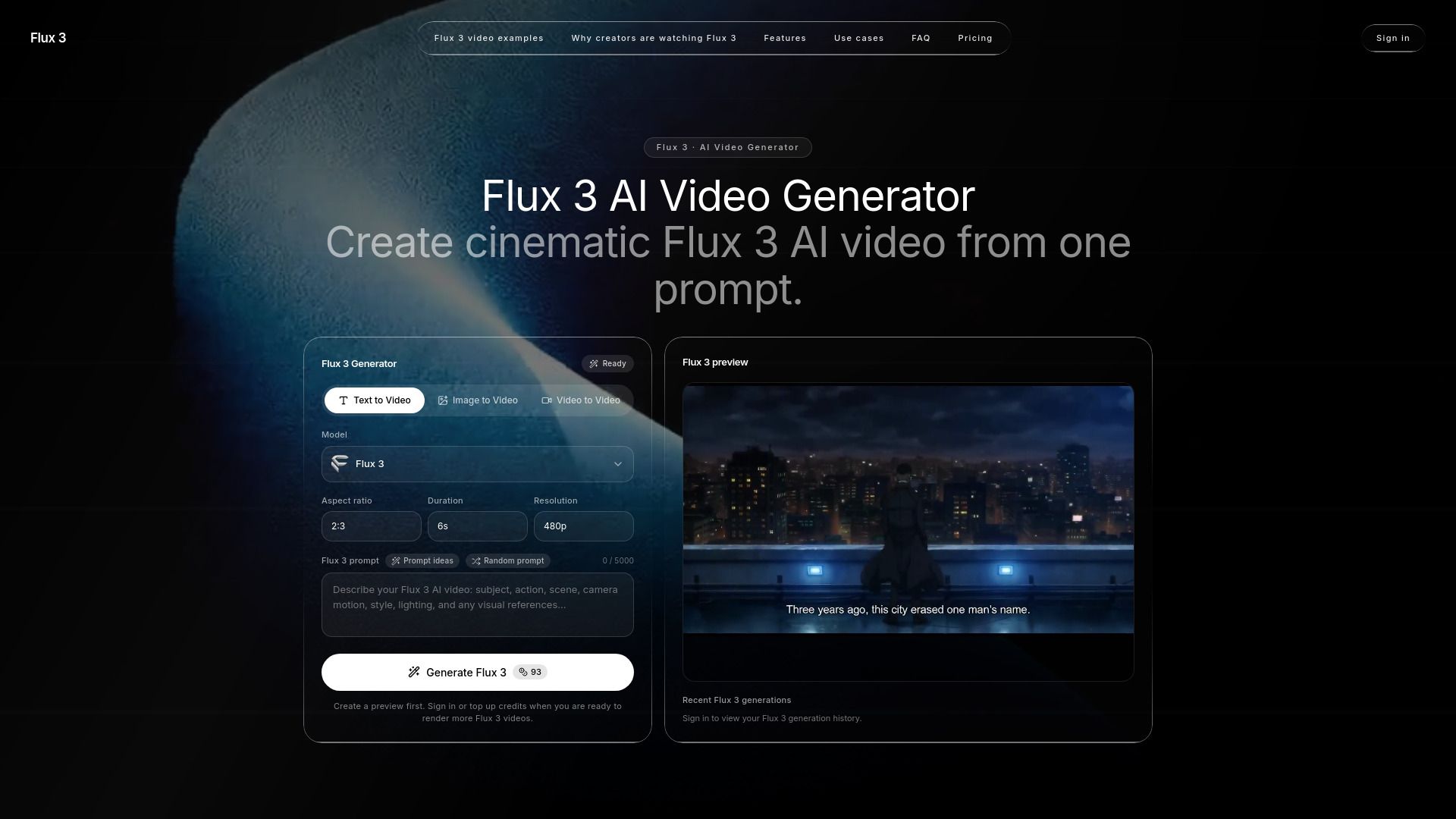
Flux 3 is an independent platform designed for creating cinematic AI videos from a single prompt. It leverages a multimodal model that integrates image, video, and audio, allowing for the generation of clips that include synchronized sound effects, such as footsteps and ambient noise, all produced in a single pass. This innovative approach enables creators to produce high-quality video content that is both visually and audibly engaging.
The platform offers a streamlined process for video creation, which can be summarized in three simple steps: first, users write a detailed prompt describing the desired scene; second, they can upload reference images or videos to guide the generation; and finally, they generate a preview of the video, review the results, and purchase credits for further outputs. This user-friendly workflow is designed to help creators achieve their specific artistic goals efficiently.
Flux 3 - im Features
Flux 3 is an advanced AI video generator that allows users to create cinematic videos from a single prompt. It supports a multimodal creative model, integrating images, video, and audio to produce dynamic content. Users can explore various cinematic motions, product details, and stylized scenes through examples, which serve as inspiration for crafting their own prompts.
The platform offers several key features and capabilities, including:
Native audio generation that synchronizes sound effects with on-screen actions.
Expressive motion and dialogue handling, ensuring believable character movements and multilingual dialogue.
A straightforward model selection process, allowing users to choose input type, duration, aspect ratio, and resolution easily.
Three-step video creation process: define a creative goal, describe the shot, and generate a preview.
Why Flux 3 - im?
Flux 3 offers significant advantages for creators looking to enhance their video production process. By allowing users to generate motion samples from prompts and reference images, it simplifies the storyboard testing phase, making it easier to visualize concepts without lengthy explanations. This capability not only saves time but also fosters collaboration among team members, as they can react to visual content rather than abstract ideas.
Some key benefits of using Flux 3 include:
Streamlined iteration process for refining video concepts.
Ability to create dynamic product videos that showcase angles, lighting, and material feel.
Facilitates quick testing of video ideas, enabling faster decision-making.
Supports various formats for social media, enhancing engagement with target audiences.
How to Use Flux 3 - im
To get started with Flux 3, begin by writing a clear AI prompt that describes the subject, action, camera movement, lighting, mood, and aspect ratio. The more specific your scene is, the better the results will be. You can also enhance your prompt by uploading a reference image or video to guide the generation process.
Once you have your prompt ready, open the Flux 3 generator to create a preview of your video. After generating the video, you can review the results and keep the strongest outputs in your history. If you need more credits to generate additional videos, the pricing section and embedded checkout make it easy to manage your credits directly within the platform.
Write specific prompts for better video generation.
Use reference images or videos to guide the output.
Review and save your best video outputs for future use.
Easily manage credits and payments within the platform.
Ready to see what Flux 3 - im can do for you?and experience the benefits firsthand.
Key Features
How to Use
Visit the Website
Navigate to the tool's official website.
Pros & Cons
What's good
What's not good
Pricing
- 2,000 credits
- For testing Flux 3 prompts and short videos
- Access to 480P and 720P options
- Text, image, and video reference workflows
- 3,600 credits
- For regular Flux 3 creators and marketers
- Access to 480P and 720P options
- Text, image, and video reference workflows
- 7,500 credits
- For studios, teams, and frequent video generation
- Priority support
- API access for production pipelines
- 20,000 credits
- For testing Flux 3 prompts and short videos
- Access to 480P and 720P options
- Text, image, and video reference workflows
- 30,000 credits
- For regular Flux 3 creators and marketers
- Access to 480P and 720P options
- Text, image, and video reference workflows
- 65,000 credits
- For studios, teams, and frequent video generation
- Priority support
- API access for production pipelines
- 2,500 credits
- One-time Flux 3 credit purchase
- 5,500 credits
- One-time Flux 3 credit purchase
- 12,000 credits
- One-time Flux 3 credit purchase
- 33,000 credits
- One-time Flux 3 credit purchase