- Pricing
- Paid
- Pay as you go $11, Pay as you go $20, Pay as you go $45, Subscription $11/month, Subscription $30/month, Subscription $90/month
About Clean Voice
Clean Voice is an AI-powered tool that removes background noise from audio and video recordings such as podcasts, interviews, online courses, voiceovers, video calls and social clips. It is built for creators who want clearer recordings without learning editing software. New accounts get 10 free credits, enough for up to 10 minutes of audio or about 3 minutes of video, with no credit card required.
A file is dragged and dropped into the tool, processed by AI to remove background noise, and then downloaded or exported once clean. Selecting a file keeps it in the browser, and upload begins only after sign-in and the start of a task; processing and downloads use expiring signed links rather than permanent public media URLs. Credits are deducted only after a valid output is ready, so failed tasks do not consume credits and can be retried.
Clean Voice supports MP3, M4A, WAV and AAC audio, and MP4, MOV and WebM video. Audio is charged at 1 credit per rounded-up minute and video at 3 credits per rounded-up minute, with a minimum of 1 credit. Users can play a clip and switch between the original and cleaned soundtrack to compare results before committing credits, and original files and results appear only in the Activity history of the account that processed them.
Clean Voice sells pay-as-you-go credit packs at $11, $20 and $45, good for 5, 10 and 30 hours of processed audio or video respectively, valid for 2 years, alongside monthly subscriptions at $11, $30 and $90 for 10, 30 and 100 hours a month, with unused subscription credits rolling over up to three times the plan limit. Regular tasks support files up to 1 GB and 30 minutes by default, and displayed prices exclude VAT.
Use cases
- Making podcast conversations easier to follow without re-recording
- Reducing room tone and location noise in interviews
- Giving online course lessons a more consistent listening experience
- Cleaning home-recorded narration before editing
- Improving the soundtrack of remote interviews and meetings
- Making short social clips sound clear on phones and headphones
Key features
- Removes background noise from audio and video
- No need to learn editing software
- Supports MP3, M4A, WAV and AAC audio and MP4, MOV and WebM video
- Lets users compare original and cleaned audio before committing
- Demo playback needs no upload or credit card
- Files stay in the browser until upload is confirmed
- Uses expiring signed links instead of permanent public URLs
- Failed tasks do not consume credits
- Failed tasks can be retried
Pros and cons
Pros
Cons
Pricing
- one-time
- $2.20 / hour
- 5 hours processed audio or video
- one-time
- $2.00 / hour
- 10 hours processed audio or video
- one-time
- $1.50 / hour
- 30 hours processed audio or video
- $1.10 / hour
- 10 hours / month
- For occasional weekly episodes
- $1.00 / hour
- 30 hours / month
- For regular podcasts and interviews
- $0.90 / hour
- 100 hours / month
- For full production workflows
Reviews
Frequently asked questions
Which formats do you support?
How are audio and video charged?
How long are my files kept?
Does a failed task use credits?
Can I retry a failed task?
What are the file limits?
Is VAT included?
Alternatives to Clean Voice

GenMusic
GenMusic is an AI music generator that turns prompts and lyrics into original songs, instrumental tracks, vocal demos, and background music.

NeuralSound
NeuralSound is an online AI music separation tool that removes vocals, isolates stems, and provides practice features for musicians, singers, educators, and…

eMastered
eMastered is an AI-powered online mastering tool for musicians, offering AI mastering, reference mastering, stem separation, and distribution within one platform.

Hello Audio
Hello Audio turns content into private podcasts for on-the-go listening, aimed at course creators, memberships, and coaching programs.
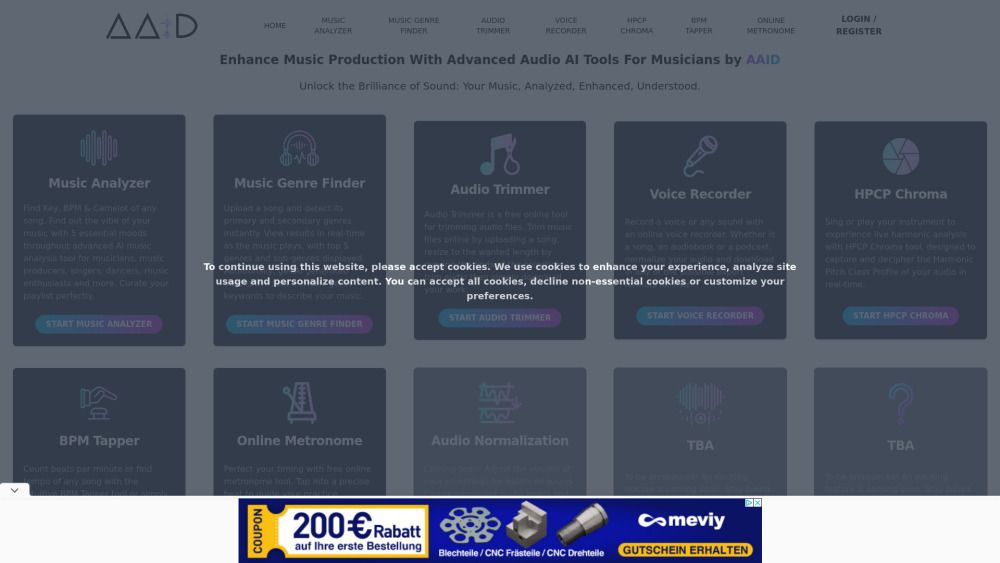
Audio AI Dynamics - AAID
Tools for analyzing and enhancing music with AI.

AI Mastering
AI Mastering provides automated online audio mastering using AI for users needing mastering.