
- Pricing
- Freemium
- Free, Creator, Studio, Enterprise
- Added
- 2026-09-01 17:29:42
About CinLink
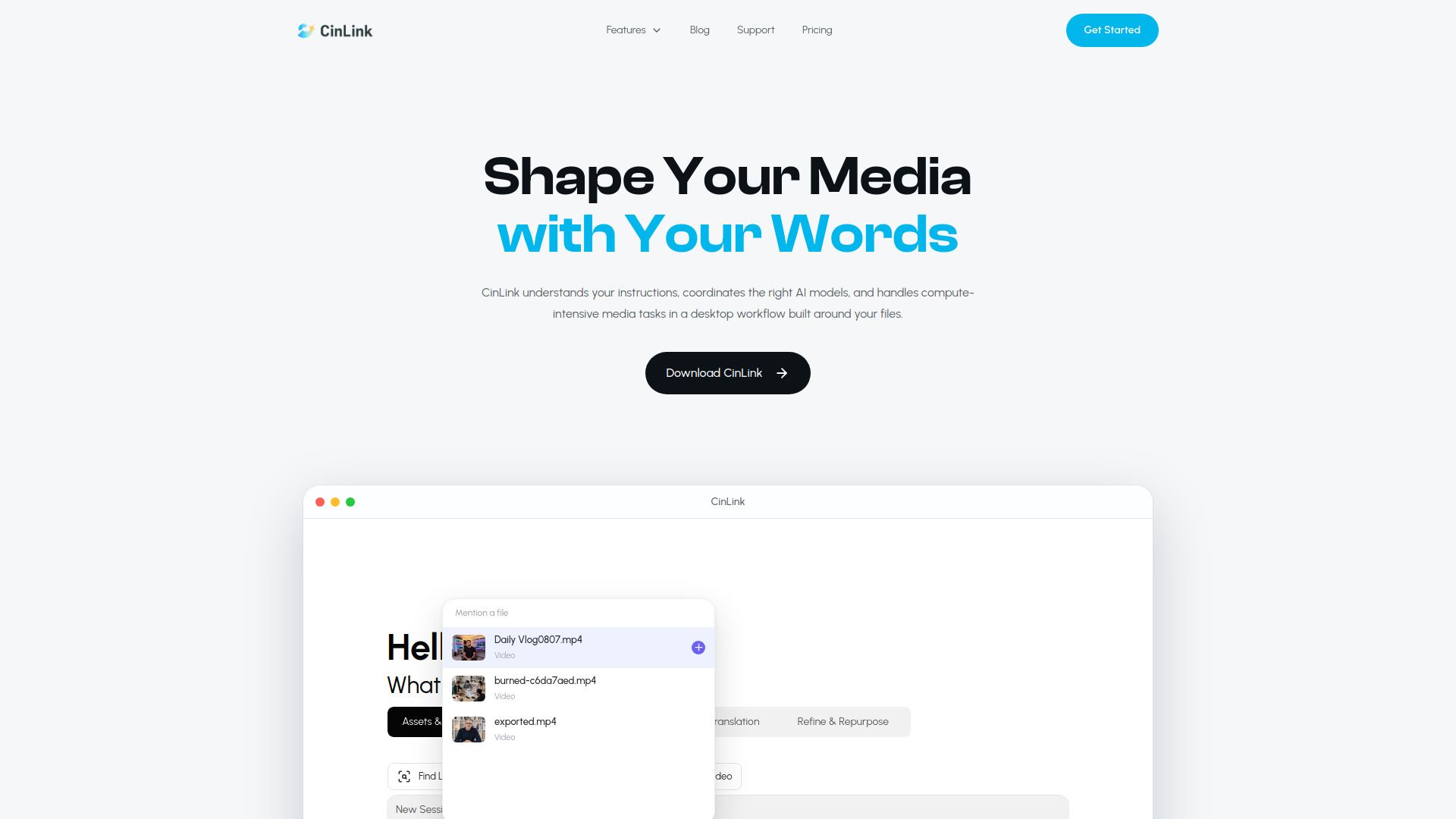
CinLink provides a workflow-based media tool that turns natural-language instructions into complete media workflows. It supports transcription, editing, translation, dubbing, and export, aiming to help creators manage end-to-end video projects. The tool emphasizes handling heavy media tasks close to the user’s files and orchestrating AI models to execute complex operations.
Users start by adding their media or idea, then CinLink processes the media in steps, from transcription to final output. The platform emphasizes staying close to local files and reviewing results before export, enabling iterative refinement of captions, translations, and edits.
CinLink offers features for subtitle generation, translation and dubbing, short-form video creation, quality enhancement, and content repurposing. It supports generating outlines, summaries, and key takeaways, as well as image and video generation from prompts or references.
CinLink plans to expand desktop review and automation capabilities and supports a desktop-first workflow with further connectivity and automation options. It provides desktop, mobile review, and a command-line interface (CLI) to run batch jobs and scripted tasks, plus agent integrations for connecting CinLink capabilities to other AI systems.
Use cases
- Subtitle creation and translation for marketing, training, and education videos.
- Media organization and client delivery for small studios and agencies.
- Multilingual content creation and localization workflows for education and enterprise.
Key features
- Turn speech into timed subtitles. Refine every line, then export an SRT or a video with captions built in.
- Translate captions and dialogue, generate a new voice track, and review the wording, pacing, and sound before exporting your video.
- Pull highlights from interviews, podcasts, courses, or webinars, and turn them into short clips ready for social media.
- Turn long videos into outlines, summaries, and key takeaways, with timestamps that take you back to the moments that matter.
- Enhance video quality, upscale resolution, adjust aspect ratios, and add a watermark.
- Create images and video clips from a description or reference. Fill a missing scene or add the B-roll your story needs.
Pros and cons
Pros
Pricing
- 100 credits once
- Try subtitles, transcription, and basic translation
- Export short test videos
- 2,500 credits / month
- UpgradeAI subtitles and transcription
- Subtitle translation
- Basic video localization workflow
- 8,500 credits / month
- UpgradeEverything in Creator
- Batch video processing
- Custom credits
- Team seats and workspace management
- Private deployment options
- Invoice, SLA, and contract support
- Whitelist and API integration
- Dedicated support



