- Monthly visits
- 14.2K
- Pricing
- Paid
- Growth, Pro, Creator
- Added
- 2026-07-20 10:46:04
About Brainrot Shorts
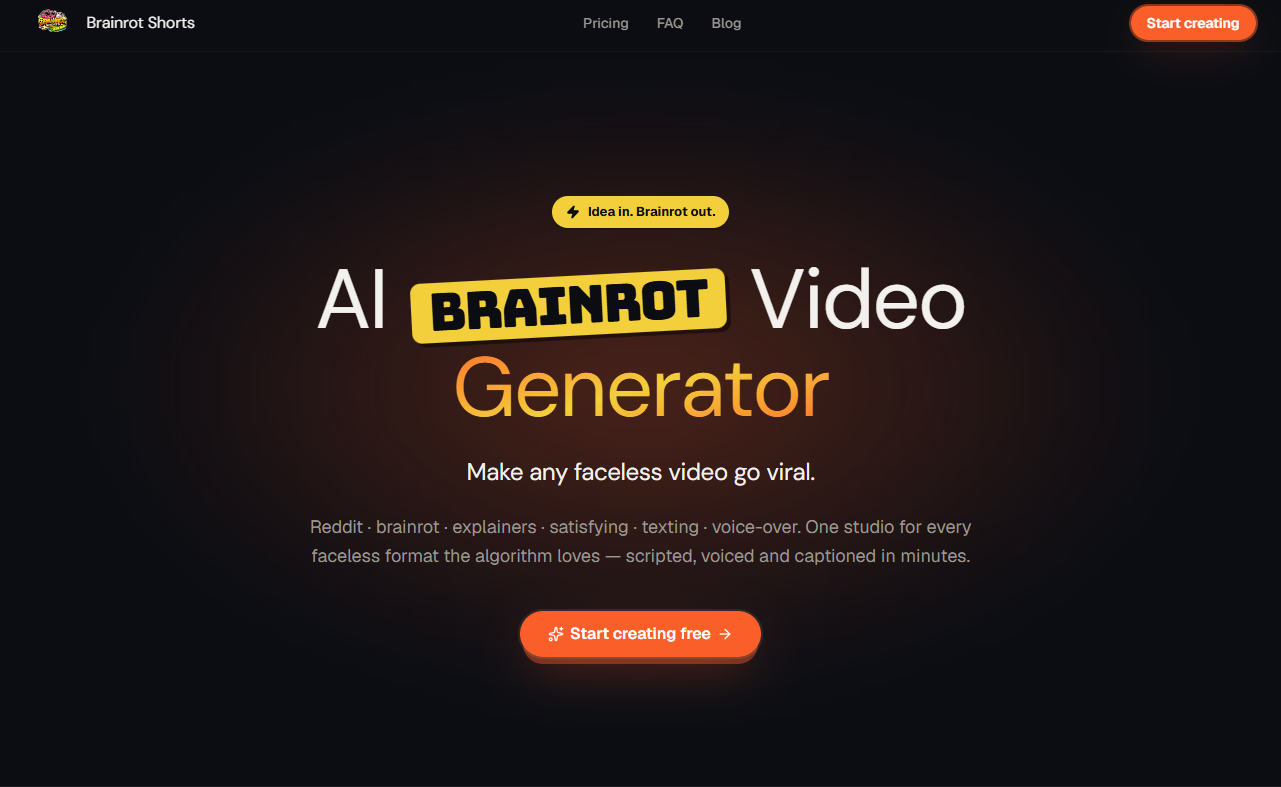
Brainrot Shorts is a tool for creating short-form videos from ideas, scripts, URLs, or documents. It targets creators and professionals who want ready-to-publish videos without handling every production detail. The app handles design, animation, voice, sound, and editing to fit each project, and supports both explanatory and motion-graphics styles. The goal is to produce content that can be watched and shared.
From an input such as a one-line idea or a document, Brainrot Shorts creates a cohesive video with a designed look. Users can start from a simple prompt and receive a finished video that combines scripting, visuals, and audio elements in harmony. The platform emphasizes end-to-end production where the output is export-ready for various formats.
The service emphasizes that voiceover, visuals, captions, and sound are made for you, and that you can modify the script, voice, or look after it’s generated. The output can be downloaded in vertical or widescreen formats, supporting different distribution needs.
Brainrot Shorts provides a self-serve pricing model with several plans and usage limits. It describes how plans scale, what is included in each tier, and how credits are allocated across different types of videos and features. The documentation also notes that Motion Graphics is accessible and configurable across plans, with certain capabilities gated by the chosen tier.
Use cases
- Faced with a need to produce short-form videos for education or marketing
- Creators who want voiceovers, captions, and editing handled
Key features
- Turn any idea, script, URL, or document into genuinely high-quality short-form video
- Script, design, animation, and voice are built to fit together
- Change inputs and re-build to update the video
- Download videos vertical or widescreen
- Voiceover in a chosen voice
- Captions synced to dialogue
- Animation moves with the narration
- MCP access for AI agents
- Watermark-free exports on paid plans
- Fully managed production option
Pros and cons
Pros
Cons
Pricing
- 70,000 credits / month
- 35× Lite
- +2,000 bonus credits at signup
- Everything in Pro, plus:
- Unlimited Motion Graphics, 3× higher limits*
- Batch runs: 3 videos at once
- Long videos & documents into a whole series
- 30,000 credits / month
- 15× Lite
- +2,000 bonus credits at signup
- Everything in Creator, plus:
- Unlimited Motion Graphics*
- Priority rendering over Creator & lower plans
- Custom branding for Motion Graphics
- MCP Access (Claude, ChatGPT, Cursor & more)
- $160/mo more turns long videos and documents into whole series of shorts, with 40,000 more credits
- 12,000 credits / month
- 6× Lite
- +2,000 bonus credits at signup
- Everything in Lite, plus:
- Motion Graphics studio
- $40/mo more adds 18,000 credits and the full Pro toolkit
Reviews
Frequently asked questions
What do I need to start?
Do I need to know how to edit video?
What is the difference between the two kinds of video?
How do credits work?
Can my AI agent use it?
Can I monetize what I make?
What is your refund policy?
Alternatives to Brainrot Shorts
More in AI Video Generator
Burning Bridges AI
Burning Bridges AI turns a portrait photo into a short AI video of a viral social trend, led by a chandelier-party scene, using Seedance-2 video models.

SubsVideo
SubsVideo déchiffre les nouveautés de l’IA créative (vidéo, image, voix, musique) et teste les outils, avec tutos et actus.
Seavid AI
Seavid AI is a browser platform for making AI videos and images from text, photos and references using third-party models such as Seedance, Veo and Kling.

Video to Prompt
Video to Prompt analyzes short videos to produce editable AI prompts for video and image workflows.

