About AppIconKitchen
What is AppIconKitchen?
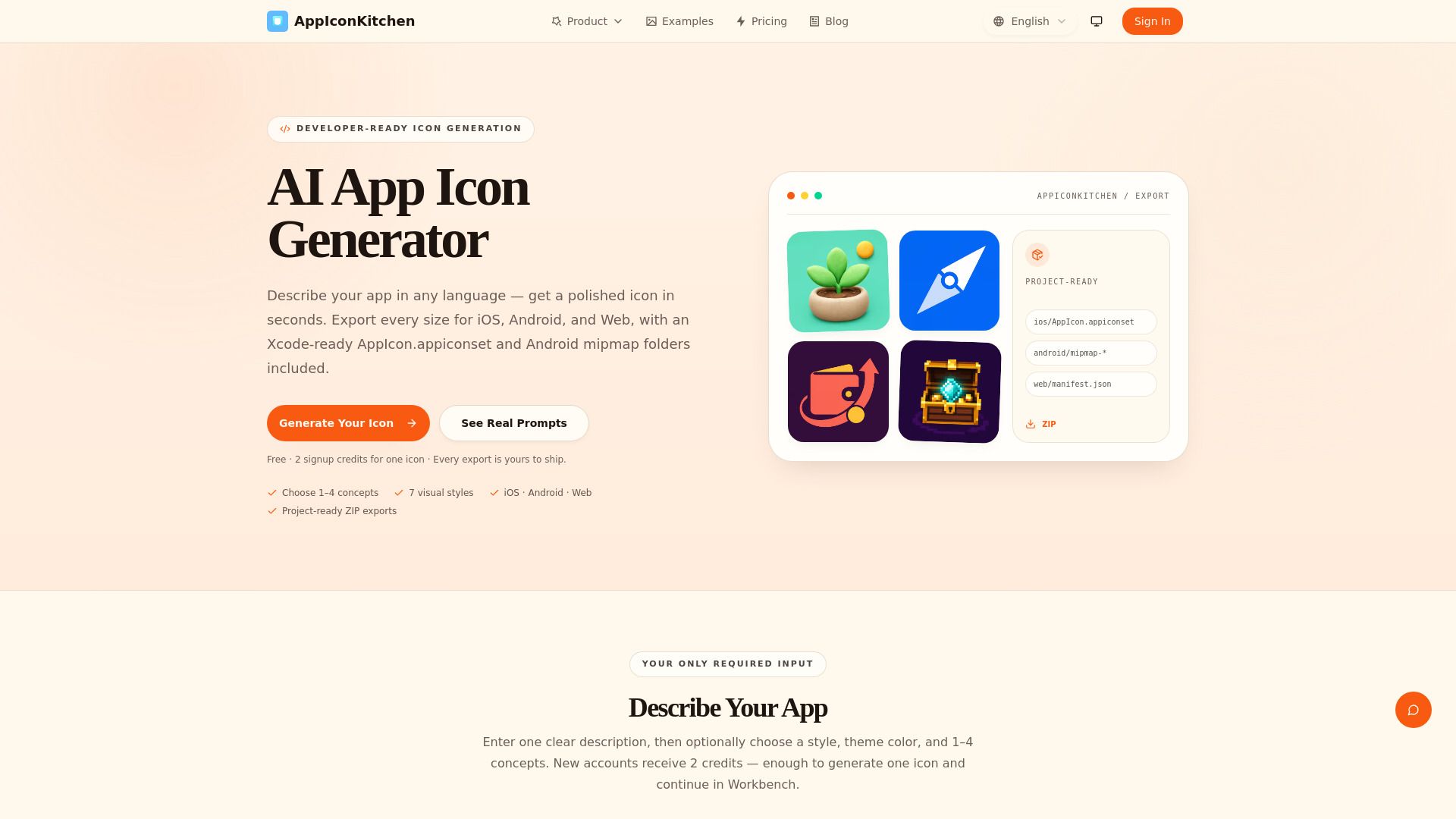
AppIconKitchen is a developer-focused app icon workflow that assists developers in transforming their icon ideas into project-ready assets for various platforms, including iOS, Android, Expo, Flutter, Web, and PWA projects. The platform combines AI-assisted icon generation with a workbench for refinement, allowing users to preview, separate backgrounds, and export assets tailored for specific platforms.
This tool is designed for independent developers, product teams, designers, and agencies that require consistent app icon exports without the hassle of manually assembling every size and configuration file. AppIconKitchen streamlines the process, ensuring a practical handoff into development tools rather than providing a generic image gallery.
Xcode-ready AppIcon.appiconset folders with PNG assets and Contents.json
Android launcher mipmap assets, including adaptive foreground, background, and XML resources
Common Expo and Flutter launcher icon assets
Favicons
AppIconKitchen Features
AppIconKitchen is a developer-focused AI app icon generator and export workbench designed to streamline the process of creating app icons for various platforms, including iOS, Android, Expo, Flutter, Web, and PWA projects. It assists developers in transforming their icon ideas into project-ready assets, ensuring a practical handoff into development tools rather than just providing a generic image gallery.
The platform combines AI-assisted icon generation with a suite of features that allow for refinement, previewing, background separation, and platform-specific exports. This makes it particularly beneficial for independent developers, product teams, designers, and agencies that require consistent app icon exports without the hassle of manually assembling every size and configuration file.
Generates Xcode-ready AppIcon.appiconset folders with PNG assets and Contents.json.
Exports Android launcher mipmap assets, including adaptive foreground, background, and XML resources.
Provides common Expo and Flutter launcher icon assets.
Creates favicons, apple-touch-icons, and Web App Manifest icon sizes.
Documents platform requirements and links to official guidance for verification.
Why AppIconKitchen?
AppIconKitchen offers a streamlined solution for developers looking to create and export app icons efficiently. By combining AI-assisted icon generation with a comprehensive workbench for refinement and preview, it simplifies the process of moving from an initial icon idea to project-ready assets. This is particularly beneficial for independent developers, product teams, designers, and agencies who require consistent and repeatable app icon exports without the hassle of manually assembling every size and configuration file.
The value proposition of AppIconKitchen lies in its ability to provide a practical handoff into development tools, ensuring that users receive high-quality, platform-specific assets. The product exports a variety of essential resources, including:
Xcode-ready AppIcon.appiconset folders with PNG assets and Contents.json
Android launcher mipmap assets, including adaptive foreground and background resources
Common Expo and Flutter launcher icon assets
Favicons for web applications
How to Use AppIconKitchen
Getting started with AppIconKitchen is straightforward and designed to streamline your app icon creation process. First, you can explore the AI-assisted icon generation feature, which allows you to create unique app icons tailored to your project needs. Once you have your icon idea, you can refine it using the workbench tools provided, ensuring that your final design meets your specifications.
After refining your icon, AppIconKitchen enables you to export your assets in various formats suitable for different platforms, including iOS, Android, Expo, Flutter, Web, and PWA projects. This eliminates the hassle of manually assembling every size and configuration file, making it an efficient solution for developers and designers alike.
AI-assisted icon generation for unique designs
Workbench tools for icon refinement and preview
Export options for multiple platforms including Xcode-ready assets
Support for independent developers, product teams, and agencies
Ready to see what AppIconKitchen can do for you?and experience the benefits firsthand.
Key Features
How to Use
Visit the Website
Navigate to the tool's official website.
Pros & Cons
What's good
What's not good
Pricing
- Free sign-up credits
- Pay-as-you-go credit packs
- Credits never expire
- Generate up to 25 icons
- Permanent credits
- No subscription required
- Generate up to 200 icons
- Permanent credits
- No subscription required