How to Restore and Colorize Old Photos With AI (Free and Paid)
Last updated: 26 November 2026 · By Abdul Sami, AI Orion
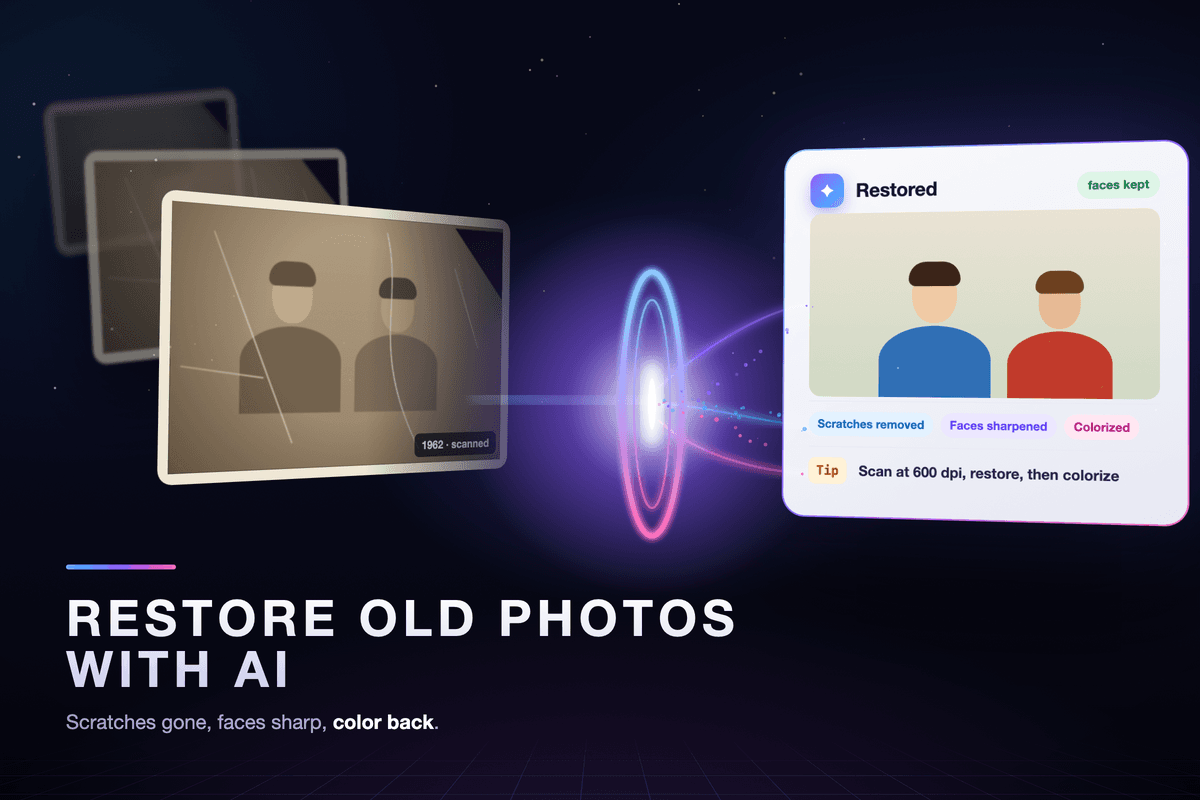
A faded, creased, slightly blurred print from the 1960s can be scanned and restored by AI in about a minute: scratches filled, faces sharpened, and, if you want, colour added. Several tools do it free for a few photos, and ChatGPT and Gemini can do a decent job with no special tool at all.
This guide covers how to scan the photo properly, the free methods, and the tools built for restoration with their prices, checked on each tool's own site on 26 November 2026.
The short answer
- Free, no new account: upload the scan to Gemini or ChatGPT and ask it to restore the photo (prompts below). Good for light damage.
- Best dedicated tool to start with: Hotpot, which has separate Photo Restorer, Colorizer, Face Enhancer and Upscaler tools and sells credits one-time from US$12.
- Best for heavy damage and batches: VanceAI's Photo Restorer, from US$15 a month on the web or US$129.90 once for the desktop app.
- Best free colorizer: Palette.fm, with a free tier and a one-time option.
- Well-known names: Remini and MyHeritage are both strong on faces; see their sites for current plans.
Step 1: scan it properly
Restoration can only work with what the scan contains.
- Use a flatbed scanner at 600 dpi (or 300 dpi for large prints). A phone photo of a print adds glare and distortion; if a phone is all you have, use a scanning app in even daylight, straight on.
- Scan in colour, even for black and white. It keeps the tones and any sepia the AI can use.
- Do not clean the print with anything wet. Blow off dust, scan, and let the software handle the rest.
- Save as TIFF or high-quality JPEG, and keep that original untouched.
Step 2: the free method with ChatGPT or Gemini
Both will edit an uploaded image. Upload the scan and use one prompt at a time:
Restore this old photograph. Remove scratches, dust, creases and stains. Reduce fading and restore natural contrast. Keep every face, feature and detail exactly as it is; do not change anyone's appearance.
Then, if it is black and white:
Colorize this photograph realistically for the period it was taken. Natural skin tones, muted fabric colours, no over-saturation.
And if it is small or blurred:
Sharpen and enhance this photo, keeping it faithful to the original. Do not invent details.
Check the result against the original, especially faces: generative models can subtly change a jawline or an eye, which matters more in a family photo than anywhere else. If a face has drifted, say "keep the face identical to the original" and regenerate, or move to a dedicated tool, which tends to be more conservative.
Step 3: dedicated restoration tools
Hotpot
Hotpot splits restoration into separate tools: Photo Restorer for wear and damage, Photo Colorizer, Face Enhancer, and Photo Upscaler. Every result costs credits, shown before you run it, and you can buy credits once rather than subscribe.
- Credits: 1,000 for US$12, 2,500 for US$30, 5,000 for US$60, one-time payment.
- Best for: paying once for a shoebox of prints.
VanceAI
VanceAI is a suite of image tools including Photo Restorer (scratches and damage), Image Upscaler, Photo Colorizer and Sharpener, with a Windows desktop app for processing locally.
- Web: from US$15 a month (US$180 billed annually), with unused credits rolling over; up to US$75 a month for high volume. 7-day money-back guarantee.
- Desktop: US$39.90 a month, US$99.90 a year, or US$129.90 lifetime for unlimited local processing on one PC.
- Best for: large batches, and privacy (the desktop app keeps photos on your machine).
Palette.fm
Palette.fm does one thing, colorizing black-and-white photos, with several colour "filters" to choose a look and a free tier for low-resolution results.
- Free: yes, at low resolution.
- Paid: a yearly subscription at US$72, or a US$49 one-time purchase, per our last check (the page needs a browser).
- Best for: colour that looks period-correct rather than garish.
DeepAI
DeepAI bundles an image editor, colorizer and enhancer with its chat, image and video generation, in one of the cheapest subscriptions around.
- Free: yes, with limits.
- Pro: US$9.99 a month, or US$7.50 a month billed annually (US$89.99), every model included.
- Best for: occasional restoration if you already want the rest of DeepAI.
Remini
Remini became famous for face enhancement on phones: blurred faces come back sharp. It has a web version and mobile apps with subscriptions; check the site for current prices.
- Best for: sharpening faces in small or blurry photos.
MyHeritage
MyHeritage offers Photo Enhancer, a colorizer and the animated "Deep Nostalgia" faces, aimed at family-history users and bundled with its genealogy subscriptions. A few photos can be tried free; see the site for plans.
- Best for: family historians who will also use the records and tree.
Picsart
Picsart is a general photo and video editor with AI enhancement, object removal and upscaling, so it handles restoration as part of a wider toolkit.
- Pro: US$10.50 a month billed yearly, with all editing features. (A 50 per cent introductory offer was showing at the time of checking.)
- Best for: people who want one app for restoration and everything else.
Quick comparison
| Tool | Restores damage | Colorizes | Free | Paid from |
|---|---|---|---|---|
| ChatGPT / Gemini | Yes | Yes | Yes | n/a |
| Hotpot | Yes | Yes | Trial credits | US$12 one-time |
| VanceAI | Yes | Yes | Trial | US$15/mo or US$129.90 lifetime |
| Palette.fm | No | Yes | Yes, low resolution | US$49 one-time |
| DeepAI | Yes | Yes | Yes, limited | US$7.50/mo (yearly) |
| Remini | Faces | Limited | Trial | See site |
| MyHeritage | Yes | Yes | A few photos | See site |
| Picsart | Yes | Yes | See site | US$10.50/mo (yearly) |
Getting the best result
- Restore first, colorize second, upscale last. Each step works better on the output of the previous one.
- Be conservative with faces. Compare every result with the original at 200 per cent. The right tool keeps your grandmother's face; the wrong one gives you a stranger.
- Colour is a guess. The AI does not know the dress was blue. If you know, tell the tool (ChatGPT and Gemini take instructions; some colorizers let you set colours).
- Keep the scan. Save restored versions as new files, always.
- Batch the easy ones. For 200 prints with light fading, VanceAI or Hotpot credits are cheaper than a monthly plan you forget to cancel.
Frequently asked questions
Is there a free AI to restore old photos? Yes. ChatGPT and Gemini are free for light restoration; Palette.fm colorizes free at low resolution; DeepAI and Hotpot have free tiers or trial credits.
Can AI colorize a black-and-white photo accurately? It produces plausible colour, not historical fact. Skin and sky are usually right; clothing colours are guesses unless you specify them.
Will AI change the faces? Generative tools can. Dedicated restorers (Hotpot, VanceAI, Remini) are more conservative, but always compare with the original.
What resolution should I scan at? 600 dpi for small prints, 300 dpi for larger ones. More detail in gives more detail out.
Can AI fix a torn photo with a missing piece? It can fill small gaps convincingly on plain backgrounds. A missing face or a large tear needs a human retoucher.
Which tool is best for a whole album? Hotpot or VanceAI credits, or VanceAI's desktop lifetime licence if you have hundreds of photos and want them kept off the cloud.
More tools
These are seven of the tools in our AI photo restoration category. See also AI colorize, AI image upscaler and AI photo enhancer tools.