How to Remove a Watermark, Text or Object From a Photo or Video With AI
Last updated: 26 November 2026 · By Abdul Sami, AI Orion
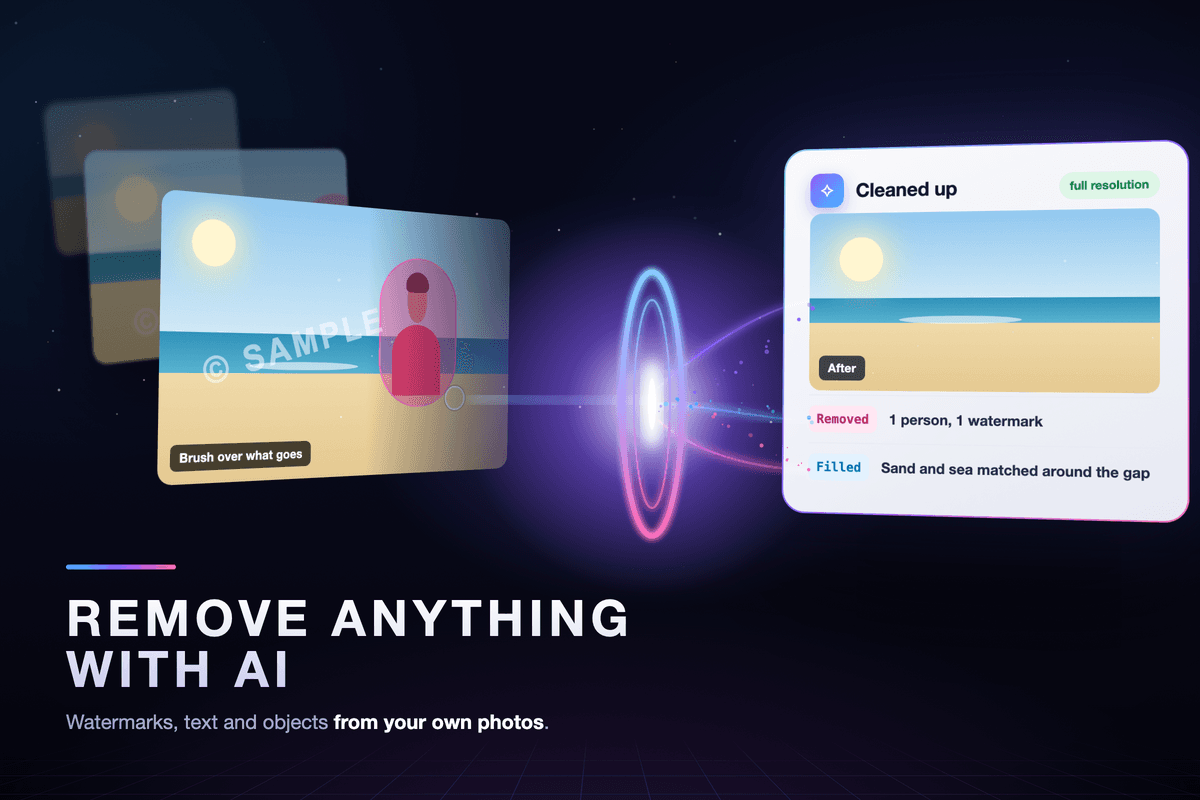
AI object removers work like a smart eraser: paint over the thing you want gone, and the model fills the gap with what it thinks should be there, using the surrounding pixels. For a stray person, a date stamp, a logo on your own photo, or a cable across a wall, they take seconds and are often free. Video is harder and costs more, but several tools now do it.
This guide shows how it works, which tools are free, and what the paid plans cost. We checked every price on the tool's own site on 26 November 2026. One thing first, though.
Before you start: when removal is not allowed
Removing a watermark from someone else's photo or video to use it without paying is copyright infringement in most countries, and in the United States removing copyright management information is a separate offence. Stock agencies and photographers watermark images precisely so you will license them.
Use these tools for images you own or have rights to: your own photos, licensed stock after purchase (to remove the preview mark you no longer need), screenshots of your own product, and AI-generated images from services that permit it. Not for other people's work.
How AI object removal works
- Upload the photo (or video).
- Mark the object: brush over it, draw a box, or in some tools let the AI detect text, people or watermarks automatically.
- The AI inpaints the area. It looks at the texture, lighting and pattern around the gap and generates matching pixels. Plain backgrounds (sky, walls, grass) come out nearly perfect; busy backgrounds (crowds, text, patterns) may need a second pass.
- Download. Free tiers usually limit resolution or add their own small mark; paid tiers give full resolution.
For video, the tool has to do this on every frame and keep it consistent as the camera moves, which is why video removal is priced by the second.
Free and paid tools for photos
Cleanup.pictures
Cleanup.pictures is the simplest: open the site, upload, brush, done. No account needed for standard quality.
- Free: yes, at standard resolution.
- Pro: US$5 a month or US$36 a year (US$3 a month) for high-resolution images of any size.
- Best for: quick fixes with no sign-up.
SnapEdit
SnapEdit removes objects, people and text, with auto-detection of people and text, plus enhancement and background tools.
- Free: 10 credits a month, exports up to 1,600 px, watermark on AI exports.
- Standard: US$6 a month billed yearly, 4,800 credits a year, exports up to 5,600 px, no watermark.
- Pro: US$12 a month billed yearly, 18,000 credits a year, batch processing.
- Best for: text and people removal with one click.
Object Remover
Object Remover is a free online eraser for unwanted objects, with no plan to buy.
- Free: yes.
- Best for: a no-cost second opinion when another tool leaves a smudge.
Pixelcut
Pixelcut is a product-photo editor (background removal, upscaling, magic eraser) with a free plan that exports without a watermark.
- Free: limited background removal and upscaling, watermark-free export.
- Pro: unlimited background removal and upscaling with a commercial licence; see Pixelcut's pricing page for the current price.
- Business: US$24 a month billed yearly (US$30 monthly), 3,600 AI credits a month.
- Best for: sellers cleaning up product shots.
Unwatermark AI
Unwatermark AI specialises in watermark and text removal for images and video, with automatic detection and a manual brush.
- Free: 3 automatic removals and 20 manual removals a day.
- Subscription: from US$3.90 a month for 50 credits to US$12.90 for 500. One-time packs: from US$4.99 for 50 credits.
- Best for: removing the preview mark from stock you have licensed.
Remover AI
Remover AI removes objects, text, people and watermarks from photos with HD downloads and no watermark on every paid plan.
- Starter: US$6.99 a month, 300 credits. Popular: US$16.99 a month, 1,000 credits.
- Best for: regular use at a low per-image cost.
Also: Magic Eraser by Magic Studio is a popular free-to-try eraser, and Photoroom includes object and background removal in a full product-photo app; see their sites for current plans.
Tools for video
RemoveFrom.Video
RemoveFrom.Video removes watermarks, text and objects from video, priced by seconds of footage, with credits valid for 12 months.
- Free: 10 credits on first sign-in, up to 720p.
- Lite: US$6.90 for 180 credits (up to 180 seconds), 1080p. Basic: US$24.90 for 900 seconds at 4K with a commercial licence. Pro: US$59.90 for 2,400 seconds.
- Best for: short clips, paid once rather than monthly.
Unwatermark AI (video)
The same tool as above handles video watermarks, with a weekly free allowance; see its pricing page for video limits.
Desktop editors
For long or complex footage, a desktop video editor with object tracking will still beat a browser tool. It is slower and costs more, but keeps full quality.
Quick comparison
| Tool | Photos or video | Free | Paid from |
|---|---|---|---|
| Cleanup.pictures | Photos | Yes, standard resolution | US$3/mo (yearly) |
| SnapEdit | Photos | 10 credits a month | US$6/mo (yearly) |
| Object Remover | Photos | Yes | n/a |
| Pixelcut | Photos | Yes, limited | Pro: see site |
| Unwatermark AI | Both | 3 auto + 20 manual a day | US$3.90/mo |
| Remover AI | Photos | No | US$6.99/mo |
| RemoveFrom.Video | Video | 10 credits | US$6.90 one-time |
Tips for a clean result
- Select a little more than the object. Include its shadow and reflection, or the AI leaves a ghost.
- Work in passes. Remove the big thing, then the leftover smudge.
- Plain backgrounds first. Sky, water, walls and grass come out best. For patterned backgrounds, try two tools.
- Text over faces or edges is the hardest case; expect to touch up manually.
- Keep the original. Download at full resolution before you start, and export at full resolution at the end (the paid feature on most tools).
- For video, keep the camera steady in the section you fix. Moving backgrounds give the AI more to guess.
Frequently asked questions
Is there a free AI to remove objects from photos? Yes. Cleanup.pictures, Object Remover and SnapEdit's free tier all work without paying; Pixelcut exports free without a watermark.
Can AI remove a watermark from a video? Yes. RemoveFrom.Video and Unwatermark AI do it, priced by seconds of footage. Results are best on static logos over simple backgrounds.
Can I remove a watermark from a stock photo? Only if you have licensed it. Removing the mark to avoid paying is infringement; buy the licence and the agency gives you a clean file anyway.
Can AI remove a person from a photo? Yes. SnapEdit and Remover AI detect people automatically; any brush-based tool handles it too.
Can AI remove text from an image? Yes. SnapEdit and Unwatermark AI detect text; for text on a plain background the result is usually invisible.
Will the result look edited? On simple backgrounds, no. On complex ones, sometimes; a second pass or a different tool usually fixes it.
More tools
These are nine of the tools in our AI watermark remover and object remover categories. See also AI eraser and AI photo editor tools.