Best AI Tools to Summarize a YouTube Video (Free and Paid)
Last updated: 26 November 2026 · By Abdul Sami, AI Orion
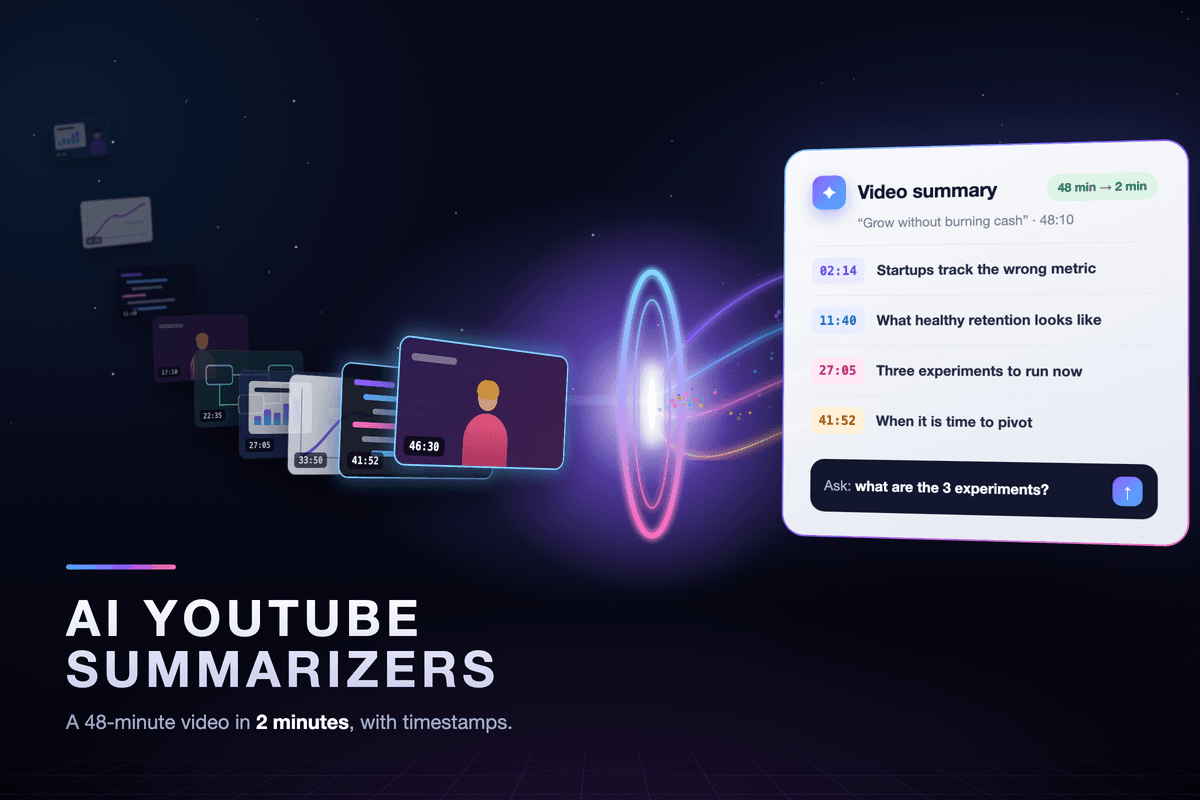
Yes, an AI can summarize a YouTube video for you. Paste the link, and within a few seconds you get the key points, usually with timestamps so you can jump to the part that matters. Most of these tools work from the video's captions, and the best ones let you ask follow-up questions, export notes, or turn a lecture into a mind map.
This guide covers seven that work today, what each one gives you for free, and what the paid plans cost. We checked every price on the tool's own site on 26 November 2026.
The short answer
- Best free option: Gist AI, a free Chrome extension with no plan limits, or Google's own Gemini, which takes a YouTube link.
- Best for asking questions about a video: AskVideo.ai, with a free plan of 180 minutes of video a month.
- Best all-rounder: NoteGPT, which does summaries, transcripts, mind maps and flashcards.
- Best for studying from videos: Mapify turns a video into a mind map; TubeMemo turns it into notes.
- Cheapest unlimited plan: Claras at US$12 a month for unlimited videos.
How AI YouTube summarizers work
Almost every tool does the same three things:
- Reads the transcript. YouTube generates captions for most videos; the tool pulls them through the video's link. A video with no captions has to be transcribed first, which takes longer and is often limited on free plans.
- Summarizes with a language model. The transcript goes to a model (GPT, Claude, Gemini or the tool's own), which writes the summary in the format you chose: bullet points, chapters, a paragraph, a mind map.
- Links back with timestamps. Good tools attach a time to each point so you can click through to the moment in the video.
The AI does not "watch" the pictures; it reads the words. That matters for videos with little speech, such as music, gameplay or silent demonstrations, where a transcript-based summary has nothing to work with.
The 7 best AI YouTube video summarizers
1. NoteGPT
NoteGPT is the most complete of the bunch. Paste a YouTube link and it gives you a summary, the full transcript, a mind map, and a chat box for questions. It also handles local audio and video files, PDFs and web pages, and can process a whole channel at once on the higher plans.
- Free: a free plan with monthly quotas for transcription and summaries.
- Pro: US$9.99 a month, or US$9 a month billed yearly (US$108 a year), with 1,000 basic quotas a month plus 100 minutes of premium transcription.
- Unlimited: US$29 a month, or US$19.92 a month billed yearly, with unlimited basic transcription and summaries.
- Best for: people who want summaries, notes and flashcards from the same tool.
2. AskVideo.ai
AskVideo.ai is built around questions. Paste a link, wait a few seconds, and ask "what does she say about pricing?" or "list the steps". Every answer comes with timestamps. Paid plans add uploads of your own video and audio, a command-line tool and an API, and the Pro plan can index whole playlists and channels so you can search across them.
- Free: 180 minutes of YouTube indexing, 30 minutes of uploaded video transcription and 100 AI messages a month, forever.
- Premium: US$8 a month for 1,200 minutes of indexing and 1,000 messages.
- Pro: US$29 a month, adds playlist and channel collections and an embeddable chat widget.
- Best for: researching a specific point in a long video instead of reading a whole summary.
3. Mapify
Mapify summarizes a video as a mind map rather than a list, which suits lectures, talks and tutorials where the structure matters. It also does PDFs, documents, web pages and audio, exports to several formats, and can present a map as slides.
- Free: 30 one-time AI credits, enough for 5 YouTube videos and 5 PDFs, with transcript access.
- Basic: US$9.99 a month, or US$5.99 a month billed yearly, for 1,000 credits a month.
- Pro: US$19.99 a month, or US$11.99 billed yearly, for 2,000 credits and a stronger model.
- Best for: students and anyone who remembers a diagram better than a page of bullets.
4. Claras
Claras transcribes, summarizes and lets you chat with a video, one or many at once. It works with YouTube, Instagram, TikTok and your own uploads, in 17 languages, and its SuperSearch runs a question across a whole playlist or search result.
- Free trial: 14 days, no card needed.
- Pro: US$5 a month (or US$29.99 a year) for 50 videos a day and 10 hours of transcription a month.
- Unlimited: US$12 a month for no daily limit and 100 hours of transcription; US$39.99 a year on a launch offer until 31 December 2026.
- Best for: heavy users who summarize many videos a day.
5. TubeMemo
TubeMemo turns videos into notes you keep in a library: highlights from the transcript, summaries in several languages, and draft blog posts from what you watched.
- Free: 40 AI credits and 3 hours of video a week.
- Basic: US$4.99 a month for 1,200 credits and up to 160 video hours.
- Pro: US$14.99 a month for 3,600 credits and up to 480 video hours.
- Best for: people who learn from YouTube and want a searchable set of notes.
6. Gist AI
Gist AI is a free Chrome extension that summarizes the website, YouTube video or PDF you have open in one click. For videos, each point in the summary can jump you to that moment. There is no paid plan and no stated limit.
- Free: everything.
- Best for: quick summaries without signing up for another service.
7. Gemini
Google's Gemini app accepts a YouTube link through its YouTube extension and will summarize the video or answer questions about it, working from the video's captions. You can also attach your own video files. It is included in a Google account at no cost, with higher limits on Google AI plans.
- Free: included with a Google account.
- Best for: people who already use Gemini and want an occasional summary without another tool.
Glasp, a popular highlighter extension, also summarizes YouTube videos; its pricing page needs JavaScript to load, so we have not listed its prices here.
Quick comparison
| Tool | Free plan | Paid from | Stands out for |
|---|---|---|---|
| NoteGPT | Yes, with monthly quotas | US$9.99/mo | Summary, transcript, mind map and flashcards together |
| AskVideo.ai | 180 min of video, 100 messages a month | US$8/mo | Questions with timestamps, playlists on Pro |
| Mapify | 30 credits (about 5 videos) | US$9.99/mo (US$5.99 yearly) | Mind maps |
| Claras | 14-day trial | US$5/mo | 50 videos a day; US$12 unlimited |
| TubeMemo | 40 credits, 3 video hours a week | US$4.99/mo | A library of notes |
| Gist AI | Everything | n/a | Free Chrome extension |
| Gemini | Included with Google account | Google AI plans | Already in your Google account |
How to choose
- A few videos a week: Gist AI or Gemini. Both are free and need no new account beyond Google.
- Long lectures or courses: Mapify for the structure, TubeMemo for notes you can search later.
- Research: AskVideo.ai. Asking "where does he mention X?" beats reading a summary of a two-hour interview.
- Every day, in bulk: Claras Unlimited at US$12 a month, or NoteGPT Unlimited at US$29 if you also want mind maps and flashcards.
- Videos without captions: check the transcription allowance. AskVideo.ai gives 30 minutes a month free; NoteGPT counts it as premium transcription; Claras includes 10 hours a month on Pro.
Frequently asked questions
Can AI summarize a YouTube video for free? Yes. Gist AI and Gemini are free, and NoteGPT, AskVideo.ai, Mapify and TubeMemo all have free plans with monthly or weekly limits.
Does the AI actually watch the video? No. These tools read the captions (or transcribe the audio) and summarize the text. A video with little speech will get a thin summary.
What if the video has no captions? The tool must transcribe it first. Free plans limit this: AskVideo.ai gives 30 minutes a month, TubeMemo counts it against your weekly credits, and NoteGPT treats it as premium transcription.
Can I summarize a video longer than an hour? Yes, on paid plans. NoteGPT's plans handle videos with captions of any length (up to 210 minutes without captions), and Claras and AskVideo.ai count minutes rather than videos.
Can I ask questions instead of reading a summary? AskVideo.ai, NoteGPT and Claras all have a chat box for the video. Gemini does too once the link is attached.
Is it safe to use with private or unlisted videos? Most tools only work with public and unlisted links they can fetch captions for. For private material, use a tool that accepts file uploads (NoteGPT, AskVideo.ai, Claras) and read its privacy policy first.
More tools
These are seven of the 50-plus YouTube summarizers listed on AI Orion. Browse the full AI YouTube summary and AI video summarizer categories to compare more, and if you also read a lot of papers, see our guide to AI PDF summarization tools.