Best AI Interior Design Apps: Redesign a Room From a Photo
Last updated: 26 November 2026 · By Abdul Sami, AI Orion
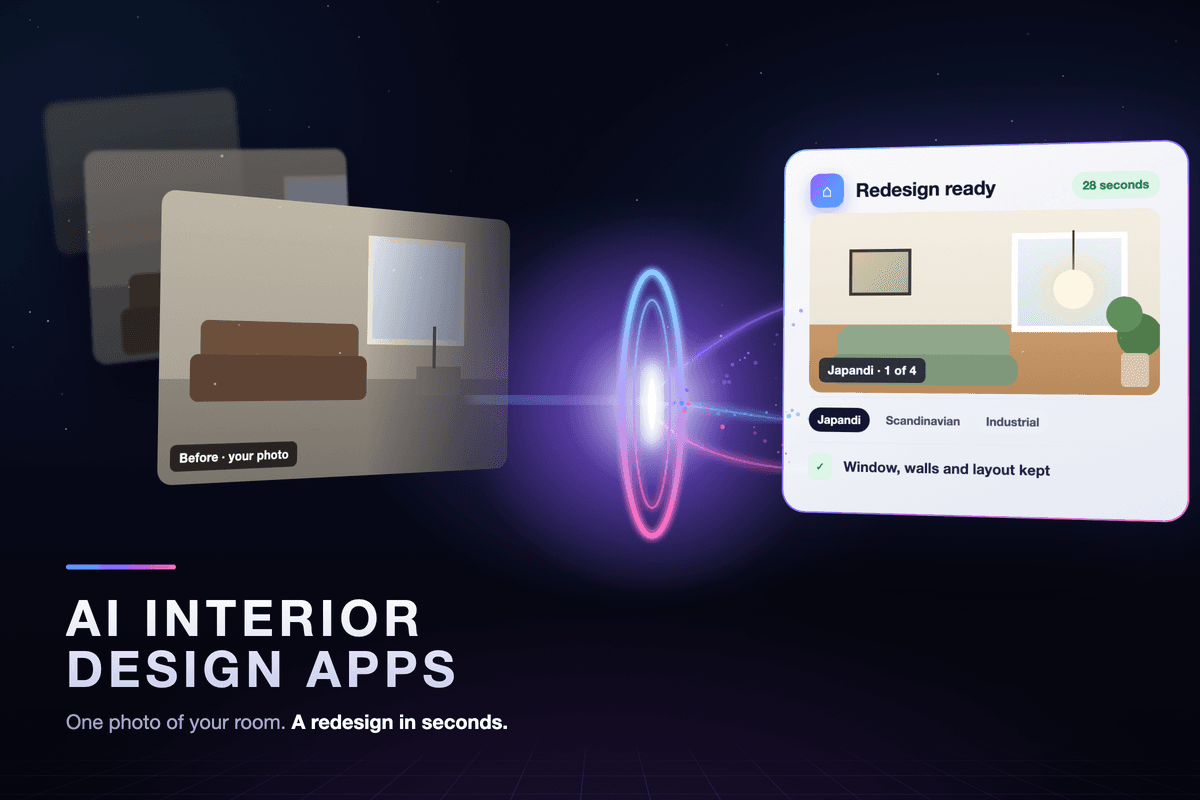
Take a photo of your room, pick a style, and an AI interior design app shows you the same room redecorated in about 30 seconds: new furniture, colours, flooring and lighting, laid over your real walls and windows. It is the fastest way to test ideas before you buy a single cushion.
This guide covers nine tools that do it well, which are free, and what the paid plans cost. We checked every price on the tool's own site on 26 November 2026.
The short answer
- Best free start: Luw.ai gives 2 free renders every day; Remodel AI gives 3 free designs; AI Room Planner is free while in beta.
- Best for planning a real renovation: Planner 5D, which pairs AI redesigns with a proper floor planner, and Homestyler, which does the same with a large furniture catalogue.
- Best value paid plan: Luw.ai Pro at US$19 a month for 200 renders, or Home Visualizer AI Starter at US$12 a month (billed yearly) for 100.
- Best for estate agents: Collov AI, built for virtual staging of listing photos.
How AI room design works
- Upload a photo of the room as it is now. Daylight and a wide angle give the best results.
- Choose a room type and a style: Scandinavian, mid-century, Japandi, industrial and so on. Some tools let you type your own brief.
- Generate. The model keeps the room's structure (walls, windows, doors, floor plan) and redraws the furnishings. Most tools give several variations per run.
- Refine. Better tools let you lock elements you want to keep, erase objects, swap a wall colour, or try the same room in another style.
Two things to know. The AI is showing you a plausible picture, not products you can buy; use it to settle on a direction, then shop. And a render costs a credit, so free plans give you a handful of tries, not unlimited use.
The 9 best AI interior design tools
1. Planner 5D
Planner 5D is the tool to pick if a redesign might turn into a real project. Its AI tools (Copilot and AI Studio) redesign rooms from photos and generate ideas, and sit on top of a full 2D/3D floor planner with a furniture catalogue, so a picture you like can become a plan with measurements.
- Free: US$0 with no time limit; create and share projects and draw floor plans, with credits sold in one-time packs.
- Premium: US$59.99 a year, with a 7-day trial; adds advanced features and a monthly credit allowance for the AI tools.
- Pro: US$49.99 a month or US$399.99 a year, for designers and client work, with unlimited watermark-free renders and up to 8 seats.
- Best for: homeowners planning a renovation, not just a mood board.
2. Homestyler
Homestyler is a 3D home design platform with AI render tools, a large library of real furniture models, and photorealistic rendering. Its AI features sketch a room from a photo or a description and then let you place actual products in it.
- Basic: free.
- Pro+: from US$6.80 a month, with 75 renders each at 2K and 4K a month.
- Master+: from US$11.80 a month, with unlimited 4K rendering and your own 2D textures.
- Best for: people who want to model the whole home, not one photo.
3. Luw.ai
Luw.ai is a straightforward redesign tool with a generous free tier and a clear price per render. Upload a photo, pick a style, get a render; paid plans add 4K output, no watermark, video and 3D generation, and an API for agencies.
- Free: 2 credits every day (they do not carry over), watermarked.
- Pro: US$19 a month for 200 renders (US$0.10 each), with a commercial licence.
- Max: US$39 a month for 500 renders. Token packs from US$9 for occasional use.
- Best for: trying many styles cheaply.
4. Spacely AI
Spacely AI redesigns interiors and exteriors from a photo and sells credits rather than a strict monthly plan, so occasional users are not paying for renders they do not make. It also has an API and student pricing.
- Free: 40 trial credits on sign-up.
- Credit packs: 200 credits for US$9 (about 100 renders), 1,000 for US$35, 5,000 for US$150; packs never expire but need an active subscription to unlock.
- Best for: pay-as-you-go use, and students (US$30 for the Studio plan with an EDU email).
5. Remodel AI
Remodel AI covers more than interiors: virtual staging, exterior and garden design, floor and wall paint, and object removal, across 30-plus styles. It is one of the few to offer a "hyper realism" model on its higher plans.
- Free: 3 designs, all styles and tools, standard quality.
- Premium: US$49 a month (US$599 a year) for 5,000 designs a month with the hyper-realism model.
- Ultra: US$99 a month (US$1,199 a year) for 25,000 designs.
- Best for: exteriors and gardens as well as rooms.
6. Home Visualizer AI
Home Visualizer AI is a simple render-by-the-month tool with plans sized for homeowners up to businesses.
- Starter: US$19 a month, or US$12 a month billed yearly (US$144), for 100 renders a month, personal use.
- Pro: US$29 a month, or US$21 billed yearly, for 500 renders with commercial use.
- Ultra: US$49 a month (US$33 yearly) for 1,000 renders.
- Best for: a fixed monthly allowance at a low price.
7. RoomGPT
RoomGPT is the tool that made this category popular, and says it has been used by over 4 million people. Upload a room, choose a theme, and it returns the redesign. It runs paid plans and regularly offers discount codes on its homepage; check the site for current prices.
- Best for: a quick, well-known option with no learning curve.
8. REimagineHome
REimagineHome targets both homeowners and property professionals: redesign a furnished room, empty a room, virtually stage it, and change landscaping. Its plans run from US$14 to US$99 a month.
- Best for: emptying a cluttered room before restaging it.
9. Collov AI
Collov AI is virtual staging for estate agents and brokerages: furnish empty listing photos, remove furniture, add a staging disclaimer, and on higher plans produce multi-angle staging, 360 panoramas and 3D tours.
- Standard: US$19 a month for 60 photo credits (US$228 billed yearly).
- Advanced: US$49 a month for 150 credits; Premium: US$79 for 263 credits.
- Best for: property listings, not your own living room.
Also worth a look: AI Room Planner is free while in beta and good enough for a first pass.
Quick comparison
| Tool | Free | Paid from | Best for |
|---|---|---|---|
| Planner 5D | Yes, unlimited time | US$59.99/yr | Renovation planning with a floor planner |
| Homestyler | Basic plan | US$6.80/mo | Whole-home 3D with real furniture |
| Luw.ai | 2 renders a day | US$19/mo (200 renders) | Trying many styles cheaply |
| Spacely AI | 40 credits | US$9 per 200 credits | Pay-as-you-go |
| Remodel AI | 3 designs | US$49/mo | Exteriors and gardens too |
| Home Visualizer AI | No | US$12/mo (yearly) | Fixed monthly renders |
| RoomGPT | Trial | See site | Quick and simple |
| REimagineHome | See site | US$14/mo | Emptying and restaging rooms |
| Collov AI | No | US$19/mo | Virtual staging for listings |
Can ChatGPT or Gemini design a room?
Yes, to a point. Upload a photo to ChatGPT or Gemini and ask for "this room in Japandi style, keep the window and floor", and both will generate a redesigned image. It is free and useful for a first look. The specialist tools above win on three things: they keep the room's geometry more reliably, they offer style presets so you do not have to describe "mid-century modern" in words, and the planning tools (Planner 5D, Homestyler) turn a picture into a floor plan and a shopping list.
How to get good results
- Shoot from the doorway so the AI sees the whole room, in daylight, with clutter removed.
- Generate several times. Every run differs; the third or fourth is often the best.
- Keep what you own. Use a tool with a lock or mask (Luw.ai, Remodel AI, Planner 5D) if the sofa is staying.
- Try the same style in two tools. Free credits on Luw.ai and Remodel AI make this cheap.
- Treat it as a direction, not a product list. Once you like a render, look for similar pieces, or move into Planner 5D or Homestyler to place real products.
Frequently asked questions
Is there a free AI interior design tool? Yes. Luw.ai gives 2 renders a day, Remodel AI gives 3 designs, Spacely AI gives 40 trial credits, Planner 5D's free plan has no time limit, and AI Room Planner is free in beta.
Which AI interior design app is best for beginners? Luw.ai or RoomGPT: upload, pick a style, done. Move to Planner 5D when you want measurements.
Can AI design a room from a photo of an empty room? Yes. Virtual staging is exactly that; Collov AI, REimagineHome and Remodel AI all furnish empty rooms.
Can I use the designs commercially? Check the plan. Luw.ai includes a commercial licence from Pro, Home Visualizer AI from Pro, and Collov AI's plans are built for listings. Free tiers are usually watermarked or personal-use only.
Do these apps work for exteriors and gardens? Remodel AI, Spacely AI and REimagineHome do exteriors and landscaping; most of the others are interiors only.
More tools
These nine are a selection from the 120-plus tools in our AI interior design category. See also AI room planners, AI kitchen design and AI backyard design.