About SwytchAI
What is SwytchAI?
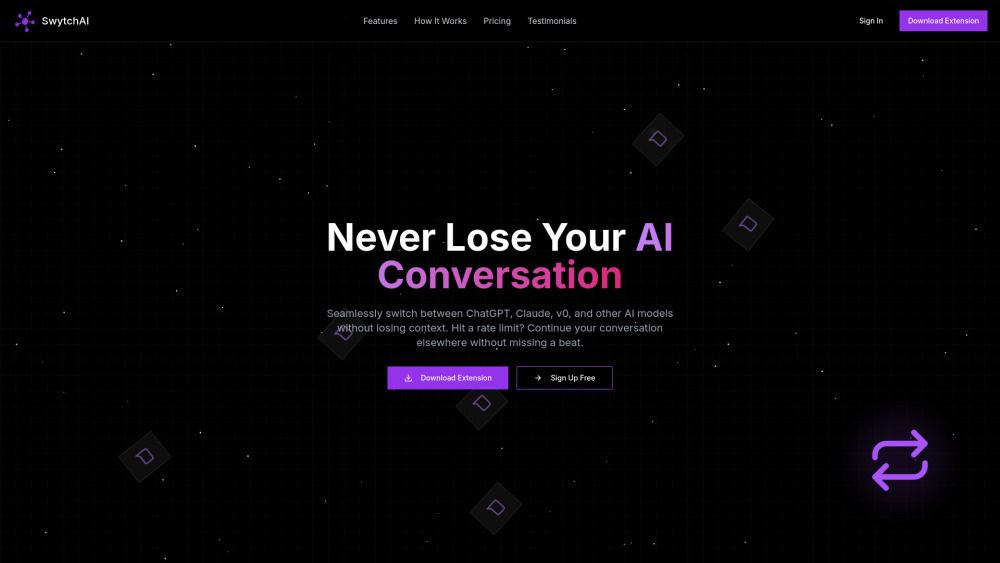
SwytchAI is a browser extension that allows you to seamlessly switch between different AI models, such as ChatGPT, Claude, and v0, without losing your conversation context. This innovative tool enhances user experience by providing flexibility in choosing the most suitable AI model for their needs.
The extension works by securely capturing your conversation context from one AI platform and transferring it to another. When you hit a rate limit or wish to switch models, you can simply click the SwytchAI icon, select your desired model, and continue your conversation right where you left off.
Seamless switching between multiple AI models
Preservation of conversation context during transitions
Secure data transfer with end-to-end encryption
SwytchAI Features
SwytchAI is a browser extension that allows users to seamlessly switch between different AI models, such as ChatGPT, Claude, and v0, without losing their conversation context. This functionality enhances user experience by providing flexibility in choosing the most suitable AI model for their needs.
The extension works by securely capturing the conversation context from one AI platform and transferring it to another. Users can easily switch models by clicking the SwytchAI icon, selecting their desired model, and continuing their conversation right where they left off. This feature is particularly useful when users encounter rate limits or wish to explore different AI capabilities.
Seamless switching between multiple AI models
Secure transfer of conversation context
User-friendly interface for easy model selection
End-to-end encryption for data security
Why SwytchAI?
SwytchAI is a powerful browser extension that enables users to effortlessly switch between various AI models, such as ChatGPT and Claude, while maintaining the context of their conversations. This feature is particularly beneficial for users who may encounter rate limits or wish to explore different AI capabilities without losing their ongoing discussions.
Some of the key advantages of using SwytchAI include:
Seamless switching between AI models without losing conversation context.
Secure transfer of conversation data with end-to-end encryption.
Compatibility across multiple operating systems including Windows, macOS, Linux, and Chrome OS.
Free to use, making it accessible for everyone.
High user satisfaction with an aggregate rating of 4.8 from 127 reviews.
How to Use SwytchAI
To get started with SwytchAI, first install the browser extension from the official website or your browser's extension store. Once installed, you can easily switch between different AI models such as ChatGPT, Claude, and v0 without losing your conversation context.
When you want to switch models, simply click on the SwytchAI icon in your browser. This will allow you to select your desired AI model. The extension securely captures your conversation context from the current AI platform and transfers it to the new one, enabling you to continue your conversation seamlessly.
Seamless switching between AI models
Secure transfer of conversation context
End-to-end encryption for data security
Ready to see what SwytchAI can do for you?and experience the benefits firsthand.
Key Features
How to Use
Visit the Website
Navigate to the tool's official website.
Pros & Cons
What's good
What's not good
Pricing
- Switch between 2 AI models
- 5 continuations per day
- Basic conversation history (7 days)
- Standard support
- Switch between unlimited AI models
- Unlimited continuations
- Advanced conversation history (90 days)
- Priority support
- AI model comparison tool
- All Pro features
- 5 team member accounts
- Team conversation sharing
- Admin dashboard
- Usage analytics
SwytchAI Traffic Analysis
Frequently Asked Questions
Alternatives to SwytchAI
Unibase Memory
Unibase Memory is a private, encrypted AI memory solution that allows users to save, search, and reuse their AI context seamlessly across multiple tools, including ChatGPT and Claude. Its key benefits include the ability to own and manage AI memory, enabling users to select and send only relevant context with a single click, thus enhancing efficiency and personalization in AI interactions.
Studocu Global
A platform for accessing shared study materials globally.

Suno
Suno is an innovative platform that enables users to create stunning original music in seconds using artificial intelligence. With its user-friendly interface, individuals can easily craft their own masterpieces, share them with friends, and explore a diverse range of music from artists around the globe. Suno empowers creativity for everyone, from casual singers to aspiring professionals.
Jotform AI Agents
Jotform AI Agents revolutionizes customer service by enabling businesses to respond instantly to customer inquiries anytime and anywhere. With its seamless integration capabilities and user-friendly interface, it enhances operational efficiency and improves customer satisfaction. This innovative solution empowers organizations to provide timely support, ensuring they stay connected with their clients effectively.
Lovescape AI
Create Your AI Girlfriend for Chatting

Manus
Manus is a versatile AI agent designed to transform thoughts into actions, streamlining tasks in both professional and personal settings. Its primary value lies in its ability to manage various responsibilities efficiently, allowing users to relax while it handles their to-do lists. With Manus, users can experience increased productivity and peace of mind, knowing that their tasks are being completed seamlessly.