About Video Upscaler - 1
What is Video Upscaler - 1?
Video Upscaler - 1 is an AI-powered tool designed to enhance video quality and clarity. It allows users to enlarge MP4 videos by up to 4 times while maintaining high quality. This innovative solution utilizes advanced cloud AI technology to deliver the best results for video enhancement.
With Video Upscaler - 1, users can enjoy fast browser previews for free, making it easy to assess the quality of their videos before committing to processing. The service is priced to fit various workflows, ensuring accessibility for all users.
Enhances video clarity and quality.
Enlarges MP4 videos up to 4x.
Utilizes high-quality cloud AI for optimal results.
Offers fast browser previews for free.
Video Upscaler - 1 Features
The Video Upscaler - 1 is an advanced AI tool designed to enhance and enlarge videos, improving their clarity and detail. It allows users to upscale MP4 videos by up to 4 times, making it ideal for various types of footage, including animations, old recordings, outdoor scenes, and fast-moving action videos.
Key features and capabilities of the Video Upscaler - 1 include:
AI-driven video enhancement for improved clarity and detail.
Options to upscale videos by 2x or 4x.
Support for different video types, including animation, older recordings, natural scenes, and action footage.
Fast browser previews available for free, with the option to upgrade for higher quality cloud processing.
Why Video Upscaler - 1?
The Video Upscaler - 1 offers significant benefits for users looking to enhance their video quality. By utilizing advanced AI technology, it allows you to improve clarity and enlarge MP4 videos up to 4 times their original size. This is particularly valuable for those who want to view older recordings or low-resolution clips on modern screens without sacrificing quality.
Some of the key advantages of using Video Upscaler - 1 include:
Enhanced clarity for various types of footage, including animation, old recordings, and outdoor scenes.
Improved visibility of details in fast-moving action videos, making it easier to see players and scene elements.
Flexible options to upscale videos by 2x or 4x, catering to different user needs.
How to Use Video Upscaler - 1
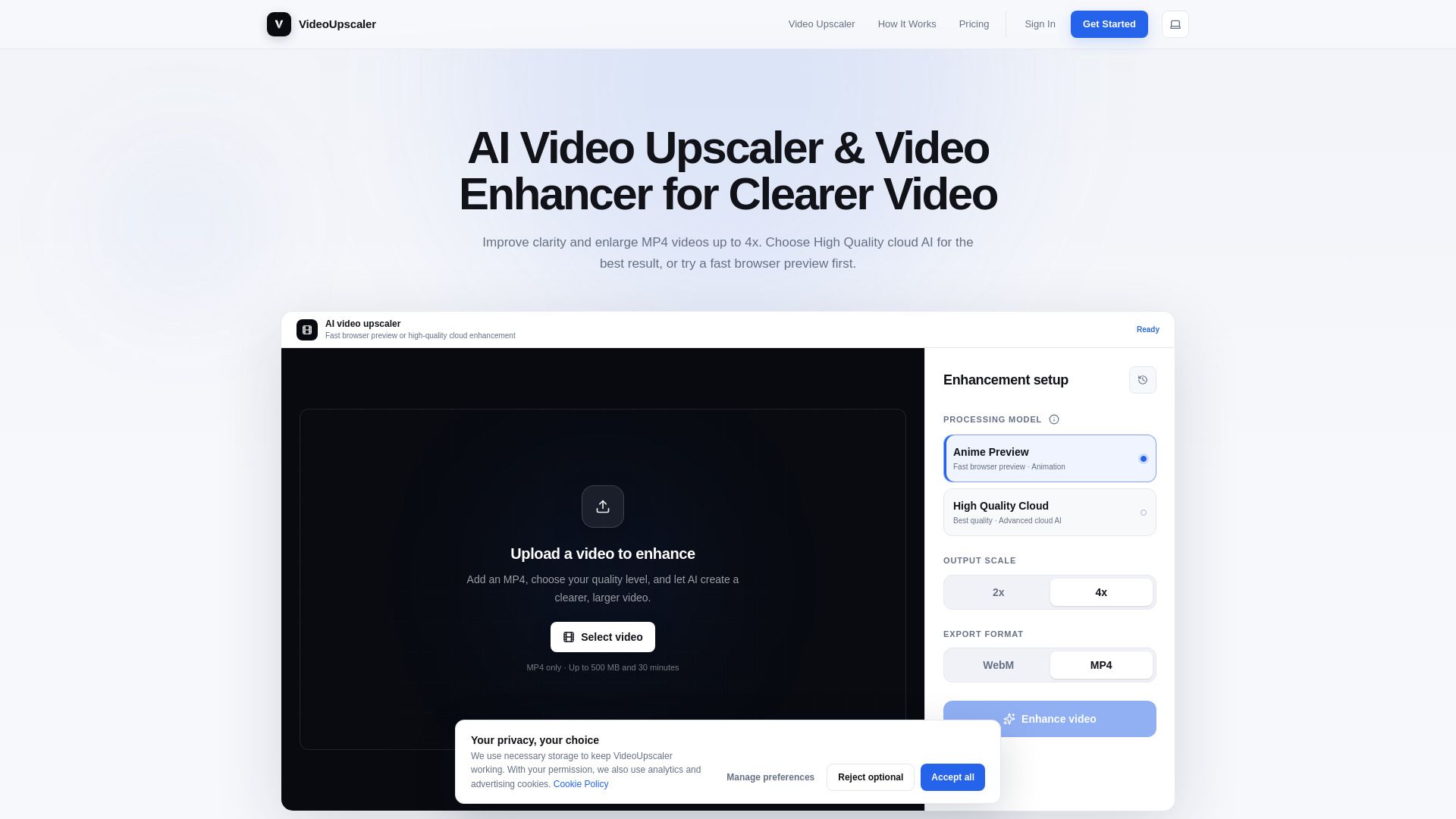
Getting started with Video Upscaler - 1 is simple and straightforward. To enhance your videos, follow these three easy steps: first, upload your MP4 video, which can be up to 500 MB and 30 minutes long. If you only want to enhance a specific part of the video, you can trim it before uploading.
Next, choose the quality you need for the enhancement. You can opt for High Quality Cloud for the best results, or use the Anime Preview feature in your browser for animated videos. Finally, download the enhanced video to enjoy clearer and larger visuals.
Upload your video (MP4 up to 500 MB and 30 minutes)
Choose your quality (High Quality Cloud or Anime Preview)
Download the enhanced result
Ready to see what Video Upscaler - 1 can do for you?and experience the benefits firsthand.
Key Features
How to Use
Visit the Website
Navigate to the tool's official website.
Pros & Cons
What's good
What's not good
Pricing
- Explore AI enhancement technology
- High-quality cloud AI trial
- Video previews up to 6 seconds
- Unlimited image previews in your browser
- Export preview clips as MP4
- Monthly cloud credits
- Longer video processing
- High Quality Cloud processing
- Priority processing
- Support included