About Video Upscaler
What is Video Upscaler?
Video Upscaler is dedicated to enhancing video quality using advanced AI technology. Many videos suffer from low resolution, blurriness, or noise due to compression and transfer between platforms. This tool addresses these issues by increasing resolution, sharpening details, and improving overall clarity, making it easier for users to enjoy high-quality videos.
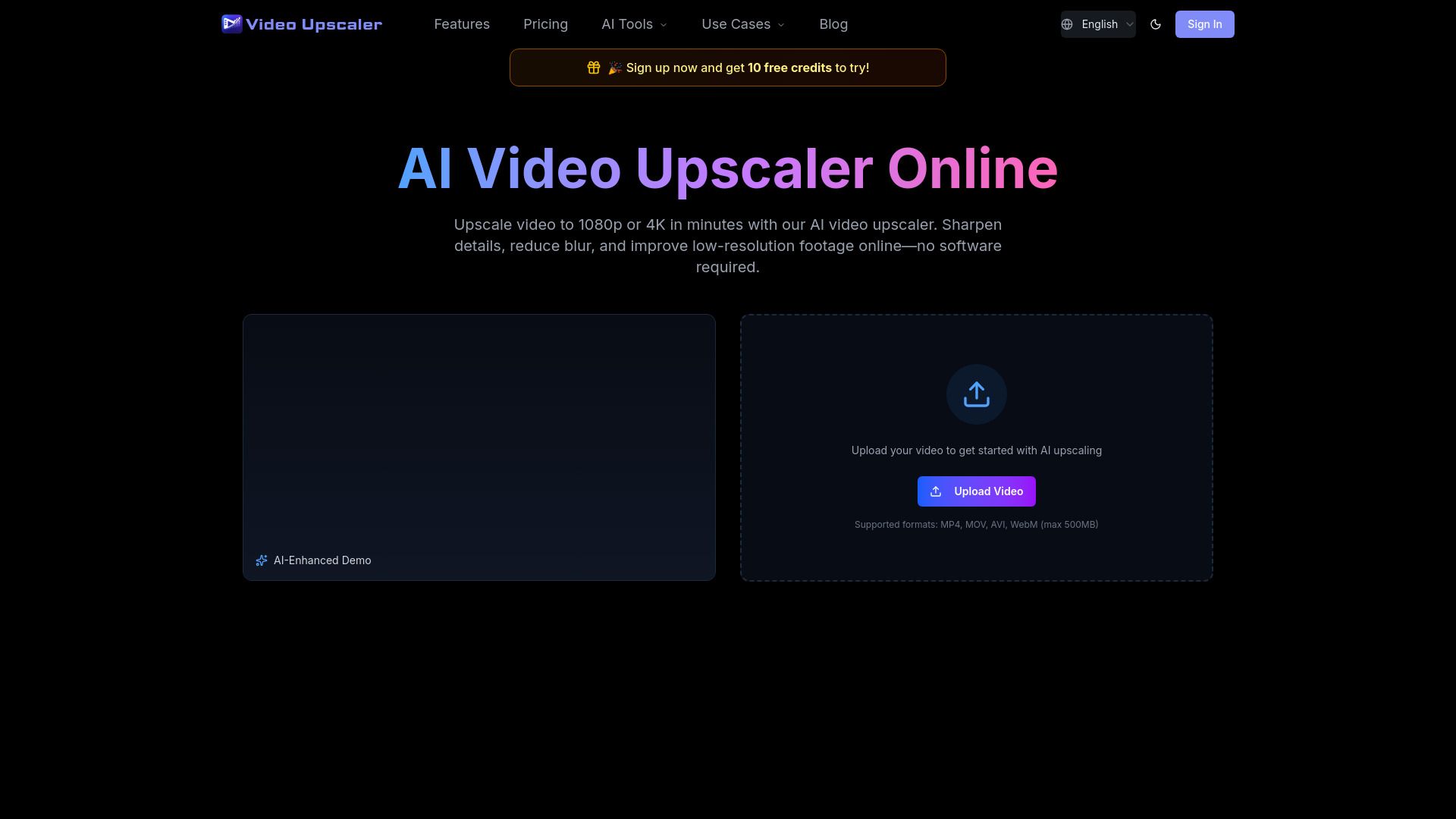
Designed as a simple browser-based solution, Video Upscaler allows users to enhance their videos without the need for complex editing software or manual configuration of AI models. Users can easily upload their videos, select the desired output quality, preview the enhancements, and export the improved version through a user-friendly credit-based system.
Video Upscaler Features
Video Upscaler is designed to enhance video quality using advanced AI technology. It addresses common issues such as low resolution, blurriness, noise, and compression artifacts that often occur when videos are recorded or shared across different platforms. By increasing resolution and sharpening details, Video Upscaler significantly improves the overall clarity of videos.
This browser-based tool is user-friendly, allowing individuals to enhance their videos without the need for complex editing software or manual configuration of AI models. Users can easily upload their videos, select the desired output quality, preview the enhancements, and export the improved version through a straightforward credit-based system.
Enhances video quality by increasing resolution and reducing noise.
Simple browser-based interface for easy access and use.
No need for installation of complex software or manual AI model configuration.
Allows users to preview results before exporting the enhanced video.
Credit-based workflow for exporting enhanced videos.
Why Video Upscaler?
Video Upscaler offers a range of benefits that make it an essential tool for anyone looking to enhance their video quality effortlessly. By utilizing advanced AI technology, users can significantly improve the resolution of their videos, making them suitable for HD, 2K, and 4K displays. This is particularly valuable for those who have low-resolution videos that need to be upscaled for modern viewing standards.
Some key advantages of using Video Upscaler include:
Blur reduction to sharpen soft or blurry footage.
Noise and compression cleanup to eliminate grain and artifacts from low-quality videos.
Old video restoration for enhancing archived footage and family clips.
Social media video enhancement for improving compressed videos on platforms like YouTube and Instagram.
Professional quality for product demos and marketing videos, ensuring they look clear and polished.
How to Use Video Upscaler
Getting started with Video Upscaler is simple and user-friendly. To enhance your video quality, first, upload your video file to the platform. Once uploaded, you can select the desired output quality, such as 4K or 1080p. The tool allows you to preview the enhanced video before finalizing the export, ensuring you are satisfied with the results.
Here are some key features that make Video Upscaler an excellent choice for video enhancement:
AI-driven technology for superior video quality improvement.
Browser-based tool, eliminating the need for complex software installations.
Credit-based workflow for easy management of video enhancements.
Options to reduce noise and sharpen details for clearer visuals.
Ready to see what Video Upscaler can do for you?and experience the benefits firsthand.
Key Features
How to Use
Visit the Website
Navigate to the tool's official website.
Pros & Cons
What's good
What's not good
Pricing
No feature details available