About Video Trimmer
What is Video Trimmer?
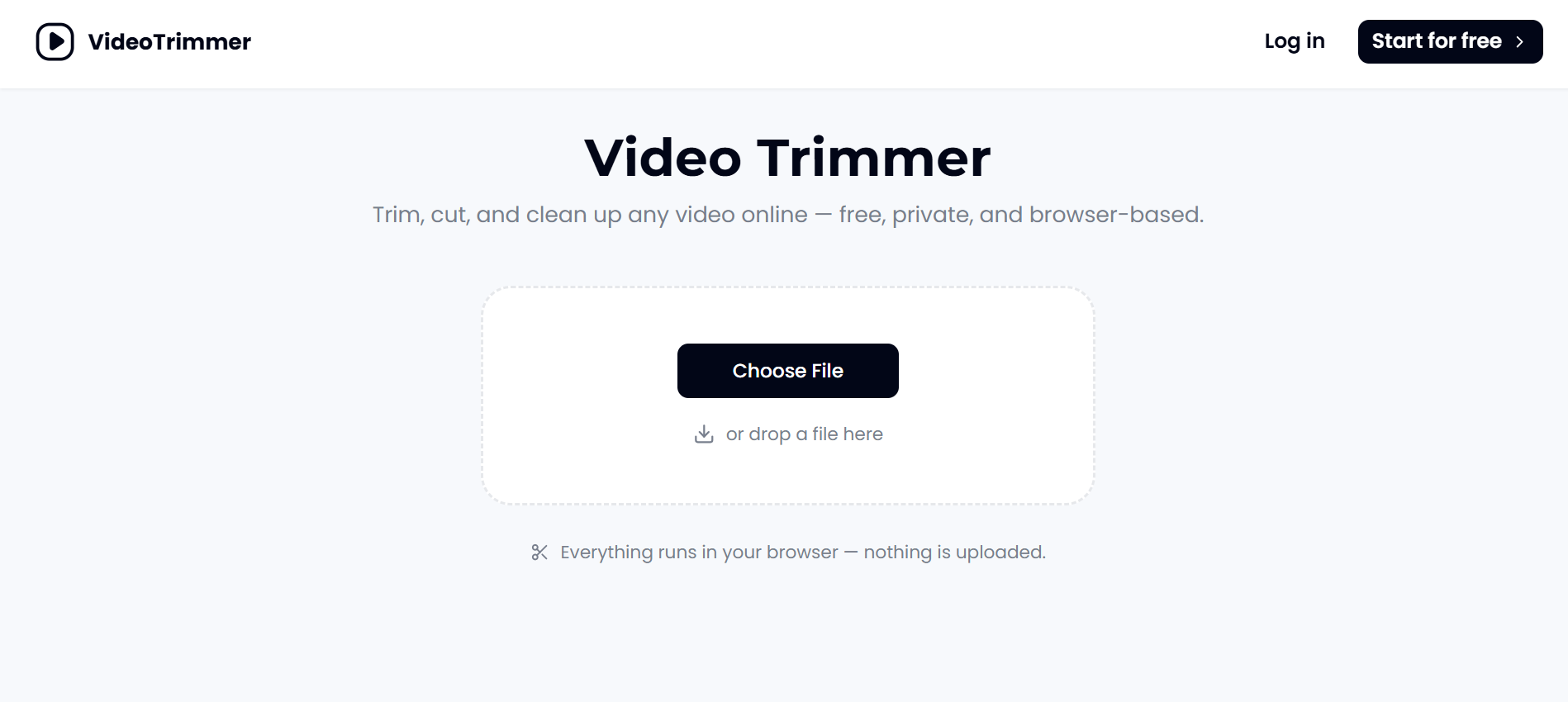
The Video Trimmer is a user-friendly tool designed specifically for quickly cutting video clips to retain only the essential parts. It allows users to easily drop a video file, adjust the trim handles to select the desired range, and export the final product without the need for complex menus or software installations. This tool operates directly in the browser, ensuring that the video remains on the user's device until they choose to export it, making it both convenient and secure.
Key features of the Video Trimmer include:
Free to use with no account or subscription required.
Supports various video formats including MP4, MOV, WebM, MKV, and AVI.
Maintains original video quality after trimming.
Works seamlessly for both short clips and longer recordings.
Additional editing options available such as cropping, rotating, and adding overlays.
Video Trimmer Features
The Video Trimmer is designed for quick and efficient editing, allowing users to trim their videos down to just the relevant parts without the need for complex software or lengthy processes. It operates directly in the browser, meaning there’s no installation required, and users can start trimming immediately by simply dropping in a video file. The trimming process is straightforward: users can drag handles to select the desired clip length and export it in common formats like MP4 or WebM.
This tool is particularly beneficial for those who need to make quick edits, such as removing dead time from recordings or cutting clips for social media. Its functionality includes:
Fast clip cleanup with a focus on trimming only the necessary parts.
Local processing in the browser, ensuring privacy and security of the video content.
Support for videos of any length, from short clips to lengthy recordings.
Additional editing features like cropping, rotating, and flipping videos without needing to re-upload.
Why Video Trimmer?
The Video Trimmer offers a range of benefits that make it an essential tool for anyone looking to streamline their video editing process. With its user-friendly interface, users can quickly trim their videos without the need for complex software or extensive training. This efficiency is particularly valuable for professionals who need to cut down lengthy recordings to highlight only the most relevant content.
Some key advantages of using the Video Trimmer include:
No installation required; it runs directly in your browser.
Free to use without the need for an account or subscription.
Fast processing time, allowing for quick edits and exports.
Maintains the original video quality after trimming.
Supports various video formats for easy exporting.
How to Use Video Trimmer
Getting started with the Video Trimmer is simple and efficient. To begin, all you need to do is drop your video file into the designated area on the webpage. Once your video is uploaded, you can easily drag the trim handles to select the portion of the video you want to keep. After making your selection, just hit the export button, and your trimmed video will be ready for download in your preferred format, such as MP4 or WebM.
This video trimmer is designed for quick edits, making it ideal for users who need to cut down their footage without the hassle of complex software. Here are some key features that enhance your trimming experience:
No account or subscription required for use.
Trimming runs locally in your browser, ensuring your video remains private.
Supports a wide range of video formats including MP4, MOV, and AVI.
Allows for additional editing options like cropping, rotating, and adding overlays.
Ready to see what Video Trimmer can do for you?and experience the benefits firsthand.
Key Features
How to Use
Visit the Website
Navigate to the tool's official website.
Pros & Cons
What's good
What's not good
Pricing
- Create up to 25 music generation credits per month
- Protect your privacy; generated music is only visible to you
- Email support
- Personal use
- Supports high quality audio output
- 750 credits/month (up to 250 images)
- All features in Free, and:
- Text-to-Image generation
- Image-to-Image generation
- Supports various music styles
- 1500 credits/month (up to 500 images)
- All features in Basic, and:
- Private generation
- Rendering (Turbo)
- Supports lyrics generation
- 450 Videos
- 12 credits/10s
- Supports high quality audio output
- Commercial License Included
- Early Access to New Features