About Video To Transcript
What is Video To Transcript?
A Video to Transcript tool is designed to convert spoken content from videos into readable text formats, such as transcripts, summaries, or captions. This process allows users to easily access and utilize the information contained within video recordings, making it a valuable resource for various applications, including education, media, and business.
By transforming video content into text, users can benefit from features such as:
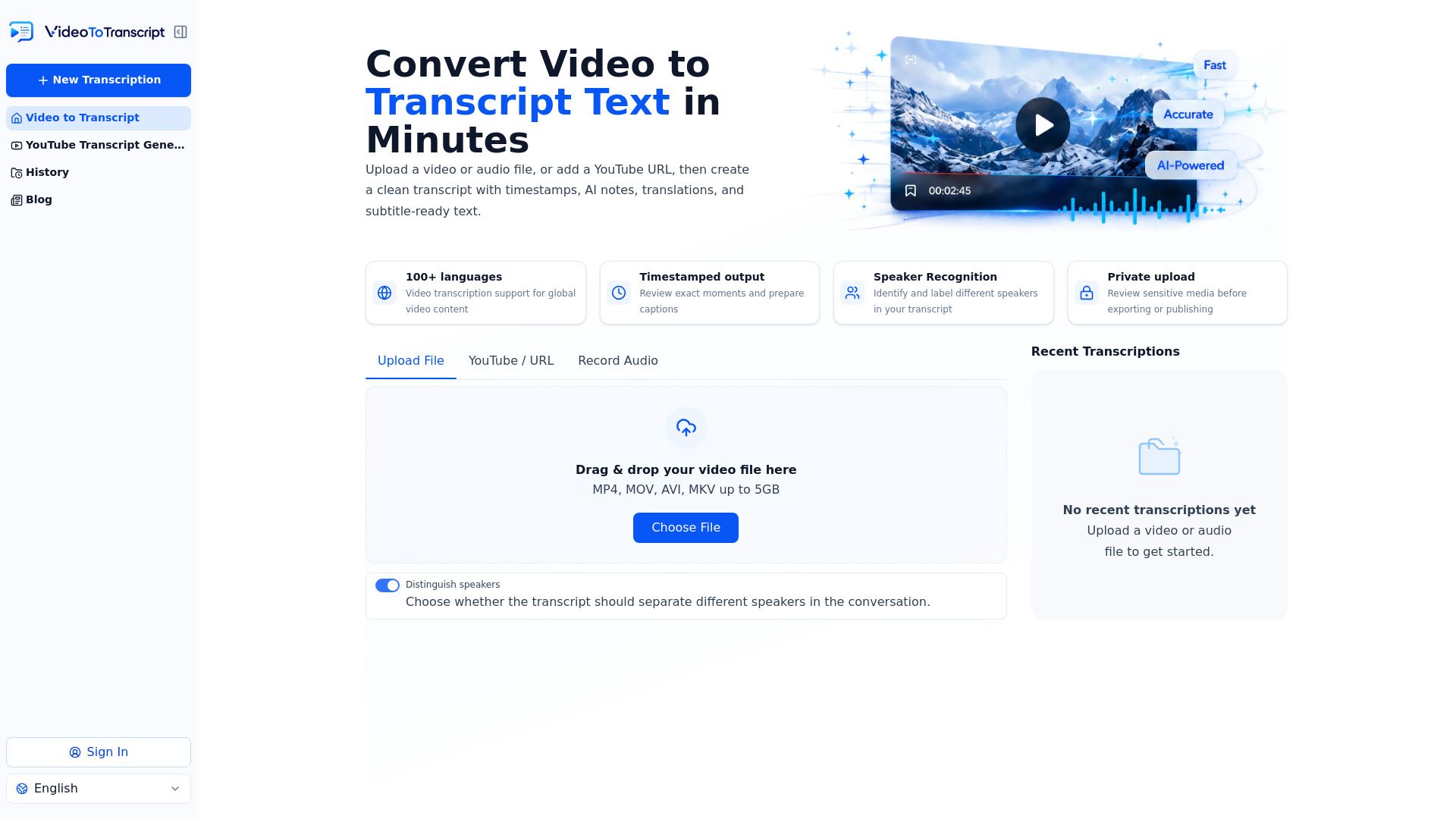
Timestamped output for easy reference to specific moments in the video.
Speaker recognition to identify and label different speakers in the transcript.
Support for over 100 languages, catering to a global audience.
Secure and private transcription options to review sensitive media before sharing.
Fast AI-driven conversion that produces accurate transcripts in seconds.
Video To Transcript Features
The Video to Transcript tool is designed to convert speech from any video into readable text, providing users with transcripts, summaries, and captions as immediate outputs. This functionality allows for easy searching, quoting, and repurposing of content without the need to replay the video. The tool utilizes AI speech recognition to produce high-accuracy transcripts, which can be edited, summarized, translated, and exported as needed.
Key features of the Video to Transcript tool include:
High-Accuracy Video Transcript Generation: AI-driven speech recognition ensures a clean first draft.
Fast AI Video to Text Conversion: Users can upload files or paste links to receive transcripts in seconds.
Timestamped Output: Each line of the transcript is linked to its corresponding moment in the video.
Speaker Recognition: The tool identifies and labels different speakers within the transcript.
Browser-Based Accessibility: No installation is required, allowing transcription from any device.
Batch Transcription: Users can process multiple videos simultaneously to create searchable archives.
AI Summaries: Transcripts can be transformed into notes, mind maps, and action items for practical use.
Why Video To Transcript?
Converting video to transcript offers numerous benefits that enhance productivity and accessibility across various fields. By transforming video content into searchable text, users can easily tag themes, verify quotes, and create promotional materials without the need to replay lengthy recordings. This process not only saves time but also allows for efficient reuse of content in multiple formats.
Some key advantages of using a video to transcript tool include:
Quick access to searchable training notes and summaries for educational purposes.
Timestamped transcripts that facilitate easy verification of quotes and names for journalists and media professionals.
The ability to repurpose content for social media, show notes, and marketing materials, maximizing the value of a single recording.
Enhanced documentation of meetings and events, ensuring that important details are captured and easily retrievable.
How to Use Video To Transcript
Getting started with our Video to Transcript tool is simple and efficient. To convert your video into a text format, follow these three easy steps: upload your video or paste a link, let the AI transcribe the audio, and then edit and export your transcript. This streamlined process ensures that you can quickly obtain a readable text version of your video content.
Here are some key features and benefits of using our Video to Transcript tool:
Free Video to Text Converter with no sign-up required.
Secure and private transcription, allowing you to review sensitive media before exporting.
Browser-based functionality that works on any device, eliminating the need for software installation.
Timestamped transcripts that enhance the usability of your content for various applications.
Ready to see what Video To Transcript can do for you?and experience the benefits firsthand.
Key Features
How to Use
Visit the Website
Navigate to the tool's official website.