About Unpixelate AI
What is Unpixelate AI?
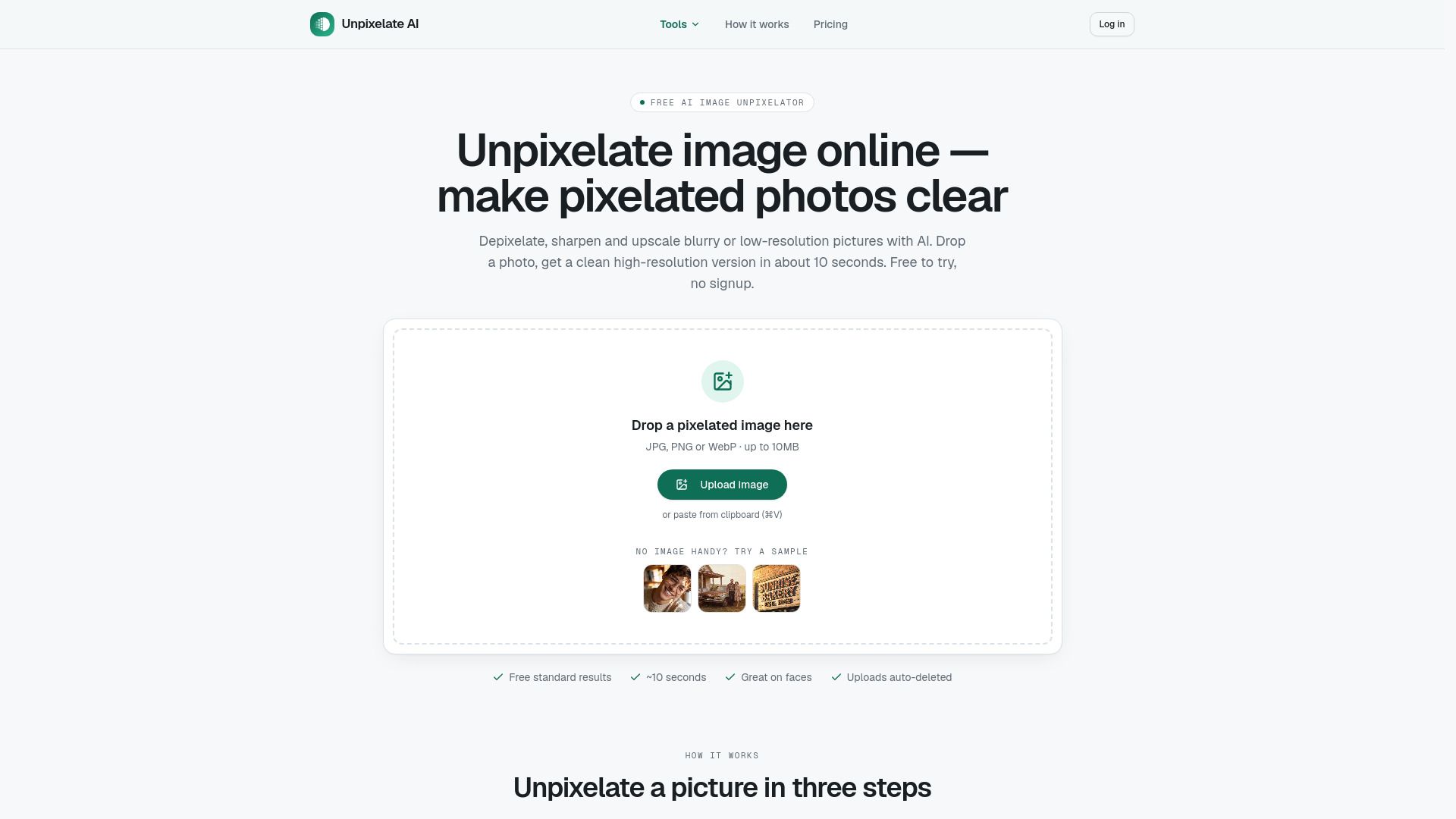
Unpixelate.ai is a specialized online tool that effectively transforms pixelated, blurry, and low-resolution images into sharp, high-resolution pictures using advanced AI technology. It is designed to provide a straightforward solution for users looking to enhance their images without the clutter of unnecessary features or sign-up requirements.
The platform allows users to quickly upload their photos and choose between Standard (free) or HD options, delivering results in about ten seconds without any watermarks. This simplicity makes it an ideal choice for anyone needing to restore clarity to their images, whether they are dealing with old photos, screenshots, or any other pixelated visuals.
Transforms pixelated and blurry images into clear pictures.
Offers both Standard and HD enhancement options.
Fast processing time of approximately ten seconds.
No sign-up or watermarks required.
Utilizes generative upscaling models with face enhancement.
Unpixelate AI Features
Unpixelate.ai is designed to transform pixelated, blurry, and low-resolution images into clear, high-resolution pictures using advanced AI technology. The platform focuses on a single task, allowing users to upload a photo, select either a Standard (free) or HD option, and download the enhanced image in about ten seconds without any prompts or watermarks.
The tool utilizes generative upscaling models with face enhancement capabilities, operating on dedicated GPU infrastructure. The Standard mode is optimized for speed on everyday photos, while the HD mode employs a more robust facial-detail model. Each uploaded image undergoes an automated safety screening, ensuring that user privacy is maintained as images are not used for training purposes.
Depixelate and sharpen any photo quickly and easily.
Options for Standard (free) and HD enhancements.
Generative upscaling models with specialized facial detail recovery.
Automated safety screening for uploaded images.
No watermarks or sign-up required for use.
Why Unpixelate AI?
Unpixelate AI offers a straightforward solution for transforming pixelated, blurry, and low-resolution images into clear, high-resolution pictures using advanced AI technology. Unlike many image enhancement apps that complicate the process with numerous filters and sign-up requirements, Unpixelate AI allows users to simply upload a photo, select either the Standard (free) or HD option, and download the enhanced image in about ten seconds without any watermarks or prompts.
The value proposition of Unpixelate AI lies in its efficiency and effectiveness. Users can benefit from:
Fast processing time, delivering results in approximately ten seconds.
No watermarks or intrusive prompts, ensuring a seamless user experience.
High-quality image enhancement with options for both standard and HD outputs.
Automated safety screening for uploads, ensuring user privacy and security.
How to Use Unpixelate AI
To get started with Unpixelate AI, simply visit the website and choose the tool you want to use, such as "Unpixelate image" or "Fix pixelated image." The platform allows you to upload images in JPG, PNG, or WebP formats, with a maximum size of 10MB. Once uploaded, the AI will process the image to enhance its clarity and resolution.
Here are some key features to help you make the most of Unpixelate AI:
Free Standard tier with two runs a day without an account.
Daily free credits available upon signing in.
Ability to unpixelate various types of images, including photos of people, old scans, and screenshots.
Options for purchasing HD quality credits as one-time packs or monthly plans.
Ready to see what Unpixelate AI can do for you?and experience the benefits firsthand.
Key Features
How to Use
Visit the Website
Navigate to the tool's official website.
Pros & Cons
What's good
What's not good
Pricing
- Standard quality images
- No watermark
- Commercial use included
- Unlock HD model for faces and fine texture
- Pay only for HD quality
- No subscription required
- Lower rate for HD quality
- Subscription model
- No watermark